Slide 8 of 10 from 9 Steps Rectangular PowerPoint Funnel
Stage 7 Rectangular PowerPoint Funnel
9 Steps Rectangular PowerPoint Funnel - Step 8
- Diagram
- Funnel
- Process Slide
- 16:9
- 100% Editable
What’s on This Slide
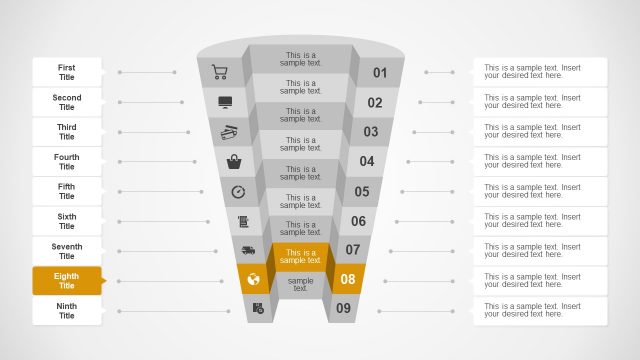
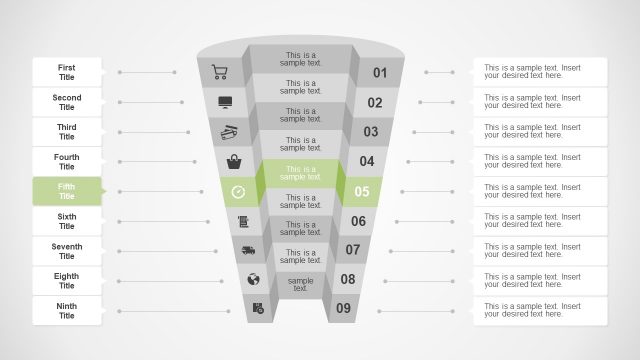
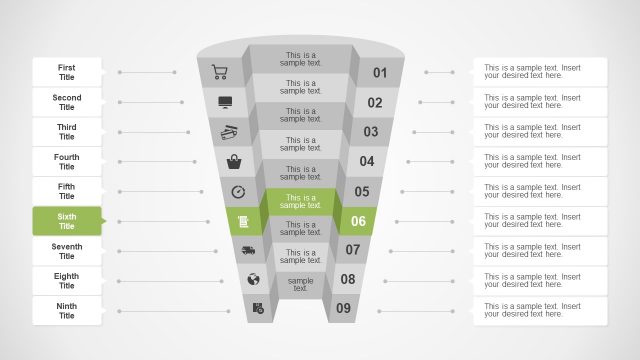
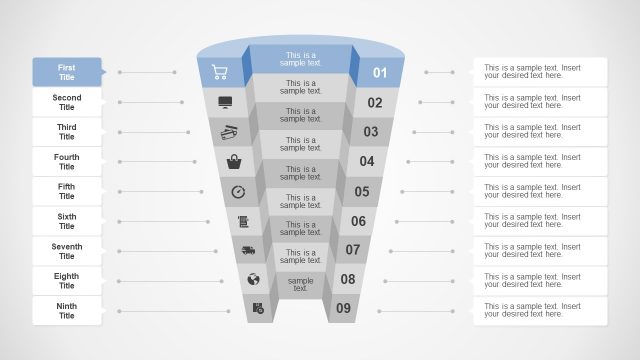
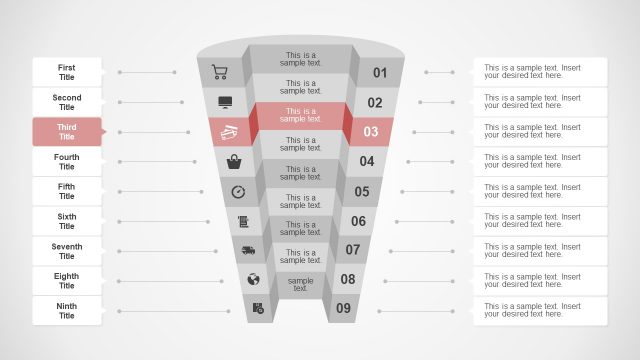
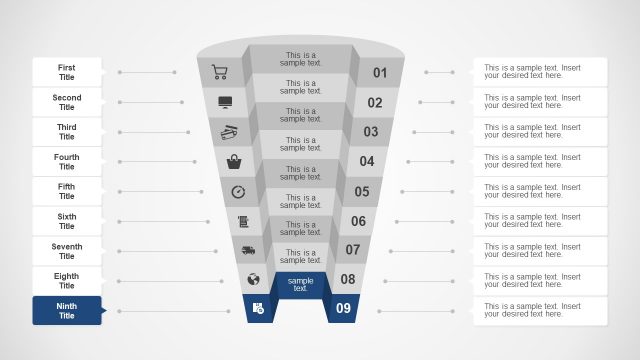
The layout features a funnel shape positioned centrally, tapering downwards. It contains seven horizontal segments, each labeled with titles and numbers, with the seventh segment highlighted in orange. Icons are placed within the segments, corresponding to the titles. To the right, there are text placeholders aligned vertically, corresponding to each segment. The background is light gray, providing contrast to the funnel and text. The overall composition is structured, with clear visual hierarchy emphasizing the highlighted segment.
How to Use It
This layout serves as a step in a sequential funnel process, ideal for illustrating stages in a marketing or sales funnel. It fits within a presentation sequence that outlines a multi-step process, such as customer engagement or lead conversion. This structure is useful for business scenarios where clarity in progression is required, such as training sessions or strategy meetings. It allows for easy identification of critical steps and their associated actions.
Text Placeholders & Capacity
Keep your copy within these limits so it fits without resizing. Node body slots can hold roughly 10-15 words each.
| Placeholder | Count | Max characters (approx.) |
|---|---|---|
| Item heading | 7 | 20 |
| Item body | 7 | 50 |
| Body paragraph | 8 | 50 |
Slide Keywords
Download unlimited PowerPoint templates, charts and graphics for your presentations with our annual plan.
DOWNLOADReturn to 9 Steps Rectangular PowerPoint Funnel.