Slide 5 of 10 from 9 Steps Rectangular PowerPoint Funnel
Stage 4 Rectangular PowerPoint Funnel
9-Step Funnel Diagram for Presentations
- Diagram
- Funnel
- Process Slide
- 16:9
- 100% Editable
What’s on This Slide
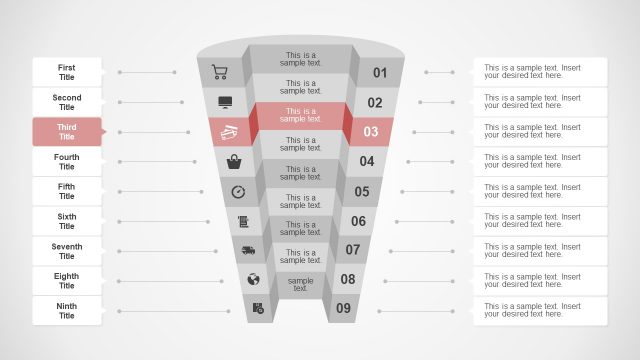
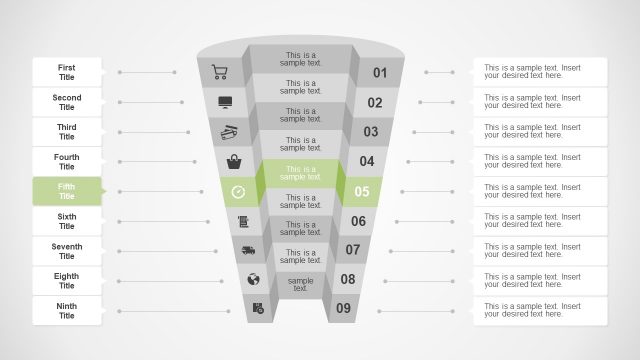
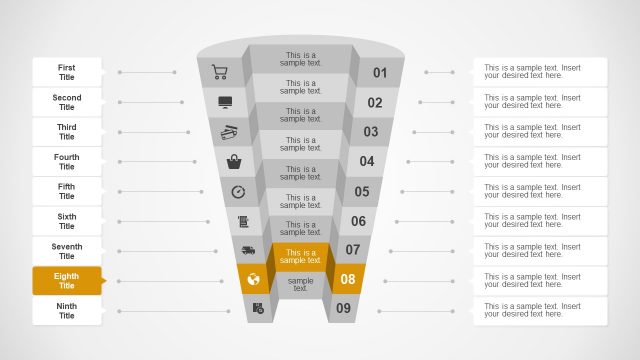
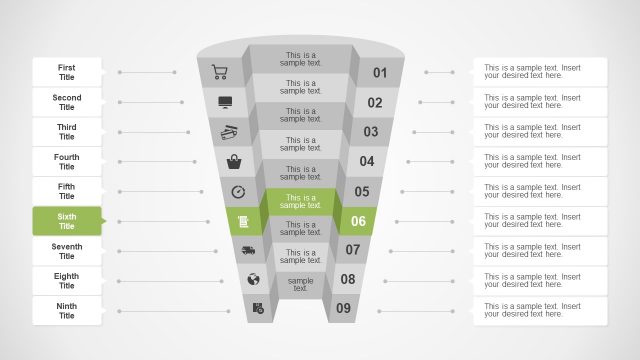
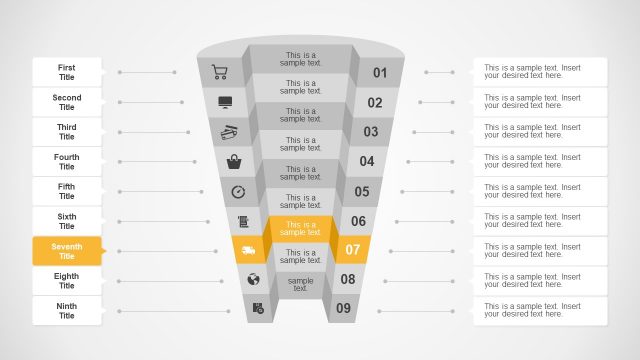
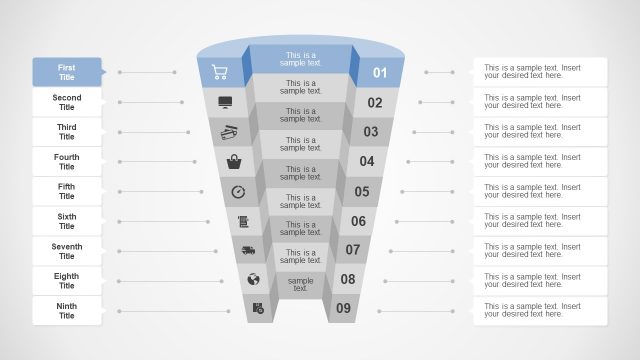
The layout features a funnel shape, oriented vertically, with nine segments. Each segment is labeled with a title on the left and a corresponding text placeholder on the right. The fourth segment is highlighted in red, indicating its focus. Icons are present next to some segments, enhancing visual engagement. The text placeholders are aligned to the right of each segment, maintaining a consistent visual hierarchy. The background is light gray, providing contrast to the funnel's colors. Overall, the design emphasizes a clear flow from top to bottom.
How to Use It
This layout serves as a structured funnel diagram, ideal for illustrating processes or stages in marketing or sales. It fits well in presentations that require a sequential breakdown of concepts, such as lead generation or customer journeys. This slide can be used to highlight specific steps in a process, making it suitable for business scenarios where clarity in progression is essential. It is particularly effective in marketing presentations, sales strategies, or project management discussions.
Text Placeholders & Capacity
Keep your copy within these limits so it fits without resizing. Node body slots can hold roughly 40 characters each.
| Placeholder | Count | Max characters (approx.) |
|---|---|---|
| Item heading | 9 | 20 |
| Item body | 9 | 40 |
| Slide title | 1 | 30 |
Slide Keywords
Download unlimited PowerPoint templates, charts and graphics for your presentations with our annual plan.
DOWNLOADReturn to 9 Steps Rectangular PowerPoint Funnel.