Slide 3 of 10 from 9 Step Colorful Diagram Design for PowerPoint
Core Diagram template 9 Steps
9 Step Colorful Diagram for PowerPoint
- Diagram
- Segmented Wheel
- Process Slide
- 16:9
- 100% Editable
What’s on This Slide
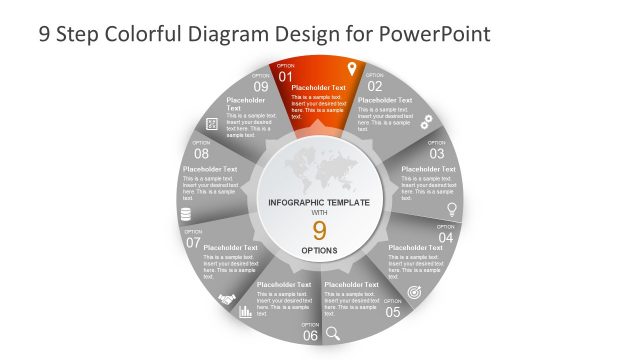
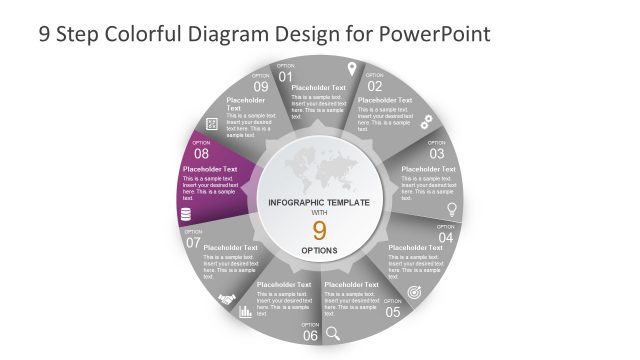
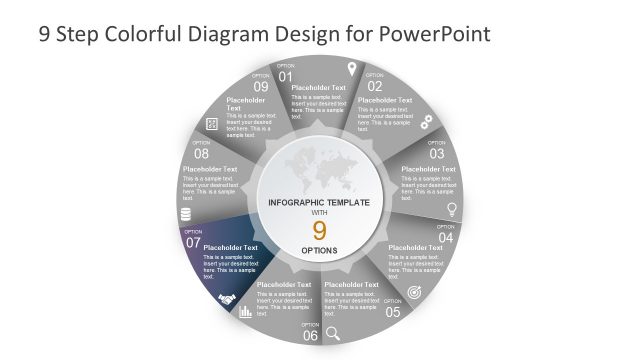
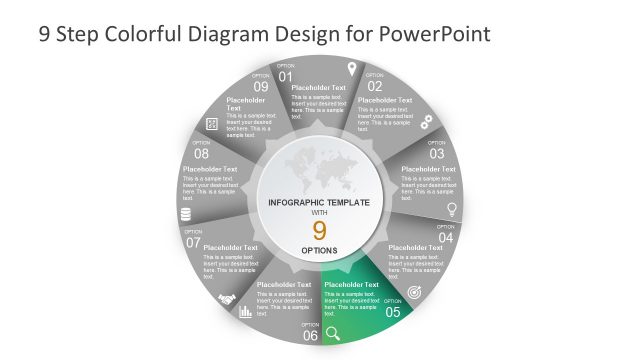
The layout features a circular diagram divided into nine segments, each labeled as 'Option' followed by a number. The second segment is highlighted in orange, indicating its focus. Each segment contains a placeholder for text, positioned centrally within the segment. A world map is displayed in the center, surrounded by the segments. The title is positioned at the top center, with a clear hierarchy. The background is light, enhancing the visibility of the colorful segments. The overall composition is symmetrical, emphasizing the circular flow of information.
How to Use It
This layout serves as a step-by-step infographic, ideal for illustrating processes or concepts in a sequential manner. It fits well in presentations that require a visual breakdown of complex information into manageable parts. Common scenarios include project planning, strategic initiatives, or educational content where each step requires explanation. This slide is particularly useful for engaging audiences with a clear visual representation of the steps involved in a process.
Text Placeholders & Capacity
Keep your copy within these limits so it fits without resizing. Node body slots can accommodate roughly 15-20 words each.
| Placeholder | Count | Max characters (approx.) |
|---|---|---|
| Slide title | 1 | 40 |
| Item heading | 9 | 30 |
| Item body | 9 | 100 |
Slide Keywords
Download unlimited PowerPoint templates, charts and graphics for your presentations with our annual plan.
DOWNLOAD