Slide 7 of 10 from 9 Step Colorful Diagram Design for PowerPoint
Colorful PowerPoint Circular Diagram
9 Step Infographic Diagram for Presentations
- Diagram
- Segmented Wheel
- Process Slide
- 16:9
- 100% Editable
What’s on This Slide
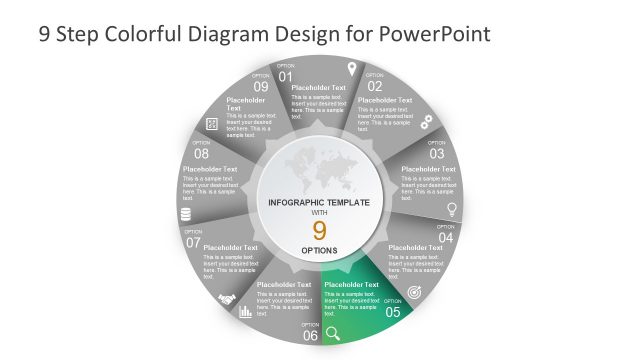
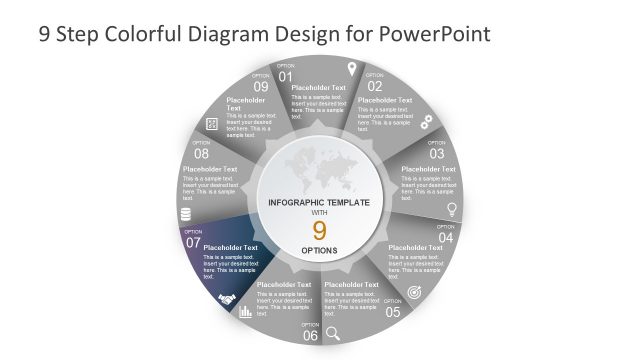
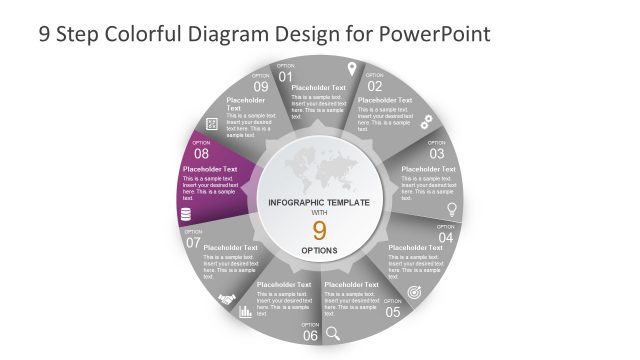
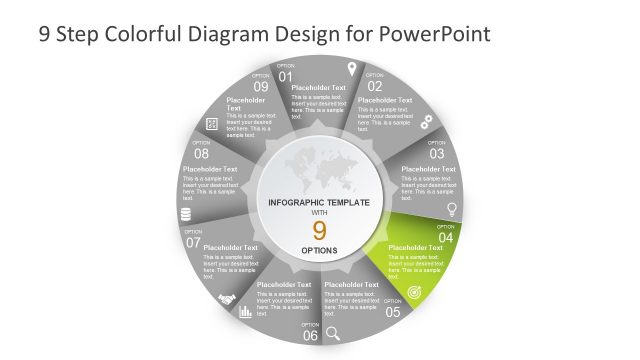
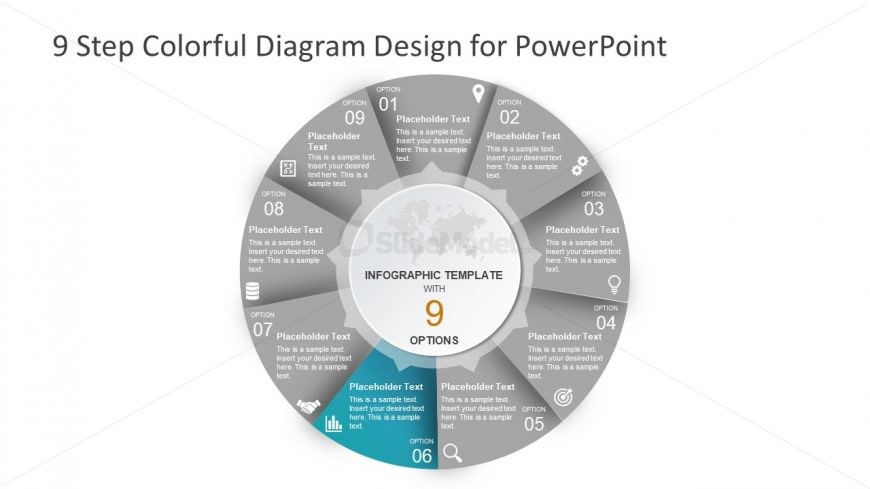
The layout features a circular diagram divided into nine segments, each labeled with 'OPTION' followed by a number. The segments are arranged in a clockwise manner, with a central circle indicating 'INFOGRAPHIC TEMPLATE WITH 9 OPTIONS.' Each segment contains a placeholder for text, aligned centrally within the segment. The background is light, while the segments use various colors for differentiation. Icons are present in some segments, enhancing visual interest. The overall composition is balanced, with clear visual hierarchy and separation between segments.
How to Use It
This layout serves as a multi-step infographic, ideal for illustrating processes or options in a presentation. It fits well in a sequence following a problem statement or introduction, providing clarity on multiple choices or steps. Suitable for business scenarios like project planning, product features, or strategic initiatives, this diagram helps convey complex information in an organized manner. It can be used to highlight different phases or components of a strategy effectively.
Text Placeholders & Capacity
Keep your copy within these limits so it fits without resizing. Node body slots can accommodate roughly 15-20 words each.
| Placeholder | Count | Max characters (approx.) |
|---|---|---|
| Item heading | 9 | 20 |
| Item body | 9 | 100 |
| Chart title | 1 | 50 |
Slide Keywords
Download unlimited PowerPoint templates, charts and graphics for your presentations with our annual plan.
DOWNLOAD