Slide 10 of 10 from 8 Steps Circular Nodes PowerPoint Diagram
8 Steps Business Infographic Diagrams for PowerPoint
8 Steps Circular Nodes PowerPoint Diagram
- Diagram
- Circular Cycle
- Process Slide
- 16:9
- 100% Editable
The 8 Steps Circular Nodes Diagram from the 8 Steps Circular Nodes PowerPoint Diagram template offers a clear visual process flow ideal for corporate presentations. This slide layout uses editable shapes and vector icons to represent sequential steps in a methodology, making it suitable for business presentations and workflow illustrations. Its balanced design combines a circular cycle diagram with a text box for detailed explanations, enhancing communication in slide decks and pitch deck templates.
What’s on This Slide
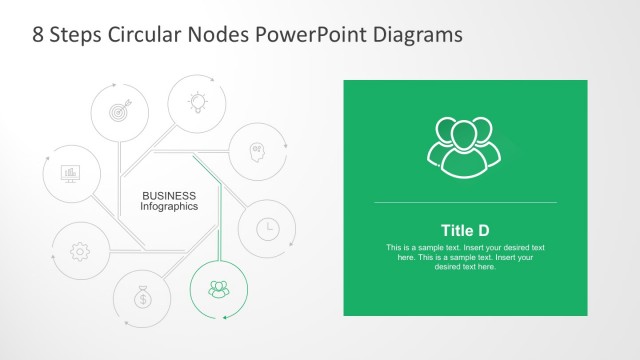
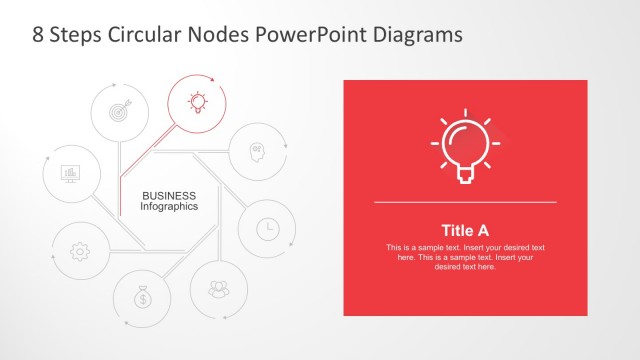
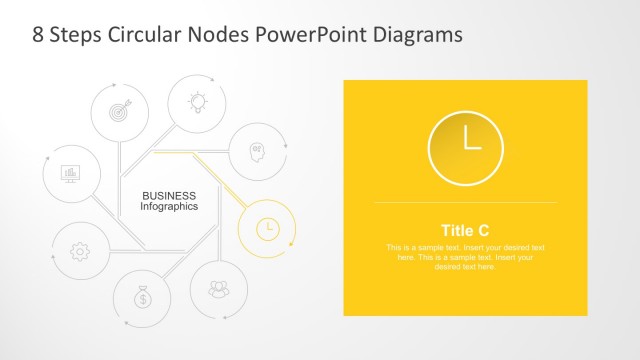
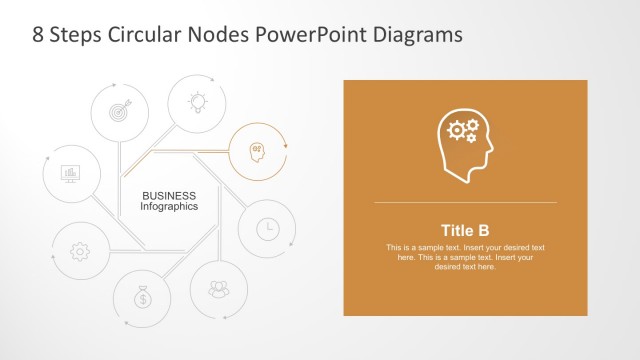
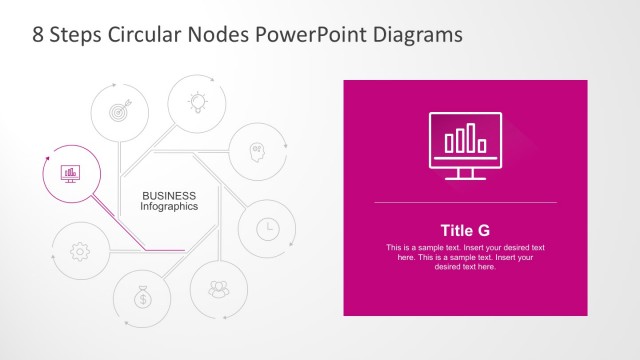
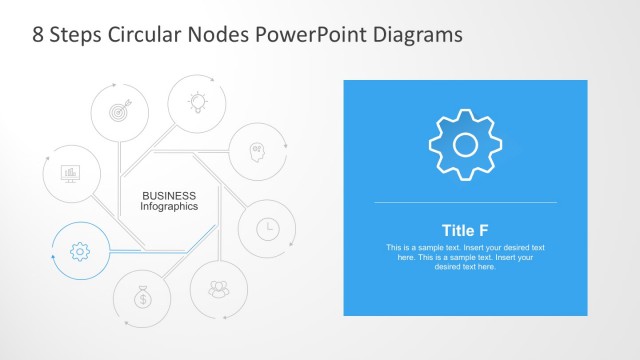
The layout features a central circular node labeled 'BUSINESS Infographics' with six surrounding circular nodes. Each node contains an icon representing different concepts, such as a target, light bulb, and gear. Arrows connect the nodes, indicating a process flow. On the right, there is a rectangular text box with a dark background, containing a title placeholder and two body text placeholders. The overall composition is balanced, with the left side dedicated to the diagram and the right side for textual information.
How to Use It
This layout serves as a visual representation of a cyclical process or framework, ideal for illustrating steps in a methodology. It fits well in a presentation sequence after introducing a concept, providing a structured overview. This diagram can be used in business contexts, such as design thinking processes, project management steps, or workflow explanations, allowing for clear communication of sequential actions or stages.
Text Placeholders & Capacity
Keep your copy within these limits so it fits without resizing. Body slots can accommodate roughly 20-25 words each.
| Placeholder | Count | Max characters (approx.) |
|---|---|---|
| Slide title | 1 | 30 |
| Body paragraph | 2 | 150 |
Slide Keywords
Download unlimited PowerPoint templates, charts and graphics for your presentations with our annual plan.
DOWNLOADReturn to 8 Steps Circular Nodes PowerPoint Diagram.