Slide 1 of 4 from 8-Stage Process From Start to Finish PowerPoint Template
Editable 8-Stage Process From Start to Finish PPT Template
8-Stage Process Flow Diagram for Presentations
- Diagram
- Process Flow
- Process Slide
- 16:9
- 100% Editable
What’s on This Slide
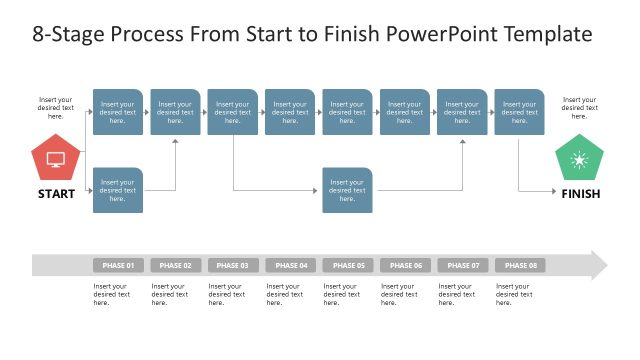
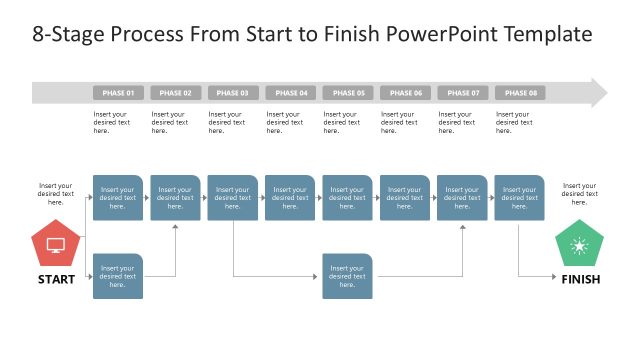
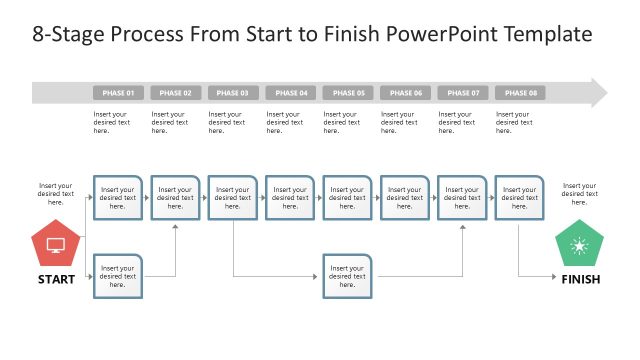
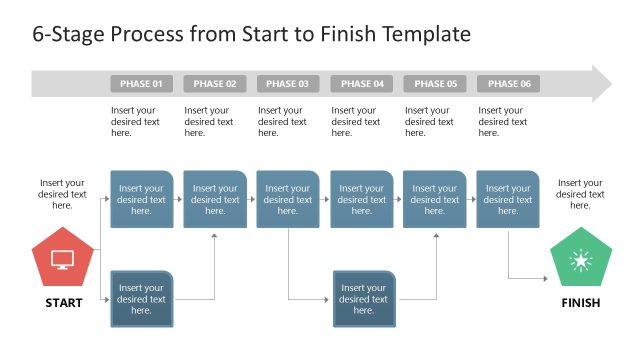
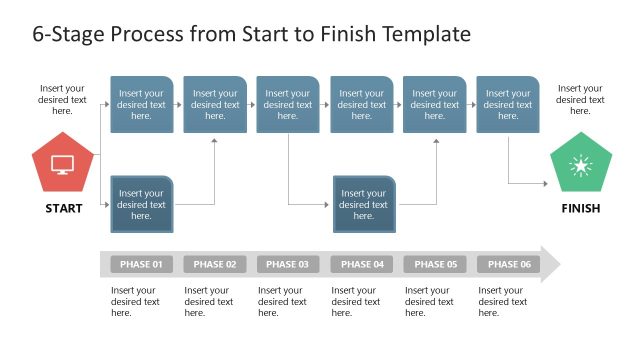
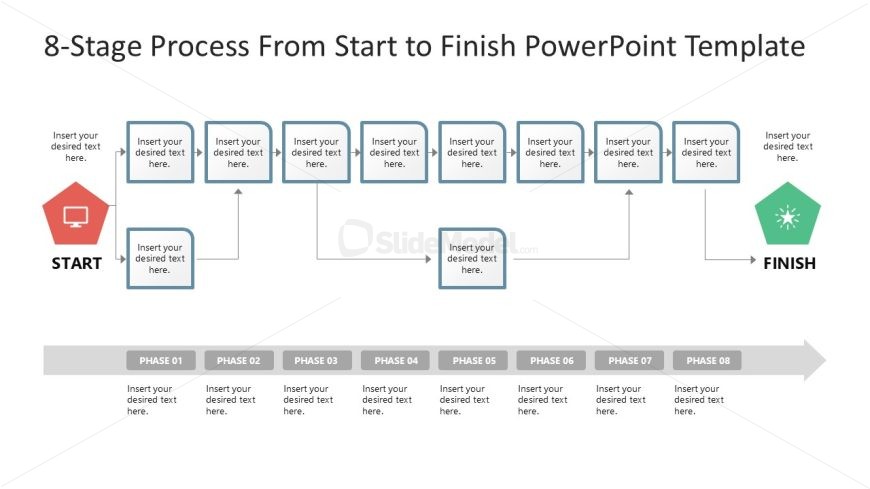
The layout features a horizontal flowchart with a start and finish icon at each end. The start icon is a red computer symbol, while the finish icon is a green starburst shape. Between these icons, there are eight rectangular nodes labeled 'Phase 01' through 'Phase 08', arranged in a single row. Each node contains a text placeholder centered within it. Connecting arrows direct the flow from the start icon through the phases to the finish icon. The background is light, enhancing visibility.
How to Use It
This layout serves as a process flow diagram, ideal for illustrating sequential steps in a project or workflow. It fits well in presentations discussing project management, change management, or business processes. This structure is useful for guiding audiences through a series of phases, making it suitable for training sessions or strategic planning discussions. It can effectively communicate complex processes in a clear and organized manner.
Text Placeholders & Capacity
Keep your copy within these limits so it fits without resizing. Node labels can hold about 20 characters each, while body text can accommodate around 50 characters.
| Placeholder | Count | Max characters (approx.) |
|---|---|---|
| Item heading | 8 | 20 |
| Item body | 8 | 50 |
| Slide title | 1 | 40 |
Slide Keywords
Download unlimited PowerPoint templates, charts and graphics for your presentations with our annual plan.
DOWNLOADReturn to 8-Stage Process From Start to Finish PowerPoint Template.