Personalize our 8-Item Layout PowerPoint Template to present various stages of a business process. Creative diagrams are an exciting way to communicate your messages to the employees, stakeholders, leaders, or the general public. They simplify complex concepts and make the information understandable for the audience. We have crafted this 8-segment PowerPoint template using 100% editable PowerPoint elements. Professionals from multiple domains can utilize this 8-item layout template in various ways. For instance:
- HR managers can use this template to display the recruitment process stages concisely.
- Project managers can utilize this template to showcase different project milestones. This enhances the cooperation among the team members.
- Operational managers can present the pending operations to be carried out or employed within the company.
- In their academic sessions, professors can demonstrate the course outline or 8-stage scientific processes.
- Data professionals can use this diagram template in their cybersecurity awareness presentations. The 8-item layout can be utilized to describe the 8 Vs of big data.
- Students can use this template in their educational presentations.
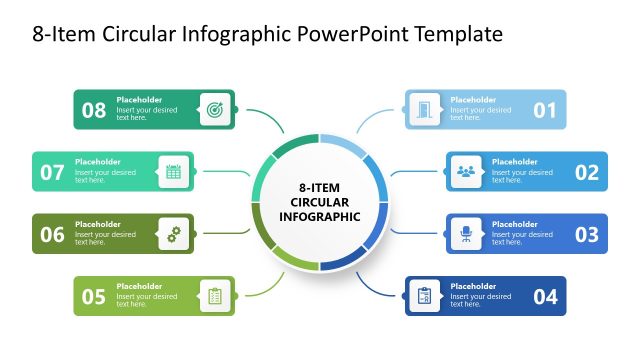
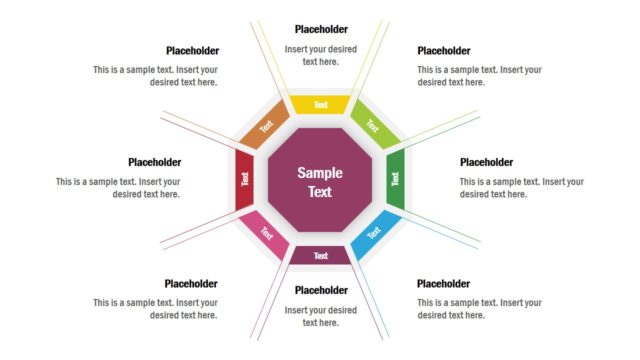
This 8-Item Layout PowerPoint Template has a single slide with an engaging diagram. A central octagon shape in the slide center contains the title text. We have provided eight editable textboxes around the main shape. Horizontal rows emerge from each octagon side and connect with the corresponding textbox. Presenters can use these editable textboxes to mention the essential details creatively.
We have provided infographic icons with each point that enhance the template’s visual impact and captivate the audience’s attention. Furthermore, you can repurpose the template according to your needs. Also, users can change the template colors, shapes, and icons based on their theme and preferences. Download this presentation template and edit it now!
What’s inside this template
Example presentation scenarios
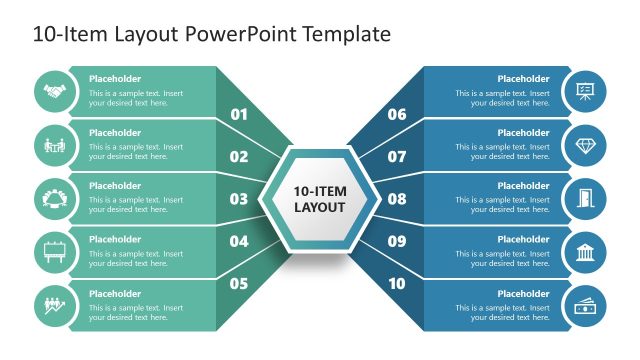
- A project manager can present an eight-phase delivery plan by placing each milestone in a numbered block and using the central hexagon for the project name.
- An HR manager can explain a recruitment workflow to leadership by assigning each stage to one of the eight icon-supported segments.
- An operations manager can brief a team on pending workstreams by grouping tasks across the left and right blocks for quick comparison.
- A trainer or professor can introduce an eight-part course outline by using the central title shape for the topic and the surrounding blocks for session modules.
Features
- 100% editable presentation template
- Compatible with Microsoft PowerPoint
- 16:9 aspect ratio slides
- Scalable vector shapes, icons and illustrations
- AI-Ready for Microsoft Copilot and Claude
- Instant access and download
Frequently asked questions
Q: How should I present the eight items without making the slide feel like a checklist?
A: Use the center hexagon to state the governing idea, such as the process name or strategic theme. Then treat the eight side blocks as grouped evidence, actions, or phases. Present the left side first, then the right side, and keep each body text area to one short sentence so the audience can follow the structure.
Q: Who benefits most from using this diagram format?
A: This template fits presenters who need to explain a complete eight-part framework on one slide. Project managers can show milestones, HR teams can map hiring steps, operations leaders can assign activities, and trainers can outline modules. It works best when every item has similar importance and should be seen together.
Q: Why does the mirrored center-out layout help communicate a process?
A: The central title shape acts as the anchor, while the left and right wings make the eight items feel connected to one main concept. Numbering provides reading order, and the circular icons give quick category cues. The symmetry helps audiences compare both halves without searching around the slide.
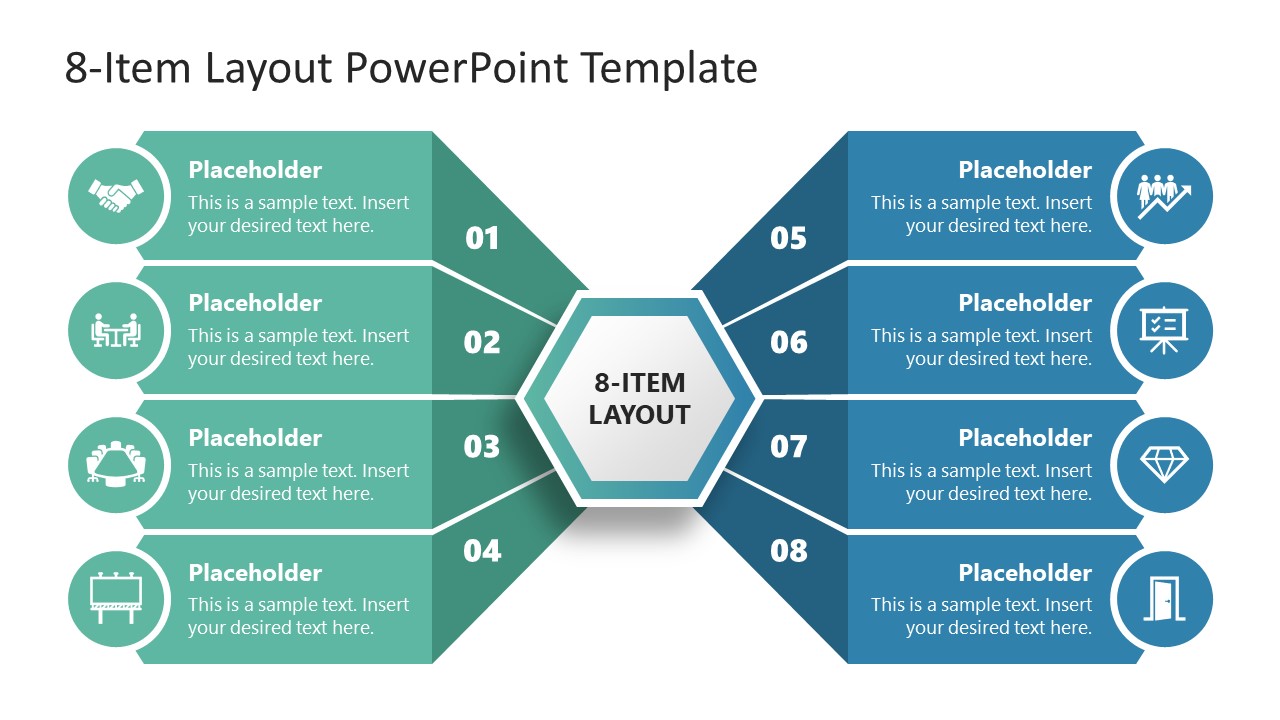

8-Item Layout PowerPoint Template
1-slide presentation template for 8-step process diagrams, milestones, and project phases in PowerPoint
The 8-Item Layout PowerPoint Template is a 1-slide diagram for presenting eight process steps, milestones, phases, or activity groups. It uses a central title hexagon, mirrored segmented connectors, numbered blocks, and circular vector icons for business, project, HR, operations, or training presentations in Microsoft PowerPoint.
- Category
- Diagrams
- Rating

 Loading...
- Aspect ratio
- 16:9
- Item ID
- 22273-01
- Colors
 Microsoft PowerPoint
 Microsoft Copilot
 Claude for PowerPoint
Other formats supported
Subscribe today and get immediate
access to download our PowerPoint templates.