Slide 1 of 1 from 8-Column Diagram Template for PowerPoint
Editable 8-Column Diagram Template Slide
8-Column Diagram Template Overview
- Diagram
- Comparison Split
- Strategy Slide
- 16:9
- 100% Editable
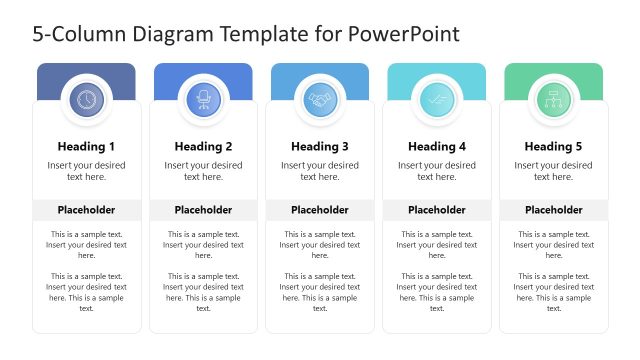
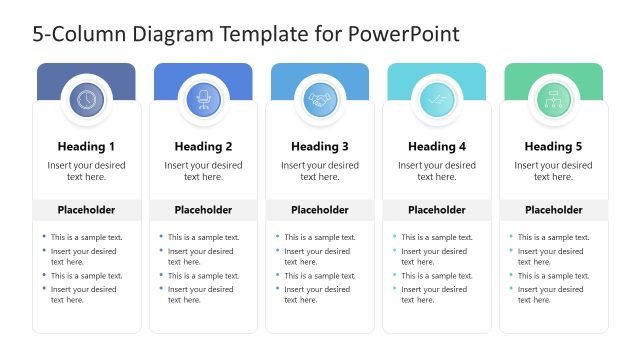
The 8-Column Diagram slide from the 8-Column Diagram Template for PowerPoint offers a structured layout ideal for brand strategy presentations and business strategy discussions. This slide template features editable shapes and vector icons arranged in eight vertical columns, enabling clear comparison and categorization of multiple concepts. Its design supports effective communication in corporate presentations and pitch deck templates, making it a practical choice for strategy-focused slide decks.
What’s on This Slide
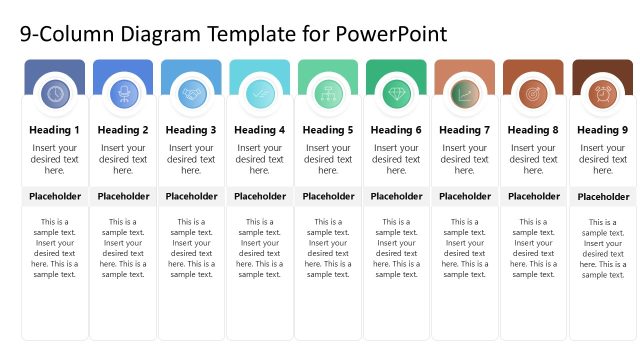
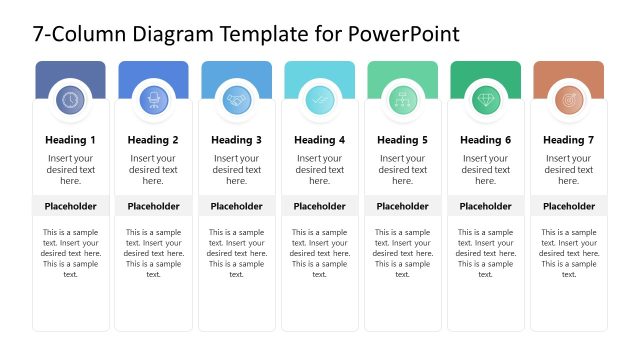
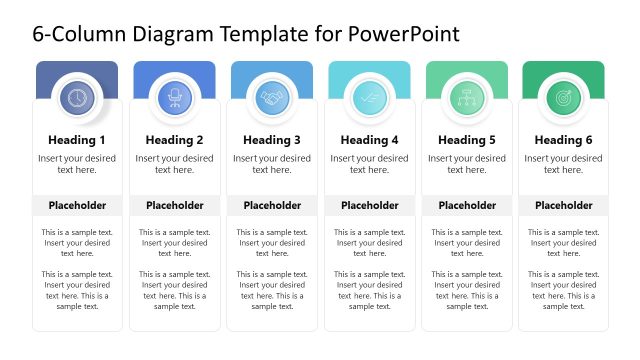
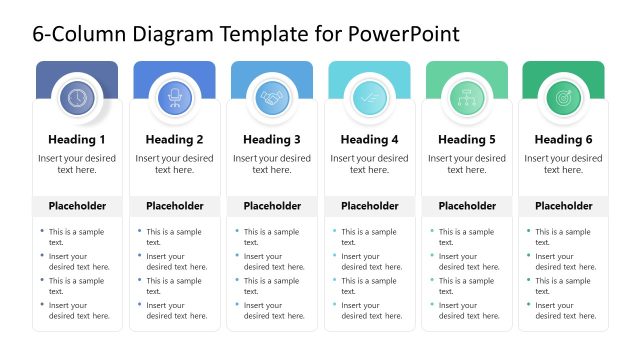
The layout features eight vertical columns, each containing a circular icon at the top. Each column is labeled with a heading and has a text placeholder below for additional content. The icons are evenly spaced and visually distinct, with colors varying by column. The text placeholders are aligned centrally within each column, allowing for a structured presentation of information. The overall background is light, enhancing readability. The visual hierarchy emphasizes the headings and icons, guiding the viewer's attention down each column.
How to Use It
This layout serves as a structured comparison or categorization tool, ideal for presenting multiple related concepts or items. It fits well in presentations that require a clear delineation of topics, such as brand strategies or management strategies. Each column can represent a different aspect of a single theme or distinct categories within a broader subject. This format is effective for business meetings, strategy sessions, or educational contexts where clarity and organization are essential.
Text Placeholders & Capacity
Keep your copy within these limits so it fits without resizing. Node body slots can hold approximately 25-30 words each.
| Placeholder | Count | Max characters (approx.) |
|---|---|---|
| Item heading | 8 | 30 |
| Item body | 8 | 150 |
Slide Keywords
Download unlimited PowerPoint templates, charts and graphics for your presentations with our annual plan.
DOWNLOADReturn to 8-Column Diagram Template for PowerPoint.