Slide 1 of 2 from 6-Column Diagram Template for PowerPoint
Editable 6-Column Diagram PPT Template
6-Column Diagram for Presentations
- Diagram
- Comparison Split
- Process Slide
- 16:9
- 100% Editable
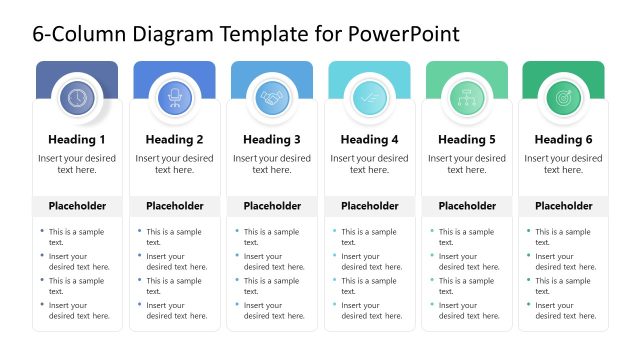
The 6-Column Diagram slide layout from the 6-Column Diagram Template for PowerPoint offers a structured way to present project phases or business processes using editable shapes and vector icons. This slide template supports clear comparison across six stages, making it suitable for corporate presentations and marketing strategy slide decks.
What’s on This Slide
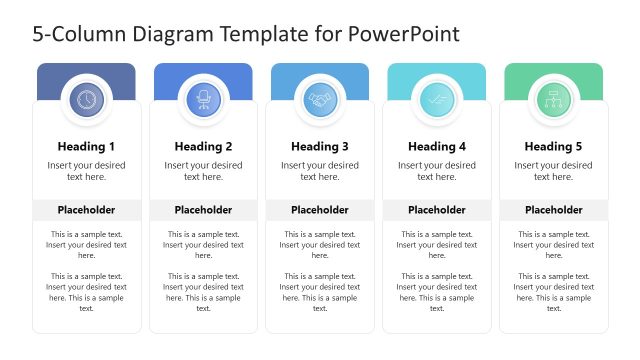
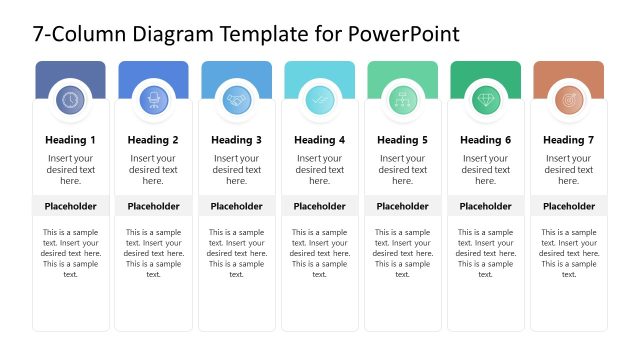
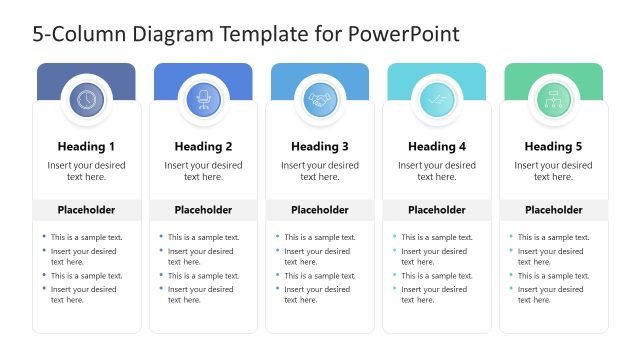
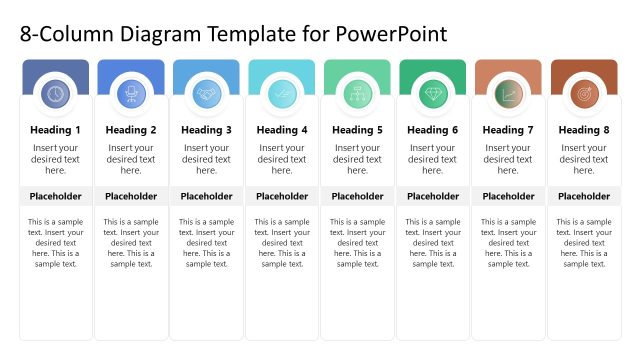
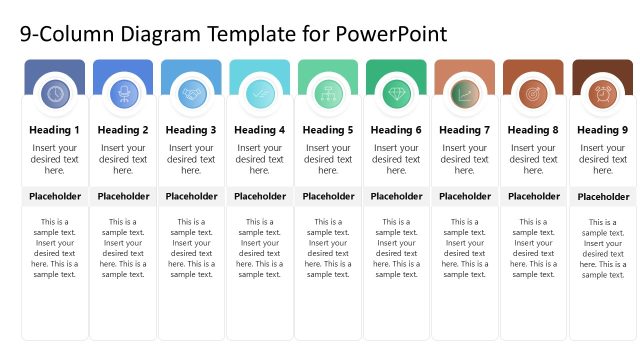
The layout consists of six vertical columns, each containing a circular icon at the top. The icons represent different themes and are visually distinct. Below each icon, there are text placeholders labeled 'Heading' followed by a number, aligned centrally. Each column has additional placeholders for body text, arranged in a stacked format. The overall color scheme alternates between light blue and green for visual differentiation. The columns are evenly spaced, creating a structured and organized appearance, with a clear visual hierarchy from icons to headings and body text.
How to Use It
This layout serves as a multi-column comparison tool, ideal for presenting six distinct stages or steps in a process. It fits well in a presentation sequence that requires outlining phases of a project or business process. Real-world applications include project management updates, marketing strategies, or product development phases. The structured format allows for easy comparison and clarity in communication, making it suitable for both team meetings and client presentations.
Text Placeholders & Capacity
Keep your copy within these limits so it fits without resizing. Body slots can hold approximately 30-40 words each.
| Placeholder | Count | Max characters (approx.) |
|---|---|---|
| Slide title | 1 | 30 |
| Item heading | 6 | 20 |
| Item body | 6 | 150 |
Slide Keywords
Download unlimited PowerPoint templates, charts and graphics for your presentations with our annual plan.
DOWNLOADReturn to 6-Column Diagram Template for PowerPoint.