Slide 4 of 8 from 7-Step Triangles Process Flow PowerPoint Template
Editable 7-Step Triangles Process Flow PPT Template
7-Step Triangles Process Flow Slide
- Diagram
- Process Flow
- Process Slide
- 16:9
- 100% Editable
What’s on This Slide
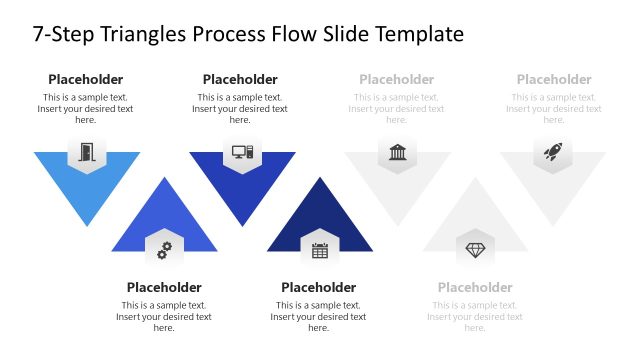
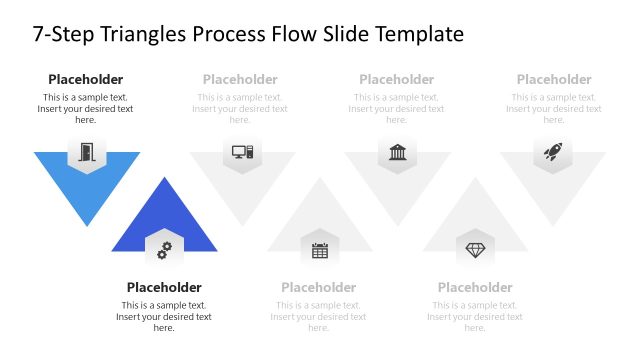
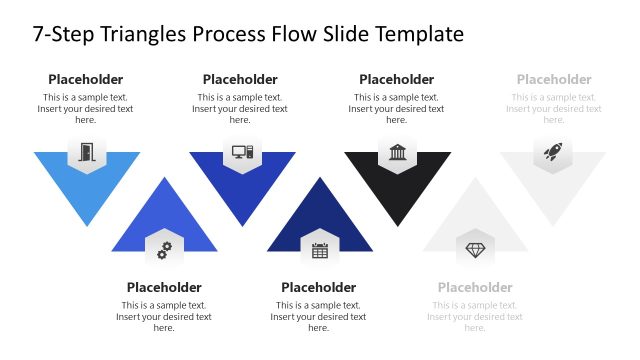
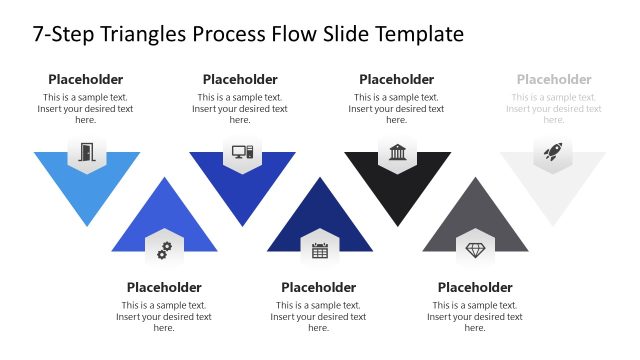
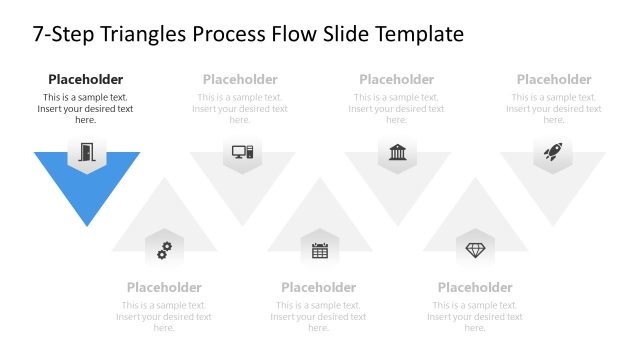
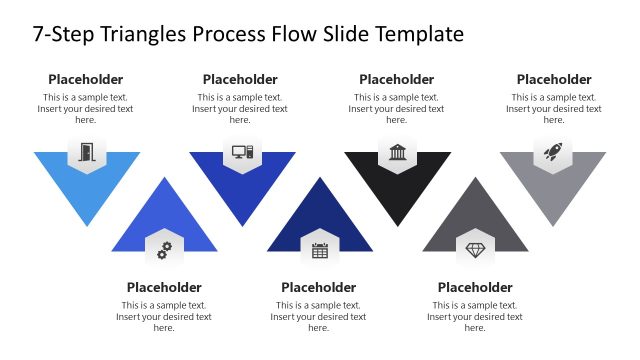
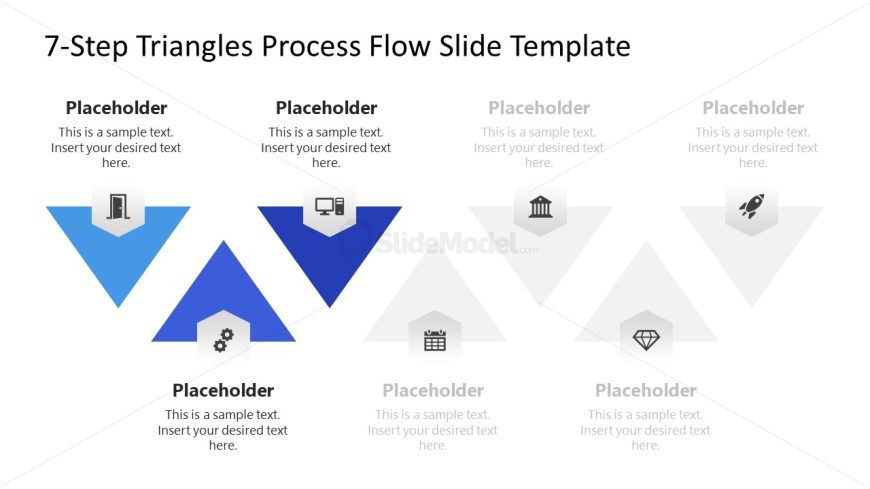
The layout features a series of triangles arranged in a staggered pattern across the slide. The top row contains three triangles, with the leftmost triangle in blue, followed by two gray triangles. The second row mirrors the first, with a blue triangle in the center and gray triangles on either side. Each triangle contains an icon and a text placeholder, centrally aligned. The icons represent different concepts, while the placeholders are positioned below each triangle. The background is white, creating contrast with the colored triangles.
How to Use It
This layout serves as a process flow diagram, ideal for illustrating a seven-step process. It fits well in a presentation sequence after introducing a problem or concept. This structure is useful for business scenarios such as project management, workflow presentations, or strategic planning, where visualizing sequential steps is essential. It allows for clear communication of each step's significance within a broader process.
Text Placeholders & Capacity
Keep your copy within these limits so it fits without resizing. Node body slots can hold about 40 characters each.
| Placeholder | Count | Max characters (approx.) |
|---|---|---|
| Item body | 7 | 40 |
| Item heading | 7 | 20 |
| Slide title | 1 | 50 |
Slide Keywords
Download unlimited PowerPoint templates, charts and graphics for your presentations with our annual plan.
DOWNLOADReturn to 7-Step Triangles Process Flow PowerPoint Template.