Slide 1 of 1 from 7-Step Revealing Timeline Template for PowerPoint
7-Step Revealing Timeline Presentation Template
7-Step Revealing Timeline for Presentations
- Diagram
- Timeline Horizontal
- Process Slide
- 16:9
- 100% Editable
The 7-Step Revealing Timeline slide from the 7-Step Revealing Timeline Template for PowerPoint offers a clear horizontal process diagram ideal for project timelines and product roadmaps. This slide layout uses editable shapes and vector icons to highlight sequential steps, making it suitable for corporate presentations and business presentations that require a structured overview of phases or milestones.
What’s on This Slide
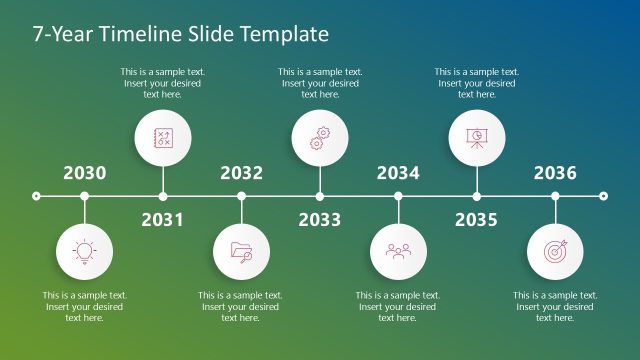
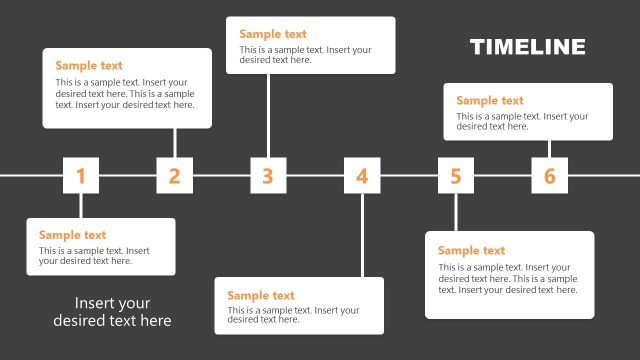
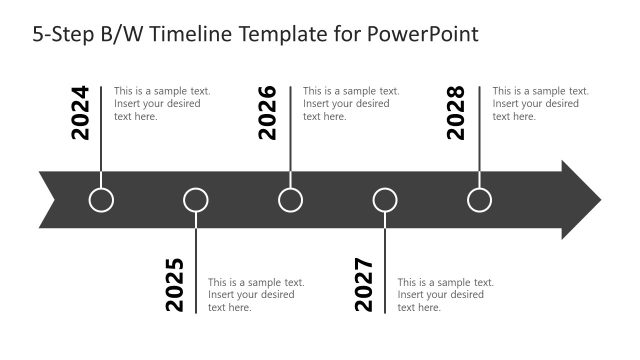
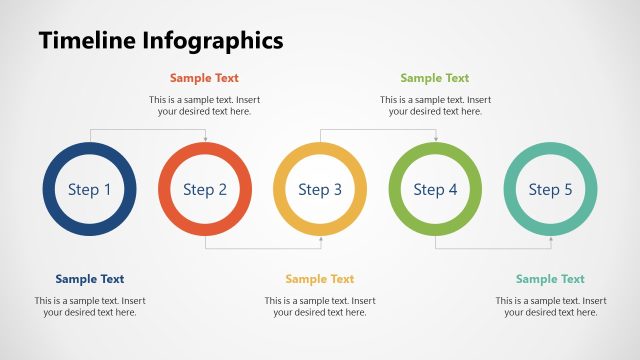
The layout features a horizontal timeline with seven evenly spaced nodes. Each node is represented as a circle with an orange center, connected by a horizontal line. Above each node, there is a label indicating the step number, aligned centrally. Below each node, there is a text placeholder for descriptions, also centered. The background is dark gray, providing contrast to the white text and orange accents. The overall composition is linear, emphasizing the sequential nature of the steps.
How to Use It
This layout serves as a chronological process diagram, effectively illustrating a sequence of steps or phases. It is suitable for presentations that require a clear depiction of a timeline, such as project planning or product development. This slide fits well at the beginning of a presentation to outline key milestones or phases. It can also be used to summarize processes in business meetings or training sessions.
Text Placeholders & Capacity
Keep your copy within these limits so it fits without resizing. Node body slots can hold approximately 10 words each.
| Placeholder | Count | Max characters (approx.) |
|---|---|---|
| Item heading | 7 | 30 |
| Item body | 7 | 50 |
Slide Keywords
Download unlimited PowerPoint templates, charts and graphics for your presentations with our annual plan.
DOWNLOADReturn to 7-Step Revealing Timeline Template for PowerPoint.