Slide 1 of 3 from 7 Rings Centric Diagram for PowerPoint
7 Rings Concentric Circle PowerPoint
7 Rings Centric Diagram for Presentations
- Diagram
- Circular Cycle
- Process Slide
- 16:9
- 100% Editable
What’s on This Slide
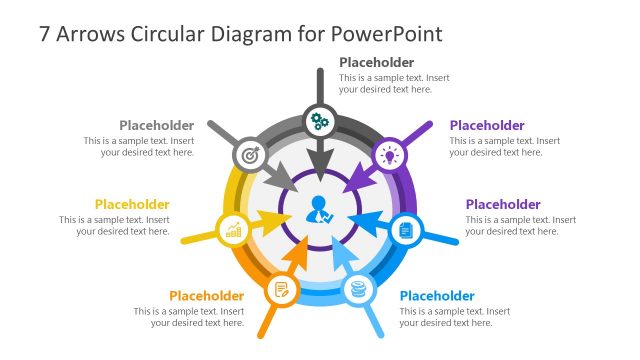
The layout features a series of concentric circles arranged in a circular format. Each ring contains a text placeholder positioned evenly around the outer edge, with a central circle labeled 'Sample Text.' The rings are colored in varying shades of red, creating a gradient effect. Icons accompany the text placeholders, enhancing visual interest. The overall composition is symmetrical, emphasizing the central concept. Text placeholders are aligned to the left and right, ensuring clarity and balance in the design. The background is white, providing contrast to the colored rings.
How to Use It
This layout serves as a multi-layered diagram to illustrate processes or concepts with seven distinct steps or elements. It fits well in presentations discussing frameworks, strategies, or methodologies. The circular arrangement allows for easy visual tracking of information from the outer layers to the core. It is suitable for business scenarios such as project planning, product development, or strategic analysis. The design can be utilized to represent hierarchical relationships or stages in a process, making it versatile for various contexts.
Text Placeholders & Capacity
Keep your copy within these limits so it fits without resizing. Node body slots can accommodate about 10-12 words each.
| Placeholder | Count | Max characters (approx.) |
|---|---|---|
| Item heading | 7 | 40 |
| Item body | 7 | 60 |
| Slide title | 1 | 50 |
Slide Keywords
Download unlimited PowerPoint templates, charts and graphics for your presentations with our annual plan.
DOWNLOADReturn to 7 Rings Centric Diagram for PowerPoint.