Slide 3 of 3 from 7 Rings Centric Diagram for PowerPoint
7 Centric Ring PowerPoint Labels
7 Rings Centric Diagram for Presentations
- Diagram
- Circular Cycle
- Process Slide
- 16:9
- 100% Editable
What’s on This Slide
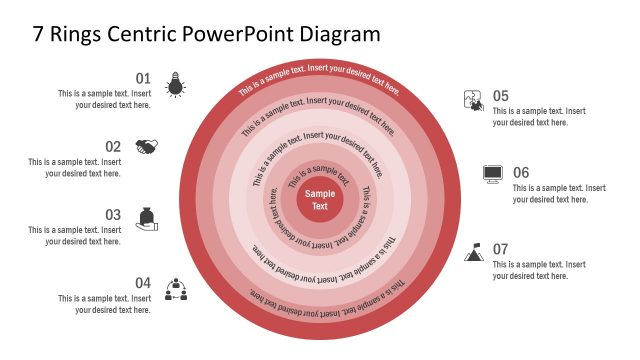
The layout features a central circular node labeled 'Sample Text', surrounded by seven concentric rings. Each ring has a label positioned to the left or right, with placeholders for text. The rings are colored in varying shades of red and white, creating a layered effect. The background is dark blue, enhancing contrast. The text placeholders are aligned horizontally, with the central node being the focal point. The overall composition emphasizes a clear visual hierarchy, guiding the viewer's attention from the outer rings to the center.
How to Use It
This layout serves as a circular process diagram, suitable for illustrating multi-layered concepts or steps. It fits well in presentations discussing strategies, processes, or frameworks that require a visual representation of interconnected elements. This structure can be used in business contexts, such as project planning or product development, where clarity of relationships is essential. It is effective for summarizing complex information in a visually engaging format, making it easy for the audience to follow.
Text Placeholders & Capacity
Keep your copy within these limits so it fits without resizing. Node labels can hold about 20 characters each, while body text can accommodate around 30 characters.
| Placeholder | Count | Max characters (approx.) |
|---|---|---|
| Item heading | 7 | 20 |
| Item body | 7 | 30 |
| Item body | 1 | 30 |
Slide Keywords
Download unlimited PowerPoint templates, charts and graphics for your presentations with our annual plan.
DOWNLOADReturn to 7 Rings Centric Diagram for PowerPoint.