Slide 2 of 8 from 7-Item Creative Horizontal Process PowerPoint Template
Engaging 7 Step Diagram with Icons
7-Step Creative Horizontal Process Flow Template
- Diagram
- Process Flow
- Process Slide
- 16:9
- 100% Editable
What’s on This Slide
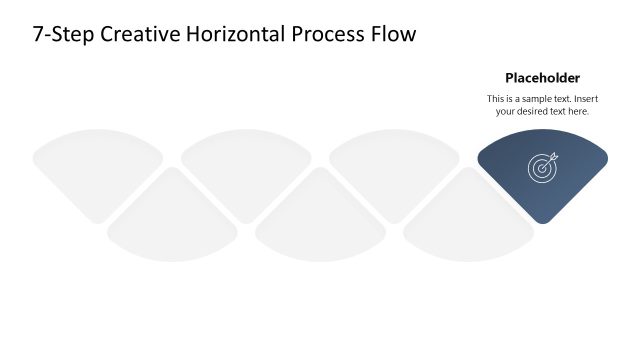
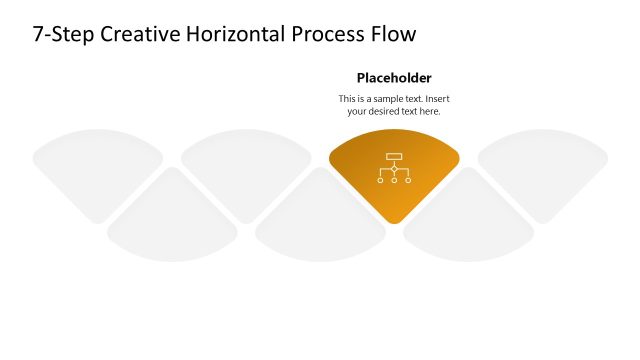
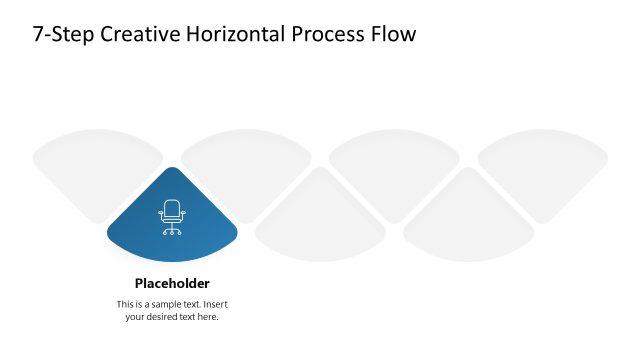
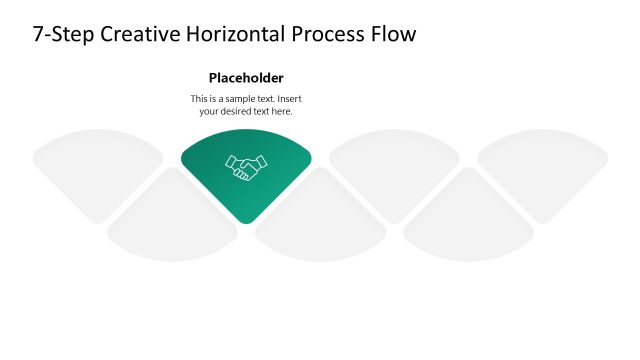
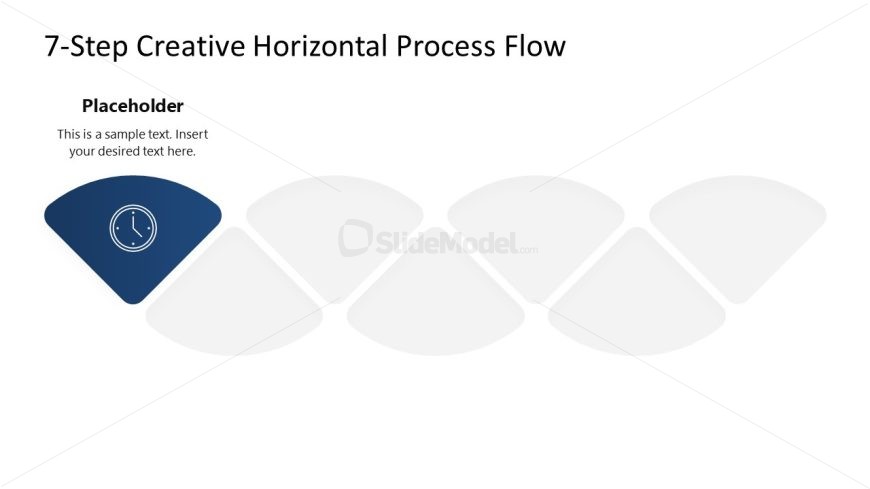
The layout features a horizontal flow diagram with seven curved shapes. The first shape on the left is filled with a dark blue color and contains a clock icon, while the remaining six shapes are outlined but empty. The title is positioned at the top center, and a text placeholder is located below it, aligned to the left. The visual hierarchy emphasizes the first shape, which stands out due to its color and icon. The overall composition is clean and organized, with ample space for additional text.
How to Use It
This layout serves as a horizontal process flow diagram, suitable for illustrating sequential steps in a process. It fits well in presentations that outline project phases, workflows, or methodologies. This structure is particularly useful in business contexts, such as project management, marketing strategies, or training sessions, where clear step-by-step guidance is needed. It can be used effectively to communicate complex processes in a simplified manner.
Text Placeholders & Capacity
Keep your copy within these limits so it fits without resizing. Body slots can hold roughly 15-20 words each.
| Placeholder | Count | Max characters (approx.) |
|---|---|---|
| Slide title | 1 | 40 |
| Body paragraph | 1 | 100 |
| Item heading | 7 | 20 |
Slide Keywords
Download unlimited PowerPoint templates, charts and graphics for your presentations with our annual plan.
DOWNLOADReturn to 7-Item Creative Horizontal Process PowerPoint Template.