Slide 5 of 8 from 6 Steps Triangle Hexagon PowerPoint Diagram
Six Staged Flat Triangle Diagrams Business PowerPoint
6 Triangles Hexagon PowerPoint Diagram
- Diagram
- Segmented Wheel
- Process Slide
- 16:9
- 100% Editable
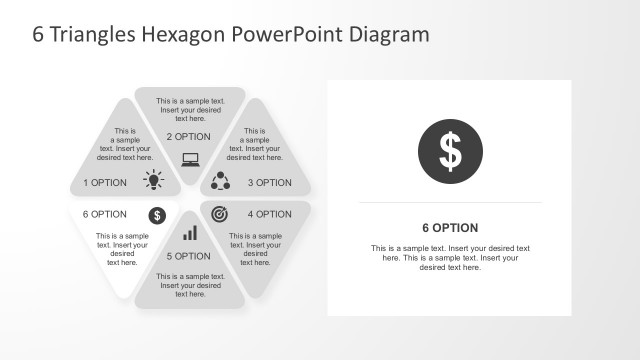
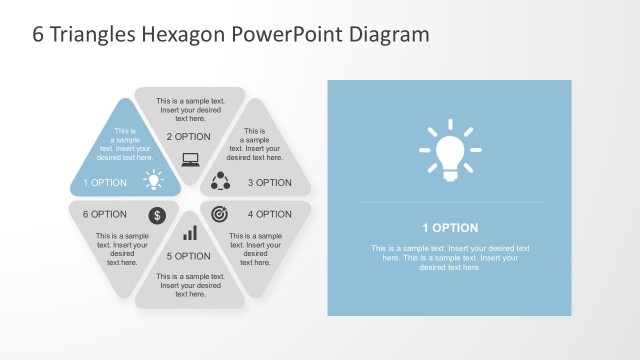
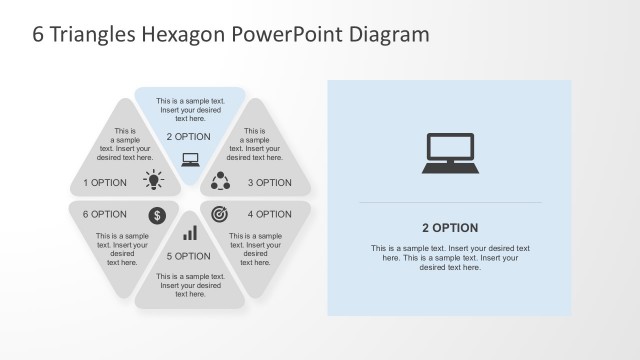
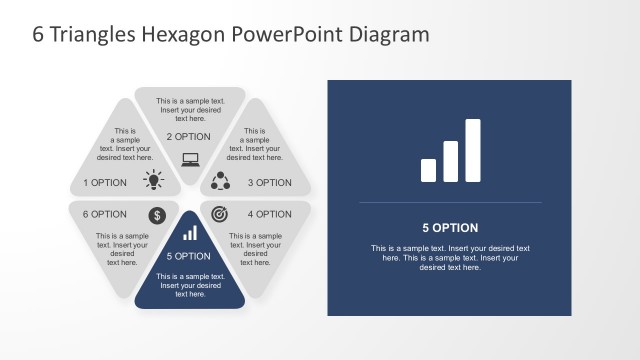
The 6 Triangles Hexagon Diagram slide from the 6 Steps Triangle Hexagon PowerPoint Diagram template offers a clear segmented wheel layout ideal for illustrating processes or strategies with six components. This slide is designed for business presentations and pitch decks, featuring editable shapes and text placeholders for detailed explanations. Its balanced design supports effective communication of project phases or product features, making it a practical choice among presentation templates and slide decks.
What’s on This Slide
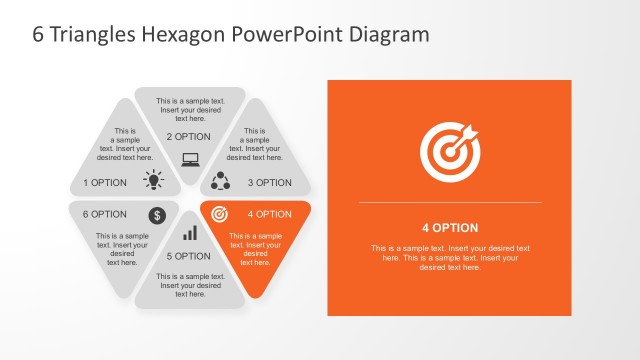
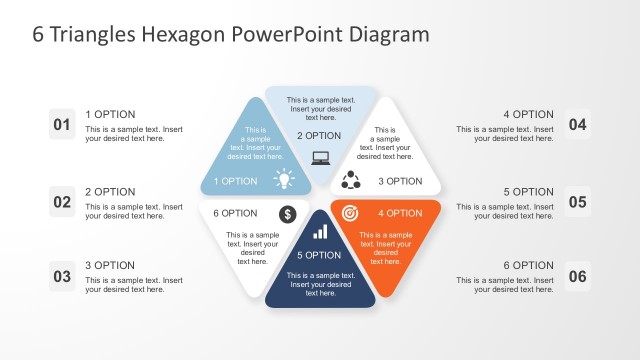
The layout features a hexagon at the center with six surrounding triangles. Each triangle contains a text placeholder aligned centrally, labeled as '1 OPTION' to '6 OPTION'. The triangles are arranged in a circular pattern, with the hexagon positioned in the middle. To the right, there is a rectangular area for additional text, labeled '3 OPTION', with a placeholder for further content. The overall composition is balanced, with a light background and dark text, emphasizing the central hexagon and surrounding triangles.
How to Use It
This layout serves as a segmented diagram to illustrate a process or concept with six distinct elements. It fits well in presentations focusing on step-by-step processes or categories. Ideal for business contexts, it can be used to outline strategies, project phases, or product features. The additional text area allows for elaboration on one of the main points, enhancing clarity and engagement in the presentation.
Text Placeholders & Capacity
Keep your copy within these limits so it fits without resizing. Node body slots can hold about 20-30 words each.
| Placeholder | Count | Max characters (approx.) |
|---|---|---|
| Item heading | 6 | 30 |
| Item body | 6 | 100 |
| Item heading | 1 | 30 |
| Item body | 1 | 200 |
Slide Keywords
Download unlimited PowerPoint templates, charts and graphics for your presentations with our annual plan.
DOWNLOADReturn to 6 Steps Triangle Hexagon PowerPoint Diagram.