Slide 6 of 8 from 6 Steps Triangle Hexagon PowerPoint Diagram
Coloured Hexagonal Process Flow Diagram For Business
6 Triangles Hexagon PowerPoint Diagram
- Diagram
- Segmented Wheel
- Process Slide
- 16:9
- 100% Editable
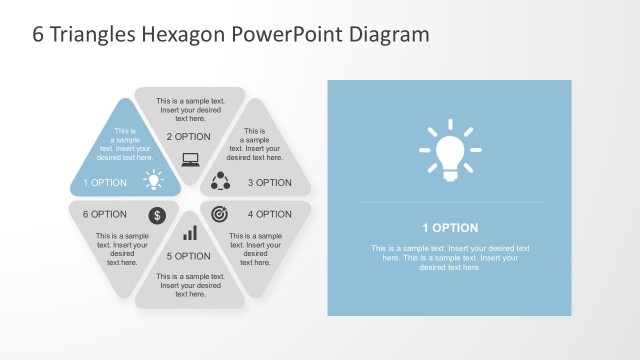
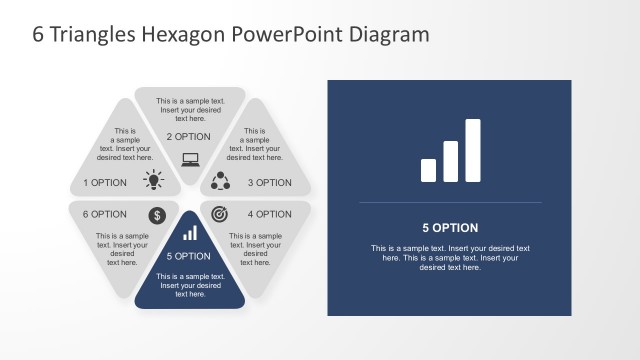
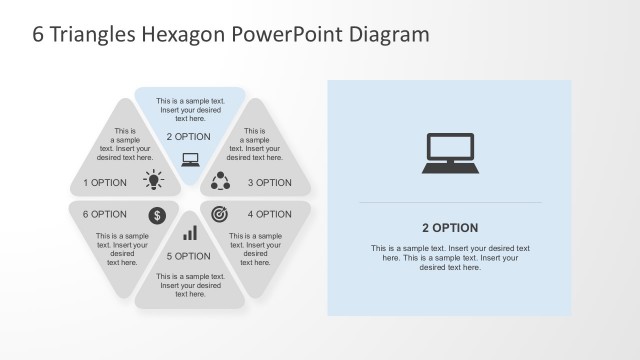
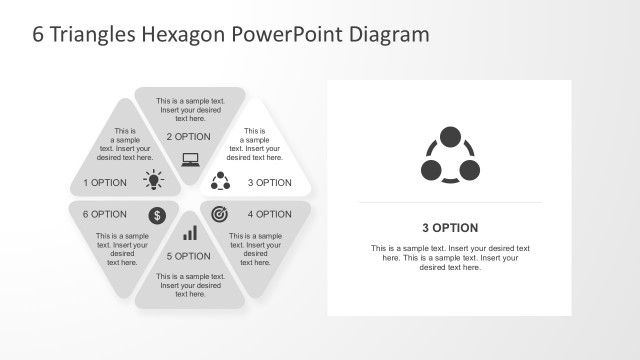
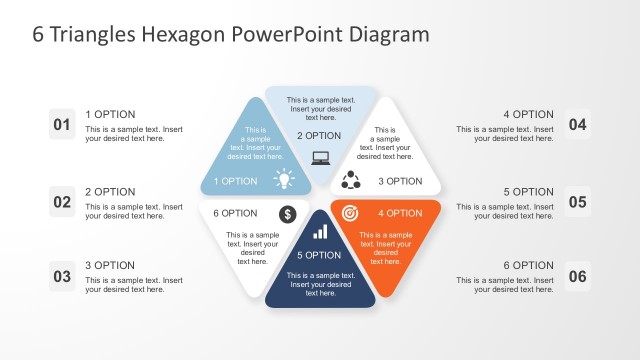
The 6 Triangles Hexagon Diagram from the 6 Steps Triangle Hexagon PowerPoint Diagram template offers a clear segmented wheel layout ideal for business presentations. This slide template uses editable shapes arranged in a hexagonal pattern to present six options or steps, supporting strategic planning and product feature showcases. Its balanced design with vector icons and a highlighted segment aids in emphasizing key points within a corporate presentation or pitch deck template.
What’s on This Slide
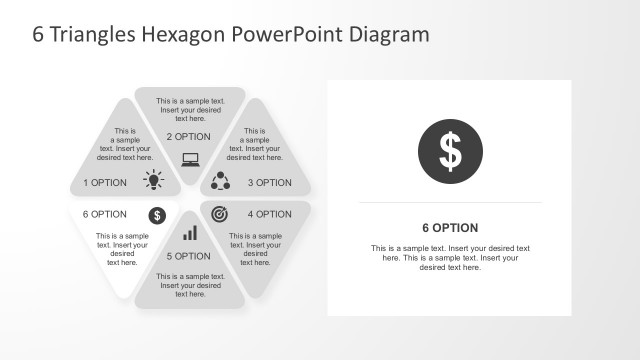
The layout features a hexagonal arrangement with six triangles positioned around a central area. Each triangle contains a text placeholder aligned centrally, labeled from one to six. The triangle for option four is highlighted in orange, indicating emphasis. To the right, there is a rectangular area with a larger text placeholder for additional information. The background is a light gradient, enhancing visual separation between elements. The overall composition is balanced, with clear visual hierarchy and spacing between the triangles and the central text area.
How to Use It
This layout serves as a segmented diagram to present six distinct options or steps in a process. It is suitable for business presentations where a clear visual representation of multiple choices is needed. This slide fits well after a problem statement and before a solution roadmap, helping to clarify options. It can be used in scenarios like project planning, product features, or strategic initiatives, allowing audiences to easily compare and understand different elements.
Text Placeholders & Capacity
Keep your copy within these limits so it fits without resizing. Node body slots can hold about 20-25 words each.
| Placeholder | Count | Max characters (approx.) |
|---|---|---|
| Item heading | 6 | 30 |
| Item body | 6 | 100 |
| Body paragraph | 1 | 250 |
Slide Keywords
Download unlimited PowerPoint templates, charts and graphics for your presentations with our annual plan.
DOWNLOADReturn to 6 Steps Triangle Hexagon PowerPoint Diagram.