Slide 6 of 8 from 6 Steps Hexagonal Core PowerPoint Diagram
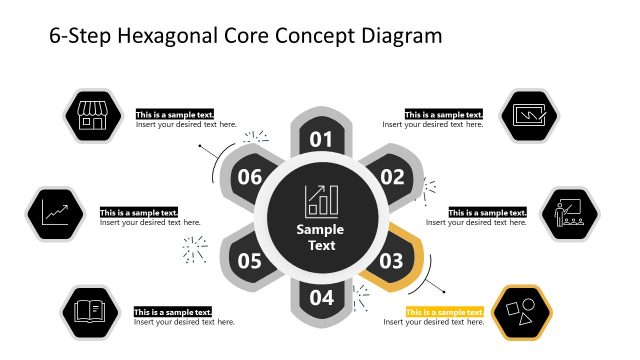
Color Highlight for Step 5 – PowerPoint Hexagons
6-Step Hexagonal Core Concept Diagram
- Diagram
- Hexagonal Core
- Process Slide
- 16:9
- 100% Editable
What’s on This Slide
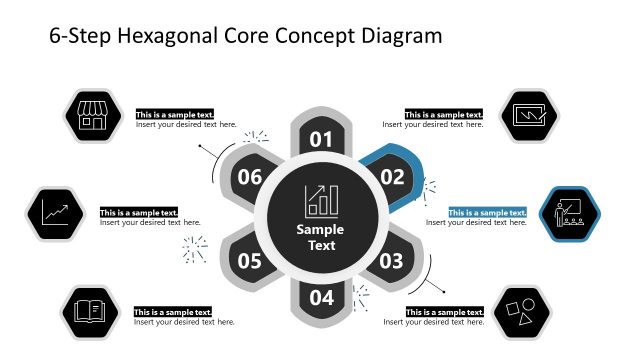
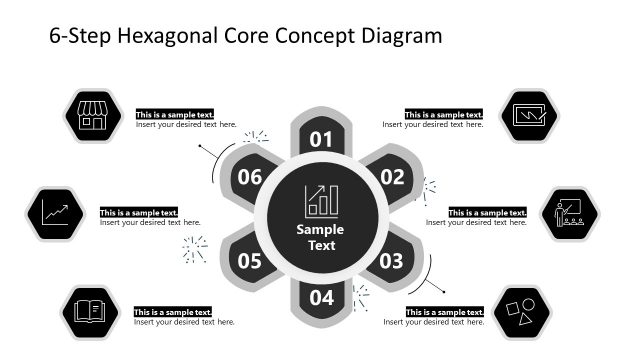
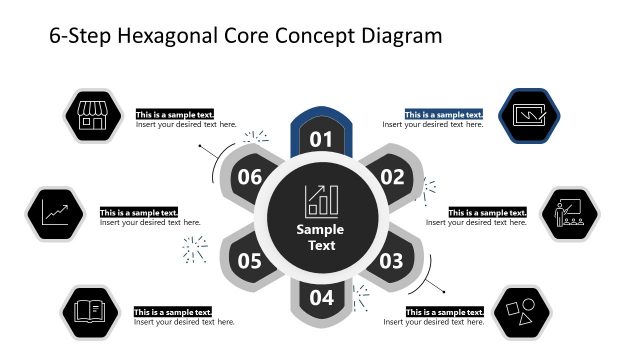
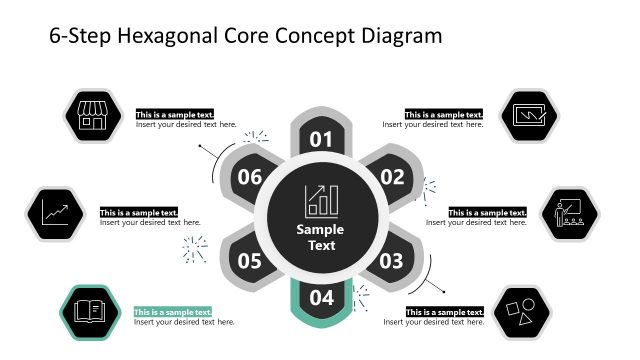
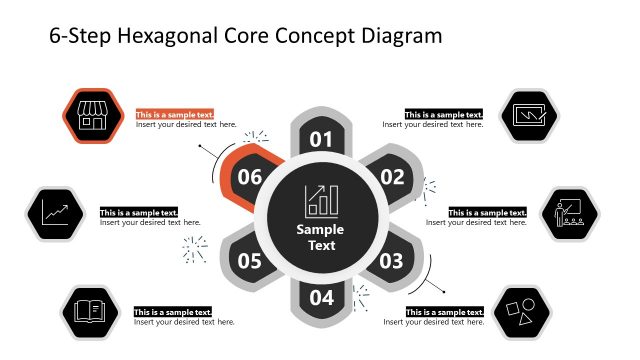
The layout features a central hexagonal shape surrounded by six hexagons, each representing a step in a process. The central hexagon contains the text 'Sample Text' and is visually emphasized. Each surrounding hexagon is numbered from 01 to 06 and includes a corresponding icon, with text placeholders positioned beneath each icon. The icons are diverse, including a shop, graph, book, and more. The color scheme includes a mix of dark and light backgrounds, with green accents on one hexagon. The overall composition is symmetrical, creating a balanced visual hierarchy.
How to Use It
This layout serves as a process flow diagram, effectively illustrating a six-step methodology. It is suitable for presentations that require a clear representation of sequential stages, such as project management, product development, or strategic planning. This slide fits well after problem identification slides, leading into solution discussions. It can also be used to summarize key points in a training session or workshop, providing a visual roadmap for participants to follow.
Text Placeholders & Capacity
Keep your copy within these limits so it fits without resizing. Node body slots are tight, roughly 5-6 words each.
| Placeholder | Count | Max characters (approx.) |
|---|---|---|
| Item heading | 6 | 20 |
| Item body | 6 | 30 |
| Chart title | 1 | 30 |
Slide Keywords
Download unlimited PowerPoint templates, charts and graphics for your presentations with our annual plan.
DOWNLOADReturn to 6 Steps Hexagonal Core PowerPoint Diagram.