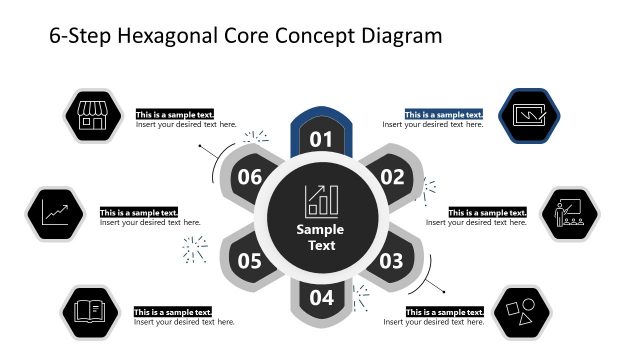
Slide 5 of 8 from 6 Steps Hexagonal Core PowerPoint Diagram
Color Highlight for Step 4 – Hexagonal Diagram Slide Template
6-Step Hexagonal Core Concept Diagram
- Diagram
- Other
- Process Slide
- 16:9
- 100% Editable
What’s on This Slide
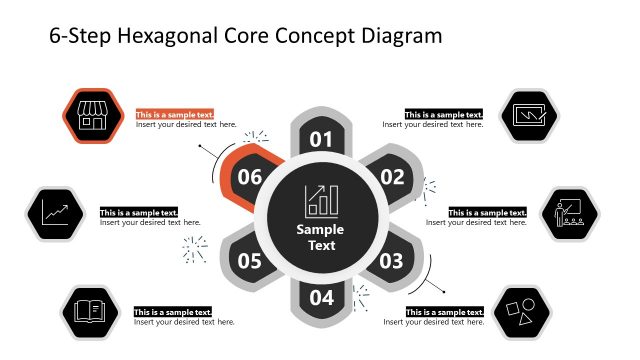
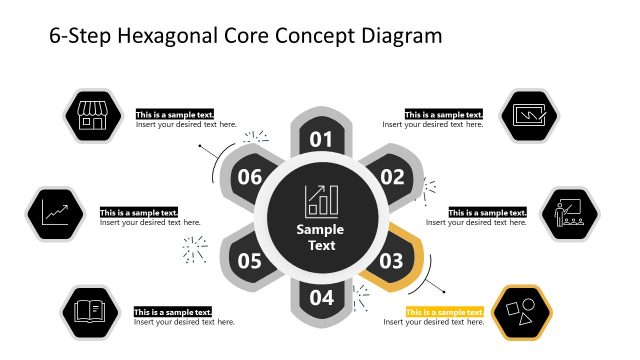
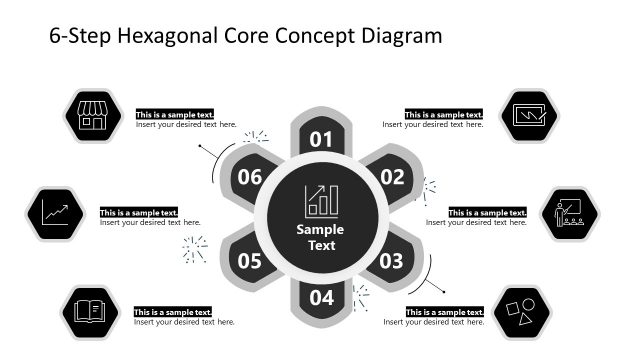
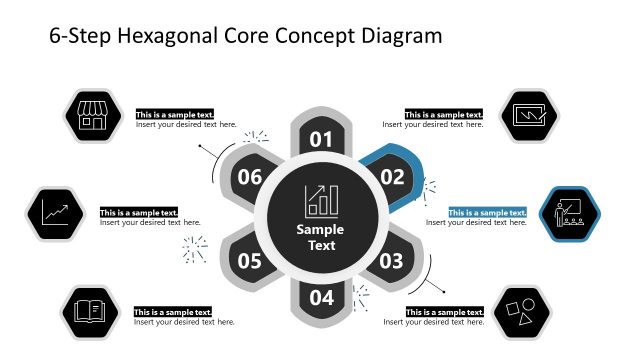
The slide features a central hexagonal shape surrounded by six hexagons, each labeled with numbers one through six. Each hexagon contains a placeholder for text and an icon, positioned around the central shape. The central shape includes a placeholder for sample text, emphasizing its importance. Connecting lines or arrows point from the central shape to the surrounding hexagons, indicating a flow of information. The overall layout is circular, with a balanced arrangement of elements, and a light background that enhances visibility.
How to Use It
This layout serves as a process flow diagram, ideal for presenting six distinct steps or stages in a sequence. It fits well in a presentation that outlines methodologies, frameworks, or processes. Common scenarios include project management, strategic planning, or educational contexts where a clear progression is necessary. This structure allows for easy understanding of each step's role in the overall process, making it effective for both presentations and reports.
Text Placeholders & Capacity
Keep your copy within these limits so it fits without resizing. Node body slots can hold roughly 10 words each.
| Placeholder | Count | Max characters (approx.) |
|---|---|---|
| Item heading | 6 | 20 |
| Item body | 6 | 50 |
| Body paragraph | 1 | 100 |
| Slide title | 1 | 50 |
Slide Keywords
Download unlimited PowerPoint templates, charts and graphics for your presentations with our annual plan.
DOWNLOADReturn to 6 Steps Hexagonal Core PowerPoint Diagram.