Slide 5 of 7 from 6 Steps Circular Bowtie Infographic Template
Bowtie Shape 4 Step PowerPoint Diagram
6 Steps Circular Bowtie Infographic Overview
- Diagram
- Circular Cycle
- Process Slide
- 16:9
- 100% Editable
What’s on This Slide
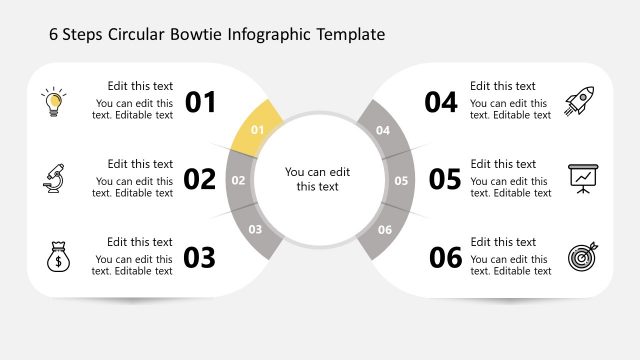
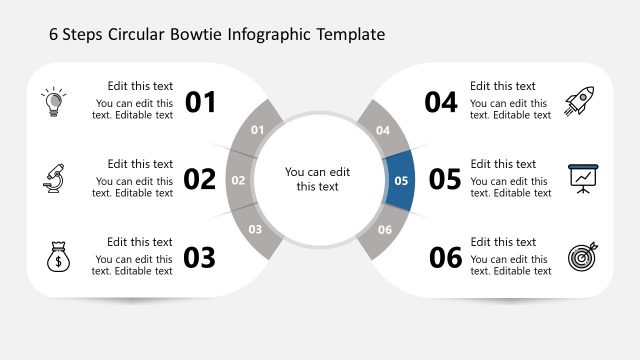
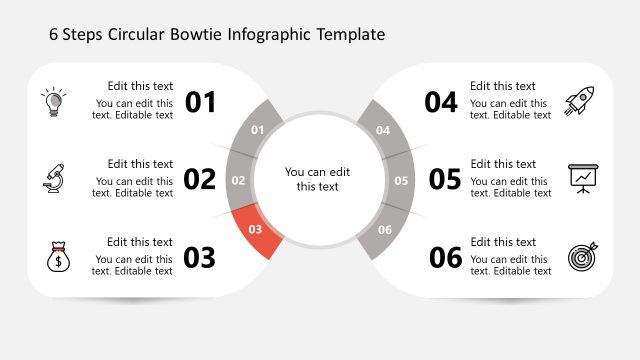
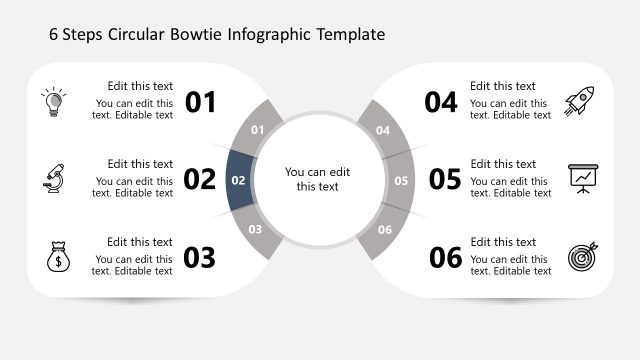
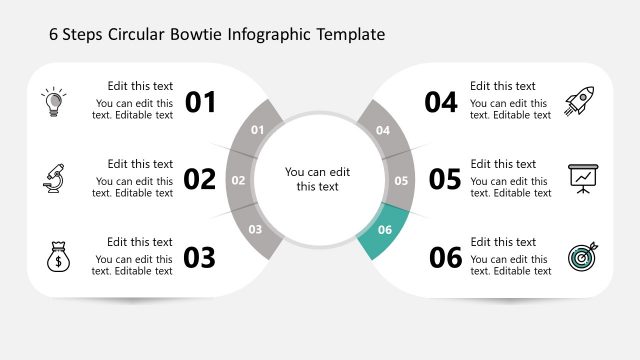
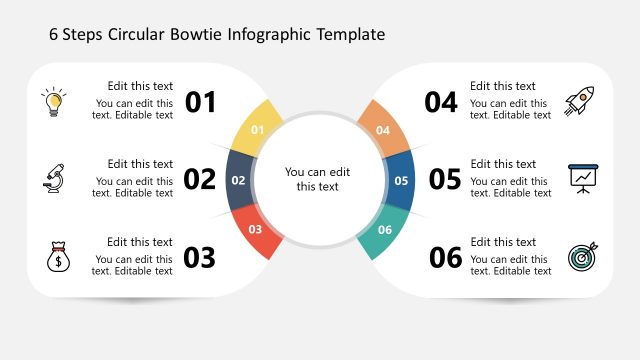
The layout features a circular bowtie diagram divided into six segments. Each segment is positioned around a central circle, with segments labeled 01 to 06. The fourth segment is highlighted in orange, indicating its significance. Each segment contains a text placeholder for editing, aligned centrally within the segment. Icons accompany the text in segments one through three and five through six, providing visual cues. The background is light, enhancing the visibility of the segments and text. Overall, the design emphasizes a clear flow and organization.
How to Use It
This layout serves as a step-by-step process diagram, ideal for illustrating sequential actions or phases. It fits well in presentations that require a visual representation of a methodology or workflow. Common scenarios include project management, product development, or training sessions. The circular format allows for easy comprehension of the relationship between steps, making it suitable for both detailed explanations and high-level overviews. This slide can be used effectively in business contexts where clarity and organization are essential.
Text Placeholders & Capacity
Keep your copy within these limits so it fits without resizing. Node body slots can hold about 40 characters each.
| Placeholder | Count | Max characters (approx.) |
|---|---|---|
| Item heading | 6 | 20 |
| Item body | 6 | 40 |
| Chart title | 1 | 50 |
Slide Keywords
Download unlimited PowerPoint templates, charts and graphics for your presentations with our annual plan.
DOWNLOADReturn to 6 Steps Circular Bowtie Infographic Template.