Slide 3 of 7 from 6 Steps Circular Bowtie Infographic Template
Bowtie Shape 2 Step PowerPoint Diagram
6 Steps Circular Bowtie Infographic Overview
- Diagram
- Circular Cycle
- Process Slide
- 16:9
- 100% Editable
What’s on This Slide
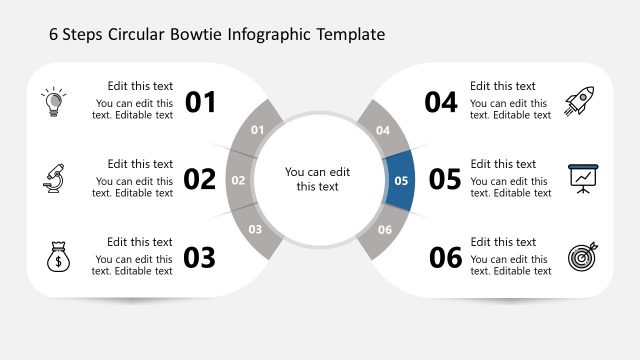
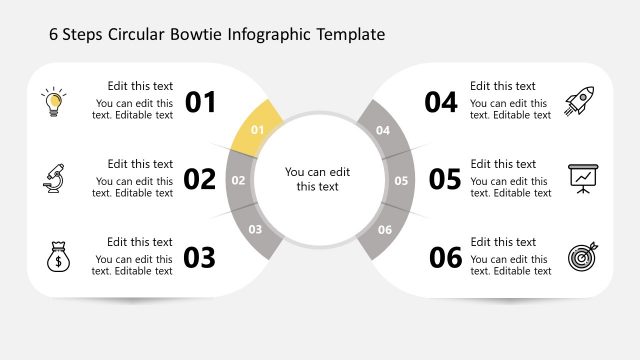
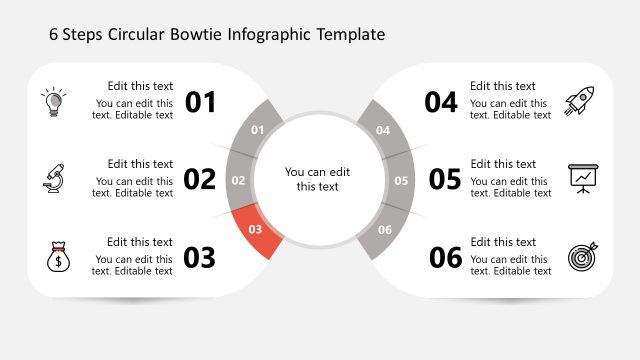
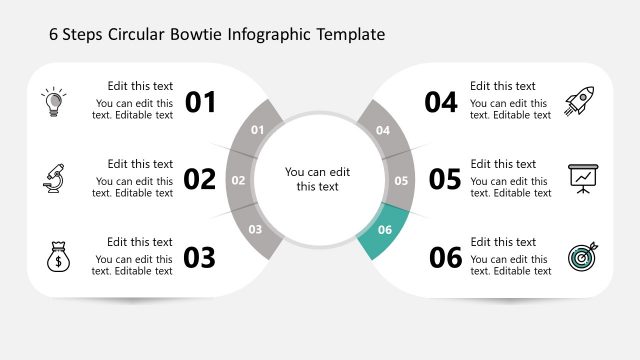
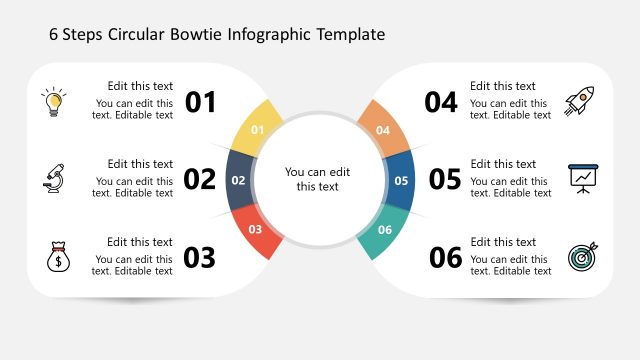
The layout features a circular bowtie diagram divided into six segments, each containing a number and an icon. The segments are arranged in two groups on the left and right, with the central area reserved for editable text. Each segment is visually distinct, with icons representing various themes. The numbers are positioned prominently within each segment, while the text placeholders are aligned centrally within the segments. The overall composition is symmetrical, creating a balanced visual hierarchy. Background colors are neutral, enhancing readability.
How to Use It
This layout serves as a step-by-step guide, ideal for illustrating processes or workflows. It fits within a presentation sequence that outlines a methodology or framework, typically following an introductory slide. This structure is useful in business contexts, such as project management, training sessions, or strategic planning, where clear, sequential steps are necessary. It can be used to compare phases or highlight progress in a visual format.
Text Placeholders & Capacity
Keep your copy within these limits so it fits without resizing. Node body slots can accommodate roughly 8-10 words each.
| Placeholder | Count | Max characters (approx.) |
|---|---|---|
| Item heading | 6 | 20 |
| Item body | 6 | 40 |
| Item heading | 1 | 20 |
Slide Keywords
Download unlimited PowerPoint templates, charts and graphics for your presentations with our annual plan.
DOWNLOADReturn to 6 Steps Circular Bowtie Infographic Template.