Slide 2 of 4 from 6-Step Star Diagram Concept for PowerPoint
6 Steps PowerPoint Star Diagram Design
6-Step Star Diagram Concept for Presentations
- Diagram
- Circular Cycle
- Process Slide
- 16:9
- 100% Editable
The 6-Step Star Diagram slide from the 6-Step Star Diagram Concept for PowerPoint template offers a clear visual layout for process mapping and project planning. This slide uses editable shapes arranged in a circular cycle to highlight sequential steps, making it suitable for business presentations and brainstorming sessions. Its design supports effective communication of complex processes within corporate presentation slide decks, compatible with both PowerPoint templates and Google Slides templates.
What’s on This Slide
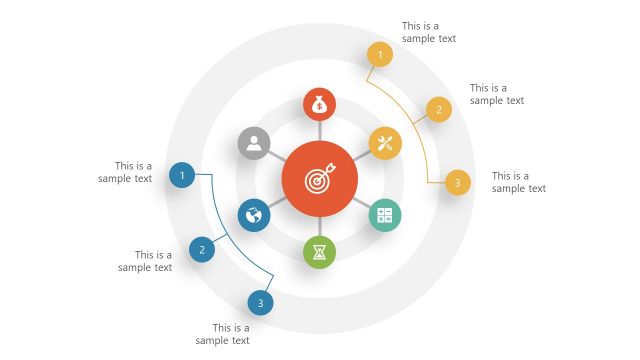
The layout features a central circular node colored orange, representing a key concept. Surrounding this node are six smaller circular nodes in various colors, each connected by lines. The nodes are positioned in a circular arrangement, with three on the left and three on the right. Each node contains a number and a text placeholder aligned centrally. The background is white, enhancing the visibility of the colored nodes. The visual hierarchy emphasizes the central node, with the surrounding nodes appearing as secondary elements. There are placeholders for additional text, maintaining a clean composition.
How to Use It
This layout serves as a visual representation of a six-step process or concept, ideal for brainstorming sessions or project planning. It fits well in a presentation sequence after introducing a problem or concept, providing a clear overview of steps to follow. This structure is useful in business contexts such as strategy development, process mapping, or educational settings where a step-by-step approach is required. It allows for easy identification of each stage, making it suitable for discussions or presentations focused on sequential actions.
Text Placeholders & Capacity
Keep your copy within these limits so it fits without resizing. Node body slots can hold roughly 10-12 words each.
| Placeholder | Count | Max characters (approx.) |
|---|---|---|
| Item heading | 6 | 25 |
| Item body | 6 | 50 |
| Slide title | 1 | 30 |
Slide Keywords
Download unlimited PowerPoint templates, charts and graphics for your presentations with our annual plan.
DOWNLOADReturn to 6-Step Star Diagram Concept for PowerPoint.