Slide 1 of 2 from Flat 8 Step Circular Diagram Template
8 Step Circular Collout Diagram
8 Step Circular Process Diagram Template
- Diagram
- Circular Cycle
- Process Slide
- 16:9
- 100% Editable
What’s on This Slide
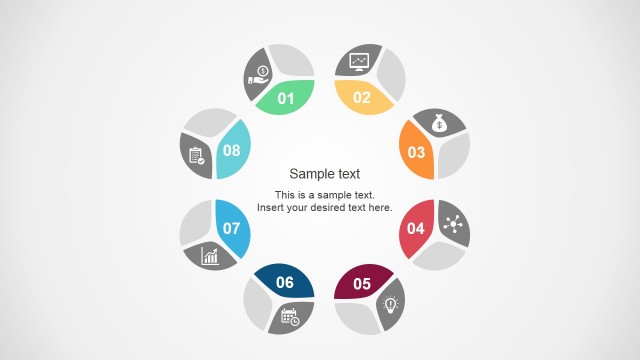
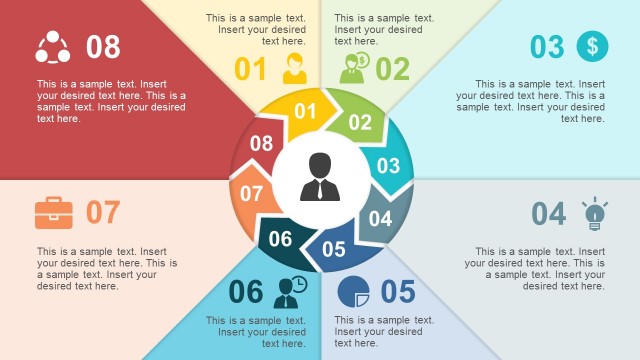
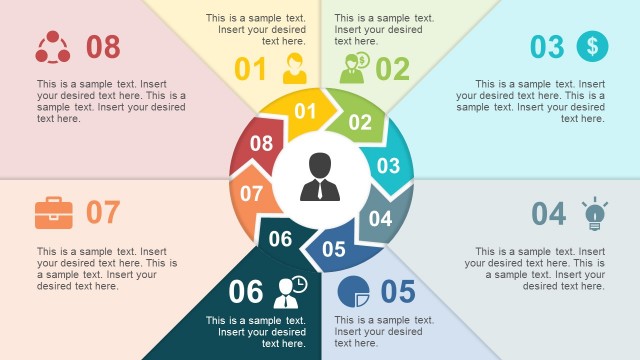
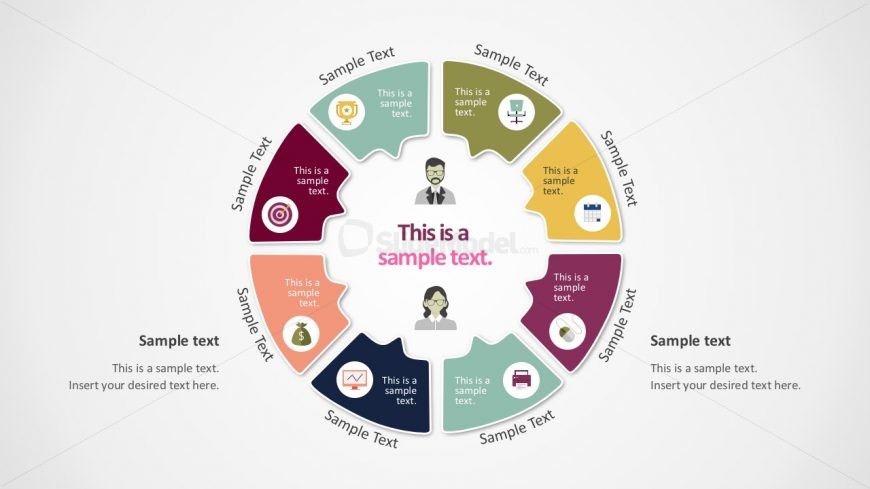
The layout features a circular diagram divided into eight segments, each containing a text placeholder and an icon. The central area has a prominent text placeholder, surrounded by the segments arranged in a clockwise manner. Each segment is visually distinct, using varied colors and shapes, with icons representing different concepts. The text placeholders are aligned within each segment, allowing for clear labeling. The background is light, enhancing the visibility of the colored segments. Overall, the design emphasizes a structured flow around the central theme.
How to Use It
This layout serves as a process diagram, ideal for illustrating sequential steps or phases in a project. It fits well in presentations discussing workflows, methodologies, or strategic plans. The circular design allows for easy visual tracking of steps, making it suitable for business scenarios such as project management, product development, or marketing strategies. This slide can be used individually or as part of a series to convey complex processes in a simplified manner, ensuring clarity and engagement for the audience.
Text Placeholders & Capacity
Keep your copy within these limits so it fits without resizing. Node body slots can hold approximately 40 characters each.
| Placeholder | Count | Max characters (approx.) |
|---|---|---|
| Item heading | 8 | 20 |
| Item body | 8 | 40 |
| Body paragraph | 1 | 100 |
Slide Keywords
Download unlimited PowerPoint templates, charts and graphics for your presentations with our annual plan.
DOWNLOADReturn to Flat 8 Step Circular Diagram Template.