Slide 7 of 8 from 6-Step Puzzle Implementation Process Template for PowerPoint
Sixth Stage Highlight – 6-Step Puzzle Diagram
6-Step Puzzle Implementation Process Template
- Diagram
- Other
- Process Slide
- 16:9
- 100% Editable
What’s on This Slide
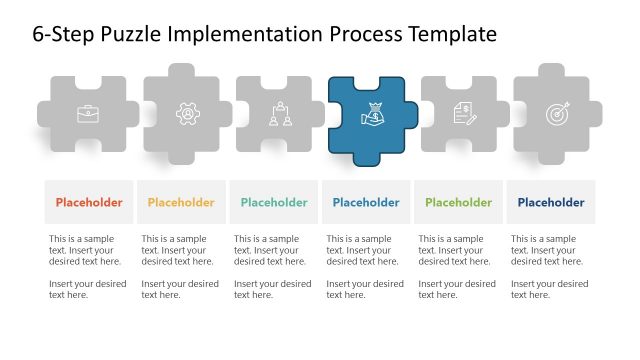
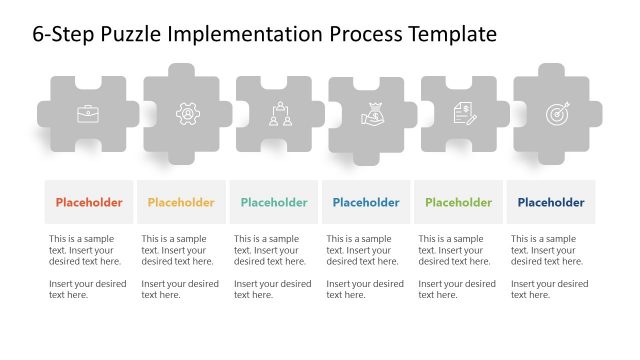
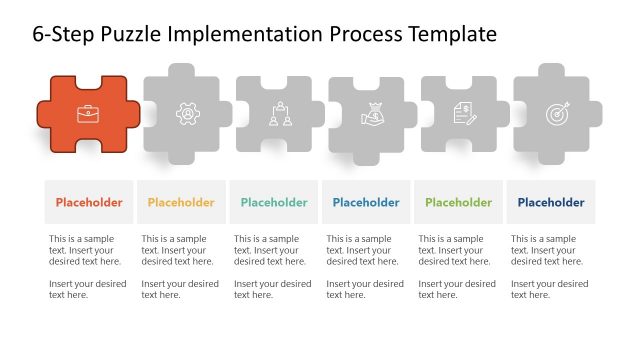
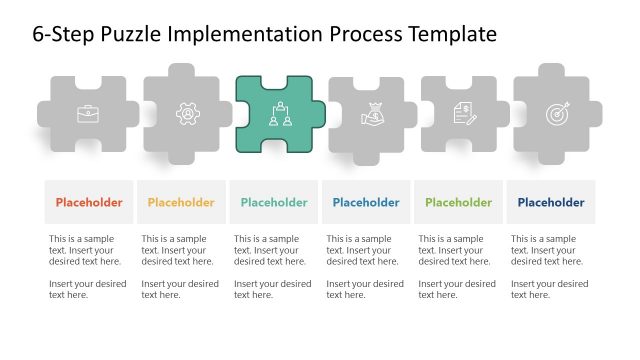
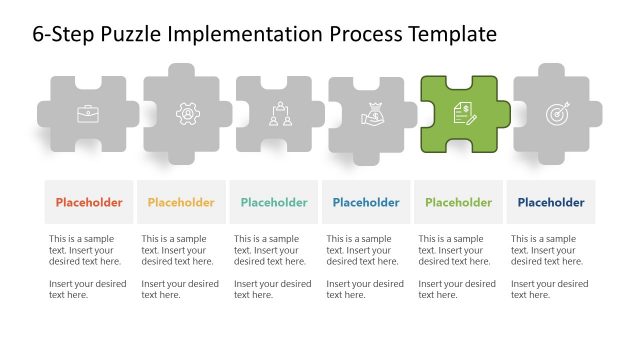
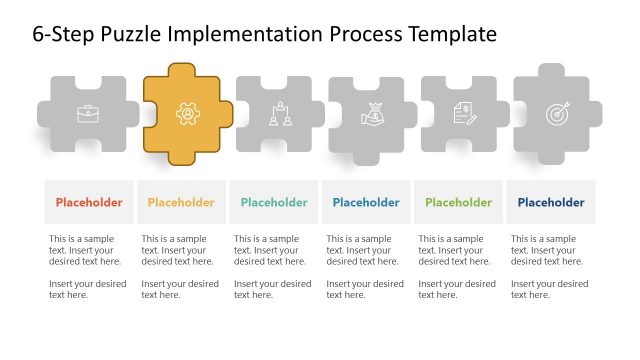
The layout features six puzzle piece shapes arranged horizontally. The first five pieces are light gray, while the sixth piece is dark blue, indicating emphasis. Each piece contains an icon representing a step in the process, with the first piece showing a briefcase, the second a group of people, and the third a dollar sign. Below each piece are text placeholders aligned centrally, providing space for descriptive content. The overall composition is balanced, with a clear visual hierarchy emphasizing the highlighted piece.
How to Use It
This layout serves as a process diagram, illustrating a six-step implementation process. It fits well in a presentation sequence after introducing a problem and before detailing solutions. This structure is useful for business contexts, such as project management, strategy development, or process improvement, where clear sequential steps are necessary. It allows for easy communication of complex ideas in a visually engaging manner.
Text Placeholders & Capacity
Keep your copy within these limits so it fits without resizing. Each text slot can hold about 40 characters comfortably.
| Placeholder | Count | Max characters (approx.) |
|---|---|---|
| Item body | 6 | 40 |
Slide Keywords
Download unlimited PowerPoint templates, charts and graphics for your presentations with our annual plan.
DOWNLOADReturn to 6-Step Puzzle Implementation Process Template for PowerPoint.