Slide 1 of 2 from 6-Step Horizontal Funnel Diagram for PowerPoint
6 Steps Horizontal Funnel PowerPoint
6-Step Horizontal Funnel Diagram for Presentations
- Diagram
- Funnel
- Process Slide
- 16:9
- 100% Editable
What’s on This Slide
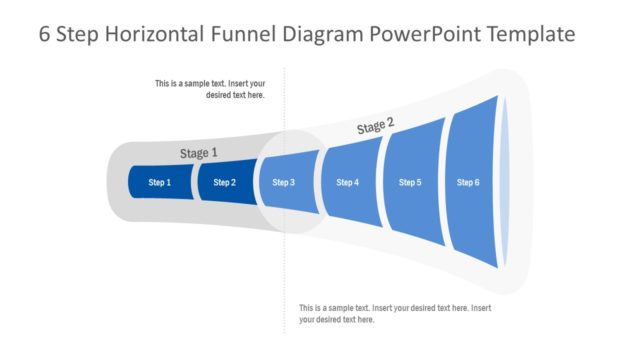
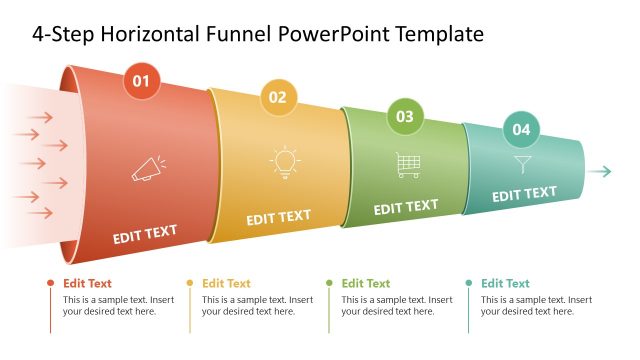
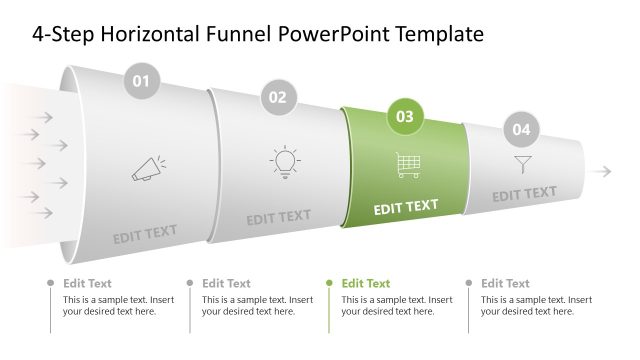
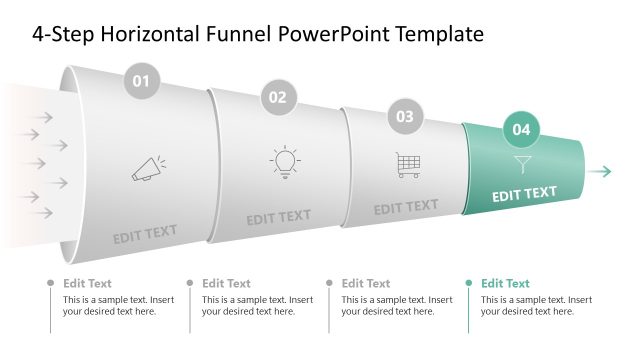
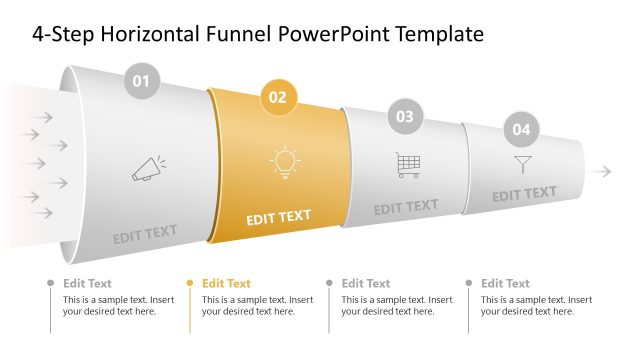
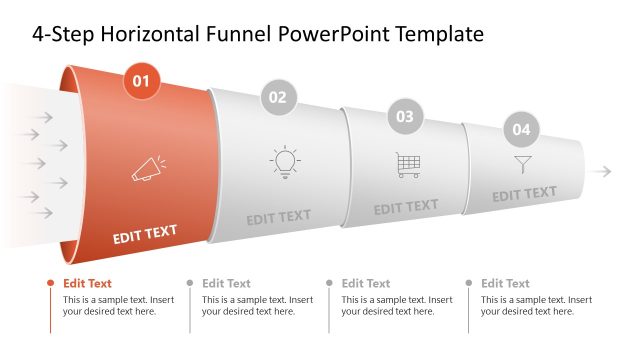
The slide features a horizontal funnel diagram divided into six stages. The funnel is oriented from left to right, with each stage represented by a distinct segment. The first stage contains two smaller segments labeled 'Step 1' and 'Step 2,' while the subsequent stages are labeled 'Step 3,' 'Step 4,' 'Step 5,' and 'Step 6.' Text placeholders are present at the top and bottom, aligned centrally. The background is a solid dark blue, providing contrast to the lighter funnel segments. The visual hierarchy emphasizes the funnel's flow from left to right.
How to Use It
This layout serves as a process flow diagram, illustrating a sequential journey through six stages. It is suitable for presentations focused on customer experience, marketing strategies, or sales processes. The diagram can effectively communicate the steps involved in a sales funnel or customer journey. It fits well in a presentation sequence after introducing a problem or opportunity, leading into detailed discussions about each step. This layout is ideal for business scenarios that require a clear depiction of stages in a process.
Text Placeholders & Capacity
Keep your copy within these limits so it fits without resizing. Node labels can accommodate roughly 10 characters each.
| Placeholder | Count | Max characters (approx.) |
|---|---|---|
| Slide title | 1 | 40 |
| Item heading | 6 | 10 |
| Body paragraph | 2 | 100 |
Slide Keywords
Download unlimited PowerPoint templates, charts and graphics for your presentations with our annual plan.
DOWNLOAD