Slide 2 of 7 from 6 Step Growth Concept Diagram for PowerPoint
Infographic Tree Diagram Template
Growth Diagram Concept for Presentations
- Diagram
- Other
- Concept Explanation Slide
- 16:9
- 100% Editable
What’s on This Slide
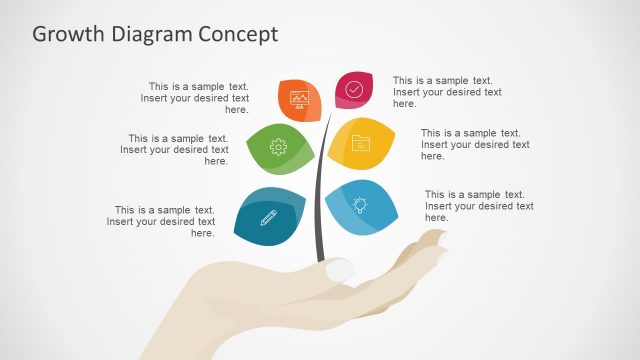
The layout features a central hand holding a stylized plant with leaves. Each leaf contains an icon representing different growth concepts. The hand is positioned at the bottom center, while the plant rises vertically from it. There are six leaves, arranged symmetrically around a central stem, with varying shades of gray and one leaf in a blue color. Text placeholders are present, one above the plant for the title and one below for body text, both centered. The background is a light gradient, enhancing the visual hierarchy.
How to Use It
This layout serves as a conceptual diagram illustrating growth stages or elements. It fits well in presentations discussing business development, strategies, or financial growth. It can be used to showcase processes or key components in a structured manner. The layout is effective for both individual and team discussions, making it suitable for workshops or strategy sessions. It is positioned early in the presentation to introduce key themes or concepts.
Text Placeholders & Capacity
Keep your copy within these limits so it fits without resizing. Body text slot can hold about 10-12 words comfortably.
| Placeholder | Count | Max characters (approx.) |
|---|---|---|
| Slide title | 1 | 30 |
| Body paragraph | 1 | 50 |
Slide Keywords
Download unlimited PowerPoint templates, charts and graphics for your presentations with our annual plan.
DOWNLOADReturn to 6 Step Growth Concept Diagram for PowerPoint.