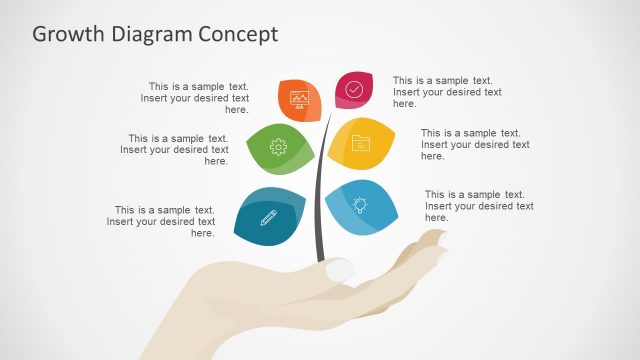
Slide 5 of 7 from 6 Step Growth Concept Diagram for PowerPoint
Infographic PowerPoint Growth Diagram
Growth Diagram Concept for Presentations
- Diagram
- Other
- Process Slide
- 16:9
- 100% Editable
What’s on This Slide
The layout features a central hand graphic supporting a vertical stem. Five leaf-shaped nodes are arranged symmetrically around the stem, each containing an icon representing different growth aspects. The top node is highlighted with a red circle, indicating importance. A text placeholder is positioned in the upper right corner, aligned with the title, allowing for additional context. The background is light, enhancing the visibility of the hand and nodes. The overall composition emphasizes the growth theme through organic shapes and a structured layout.
How to Use It
This layout serves as a conceptual diagram to illustrate growth processes or strategies. It is suitable for presentations discussing business development, project planning, or financial growth. Positioned after problem identification slides, it can effectively transition into solutions or strategic recommendations. This slide can be used in various business contexts, including team meetings, client presentations, or strategic planning sessions, to visually represent key growth concepts.
Text Placeholders & Capacity
Keep your copy within these limits so it fits without resizing. Body slots can hold about 15-20 words each.
| Placeholder | Count | Max characters (approx.) |
|---|---|---|
| Slide title | 1 | 30 |
| Body paragraph | 1 | 100 |
Slide Keywords
Download unlimited PowerPoint templates, charts and graphics for your presentations with our annual plan.
DOWNLOADReturn to 6 Step Growth Concept Diagram for PowerPoint.