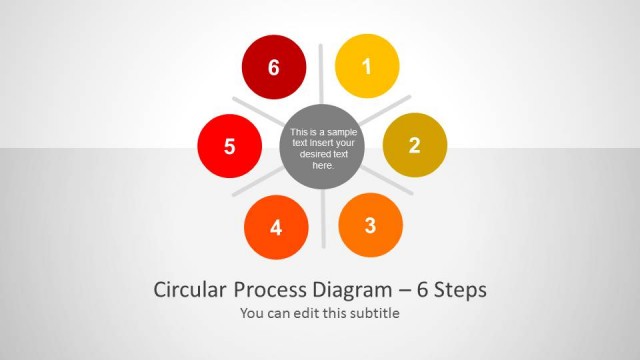
Slide 1 of 1 from 6 Step Circular Process Flow
6 Steps PowerPoint Chevron Cycle
6 Step Circular Process Flow Diagram Design
- Diagram
- Circular Cycle
- Process Slide
- 16:9
- 100% Editable
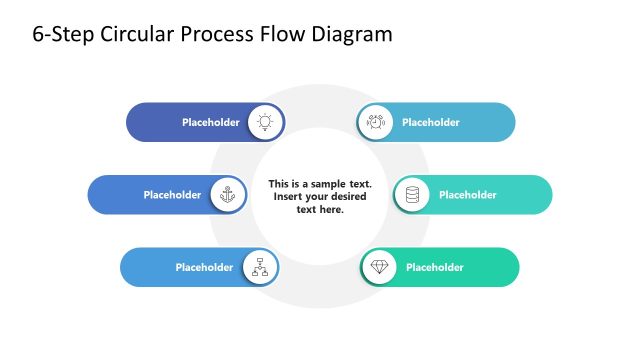
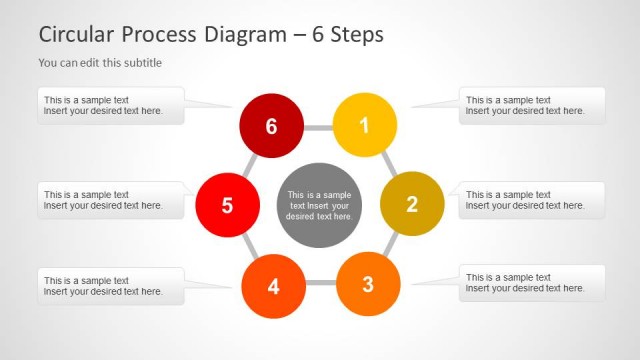
The 6 Step Circular Process Flow slide from the 6 Step Circular Process Flow template offers a clear visual for illustrating cyclical processes in business presentations. This diagram layout, featuring editable shapes and a six-segment circular design, supports effective project management and product development communication within PowerPoint templates and Google Slides templates.
What’s on This Slide
The layout features a circular diagram divided into six segments, each containing a text placeholder. The segments are arranged in a clockwise manner, with a central circular area that is also a placeholder. The outer segments are colored in a gradient of purple shades, while the inner circle has a green outline. Text placeholders are evenly distributed around the circle, with one at the bottom left and one at the bottom right. The title is positioned at the top center, emphasizing the diagram's purpose.
How to Use It
This layout serves as a cyclical process flow diagram, ideal for illustrating six steps in a process. It fits well in presentations that require a visual representation of sequential phases or stages. Common scenarios include project management, product development, or any process that involves multiple steps leading to a continuous cycle. It can effectively communicate complex processes in a simplified manner.
Text Placeholders & Capacity
Keep your copy within these limits so it fits without resizing. Node slots can hold about 30 characters each, while title and callout slots are tighter.
| Placeholder | Count | Max characters (approx.) |
|---|---|---|
| Item body | 6 | 30 |
| Slide title | 1 | 40 |
| Callout | 2 | 50 |
Slide Keywords
Download unlimited PowerPoint templates, charts and graphics for your presentations with our annual plan.
DOWNLOADReturn to 6 Step Circular Process Flow.