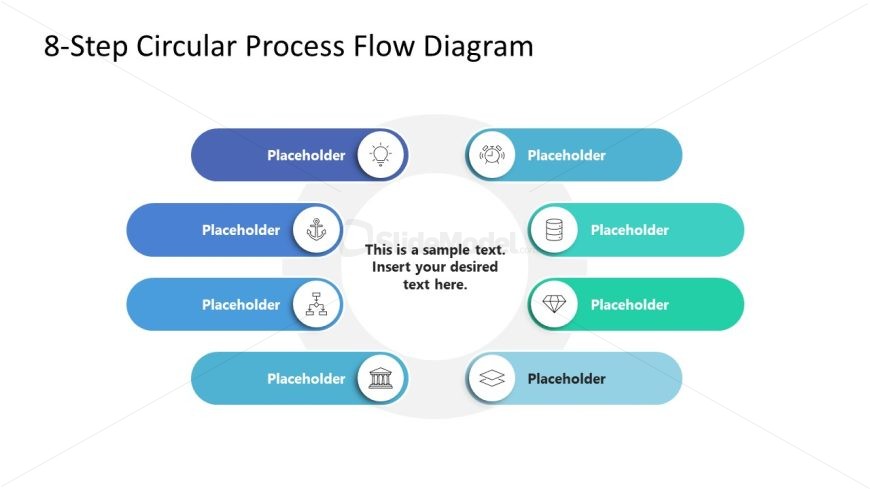
Slide 1 of 1 from 8-Step Circular Process Flow PowerPoint Template
8-Step Circular Process Flow Presentation Template
8-Step Circular Process Flow Diagram
- Diagram
- Circular Cycle
- Process Slide
- 16:9
- 100% Editable
What’s on This Slide
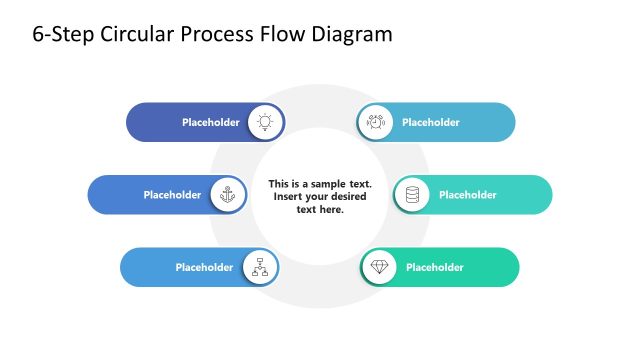
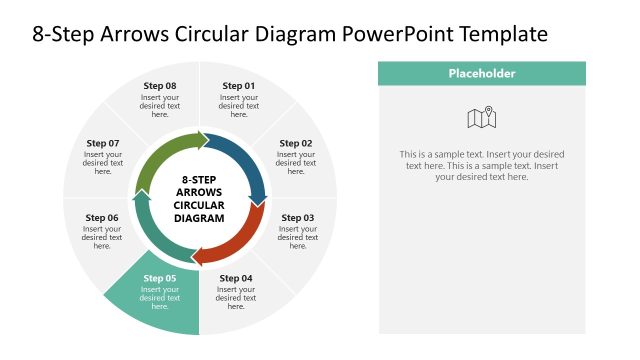
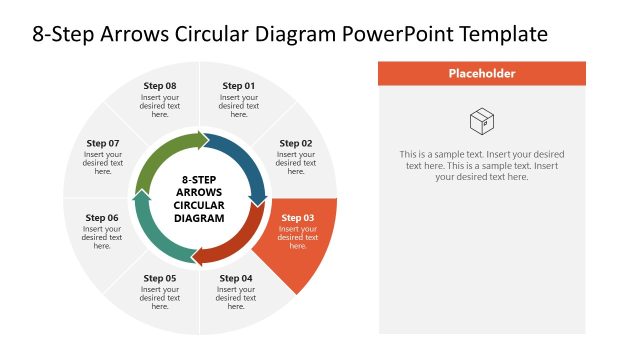
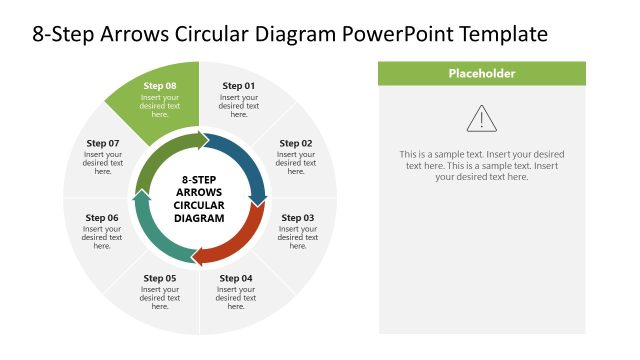
The slide features a central circular node surrounded by eight rectangular nodes arranged in a circular flow. The central node contains a text placeholder for sample text, while each surrounding node has a placeholder for content and an icon. The nodes are color-coded, alternating between blue and teal, with icons representing various concepts. The layout emphasizes a circular flow, with clear visual hierarchy and spacing between elements. Each node is positioned evenly around the central circle, creating a balanced composition.
How to Use It
This layout serves as a circular process flow diagram, ideal for illustrating sequential steps in a process. It fits well in presentations that require a clear visual representation of workflows or methodologies. Suitable scenarios include project management, process improvement, or training sessions where a step-by-step guide is needed. The circular format aids in demonstrating continuity and interconnectivity among steps, making it effective for both educational and business contexts.
Text Placeholders & Capacity
Keep your copy within these limits so it fits without resizing. Node slots can hold roughly 20 characters each.
| Placeholder | Count | Max characters (approx.) |
|---|---|---|
| Slide title | 1 | 30 |
| Item body | 8 | 20 |
| Body paragraph | 1 | 50 |
Slide Keywords
Download unlimited PowerPoint templates, charts and graphics for your presentations with our annual plan.
DOWNLOAD