Slide 1 of 2 from 6 Step Business Concept with Arrows for PowerPoint
6 Steps Spoke Diagram PPT
6 Step Business Concept Diagram for Presentations
- Diagram
- Circular Cycle
- Process Slide
- 16:9
- 100% Editable
What’s on This Slide
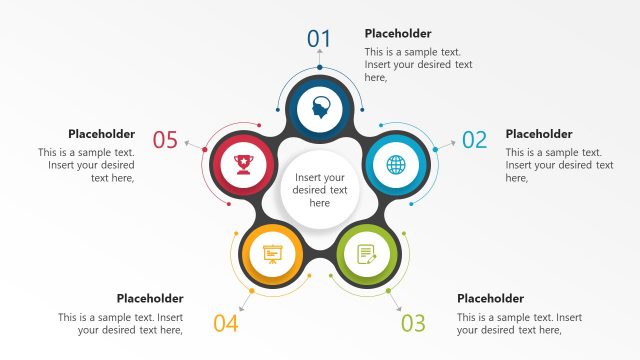
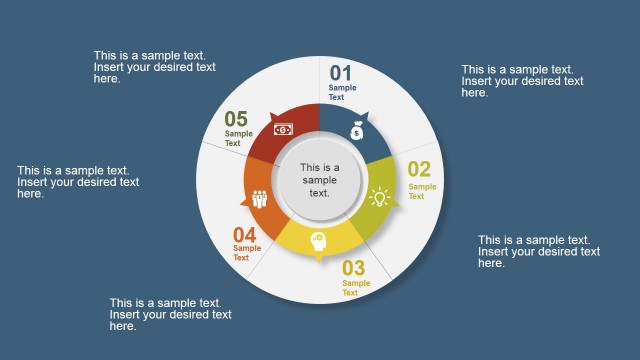
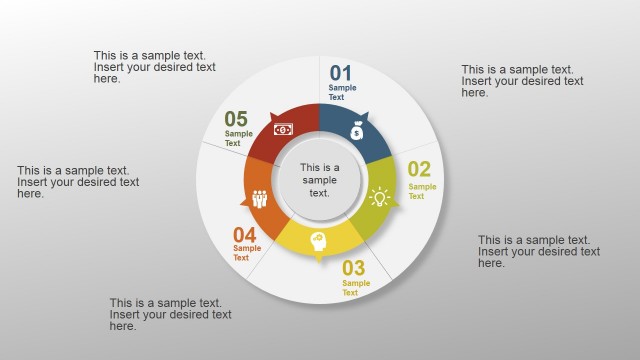
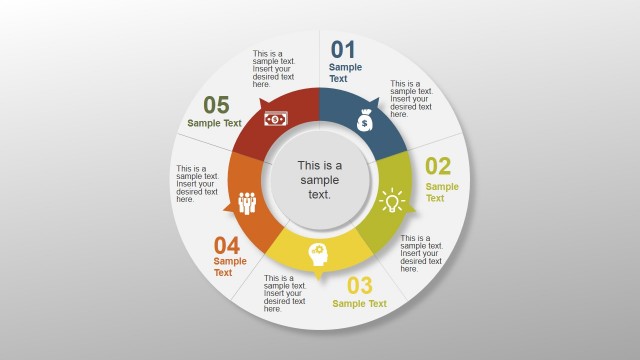
The layout features a central circular node labeled 'Sample Text' surrounded by six outward-pointing arrows. Each arrow leads to a circular node containing a placeholder for text, positioned at the top, bottom, left, and right. Icons representing various business concepts are placed adjacent to each text placeholder, enhancing visual engagement. The color scheme includes blue, green, orange, and red, creating a vibrant contrast against a light gray background. The overall composition emphasizes the central concept while clearly delineating each step.
How to Use It
This layout serves as a process flow diagram, ideal for presenting a six-step business concept. It fits well in a presentation sequence where a detailed explanation of a process or strategy is needed. Suitable scenarios include business planning sessions, project management discussions, or strategic development meetings. The clear visual structure aids in communicating complex ideas simply and effectively, making it a valuable tool for engaging stakeholders and team members.
Text Placeholders & Capacity
Keep your copy within these limits so it fits without resizing. Node body slots can hold up to 40 characters each.
| Placeholder | Count | Max characters (approx.) |
|---|---|---|
| Item body | 6 | 40 |
| Slide title | 1 | 20 |
Slide Keywords
Download unlimited PowerPoint templates, charts and graphics for your presentations with our annual plan.
DOWNLOADReturn to 6 Step Business Concept with Arrows for PowerPoint.