Slide 3 of 7 from 6 Stage Diagram for PowerPoint
Infographic PowerPoint Planning Process
6 Stage Process Flow Diagram for Presentations
- Diagram
- Circular Cycle
- Process Slide
- 16:9
- 100% Editable
What’s on This Slide
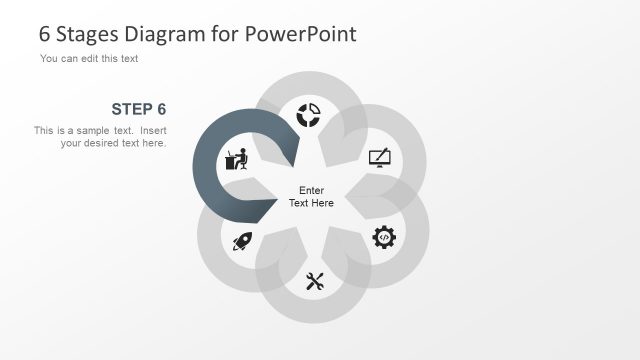
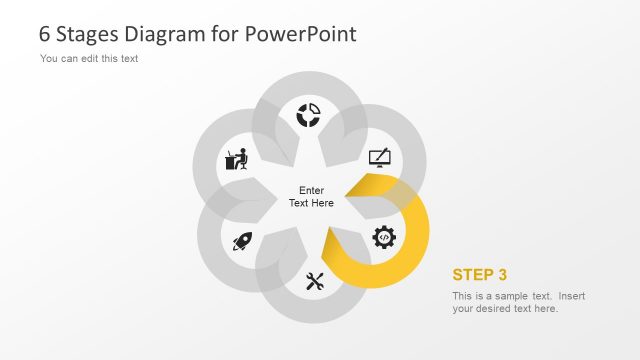
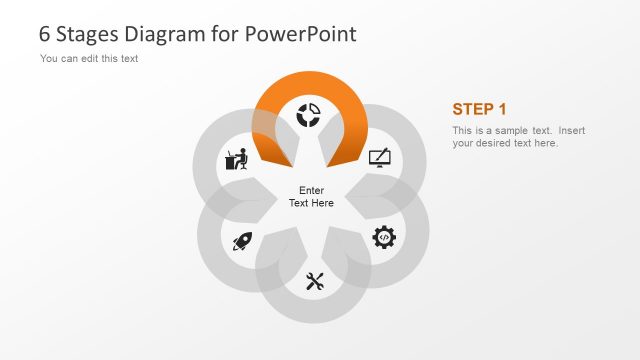
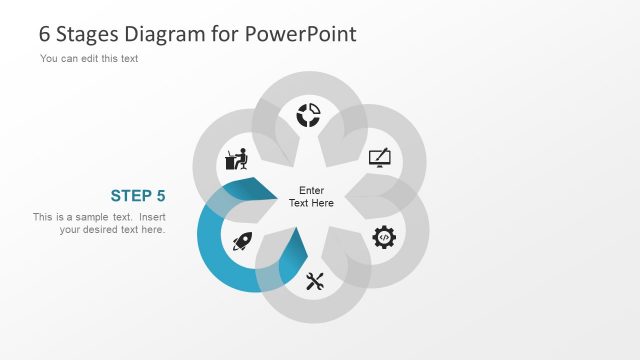
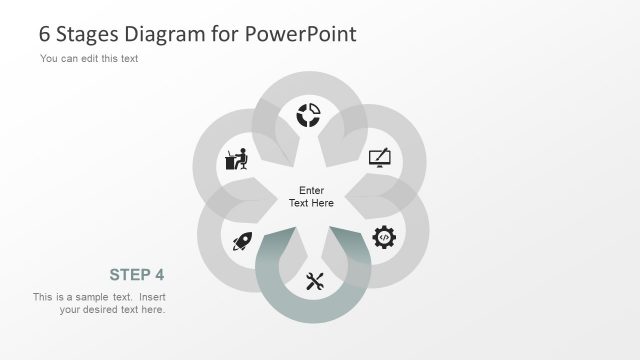
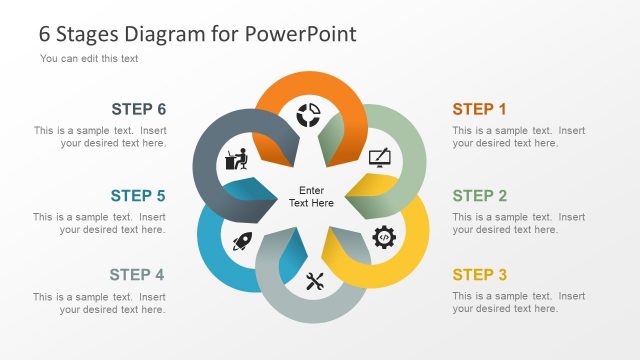
The layout features a central flower-like diagram with six rounded segments arranged in a circular pattern. Each segment contains an icon representing a step and has a text placeholder for titles. The second segment is highlighted in green, indicating the current step. The title is positioned at the top left, while a subtitle placeholder is located below it. The background is light gray, providing contrast to the darker icons. The overall composition emphasizes the central diagram, with clear visual hierarchy for text and icons.
How to Use It
This layout serves as a step-by-step process flow diagram, ideal for illustrating stages in a project or lifecycle. It fits well in presentations that require a clear visual representation of sequential actions or phases. Common scenarios include project management updates, product development stages, or training processes. This slide can be used individually or as part of a series to guide audiences through complex topics in a structured manner.
Text Placeholders & Capacity
Keep your copy within these limits so it fits without resizing. Node labels can accommodate roughly 3-5 words each.
| Placeholder | Count | Max characters (approx.) |
|---|---|---|
| Slide title | 1 | 30 |
| Item heading | 6 | 20 |
| Item body | 6 | 50 |
Slide Keywords
Download unlimited PowerPoint templates, charts and graphics for your presentations with our annual plan.
DOWNLOADReturn to 6 Stage Diagram for PowerPoint.