Compare multiple product features or categories comprehensively with our 6-Item Side by Side Mind Map Concept PowerPoint Template. This template is ideal for sharing six related ideas branching from a central concept. Curriculum designers use the side-by-side layout to separate theoretical topics from applied skills within a given course. HR business partners use the mind map concept diagram to communicate the six-point competency framework in stakeholder presentations. A SCM expert maps vendor risk factors using a six-point mind map diagram in their team presentations. A UX/UI designer identifies multiple pain points that need to be addressed to increase user retention on the platform. Further, project managers use the diagram to highlight the project’s six core deliverables in alignment presentations.
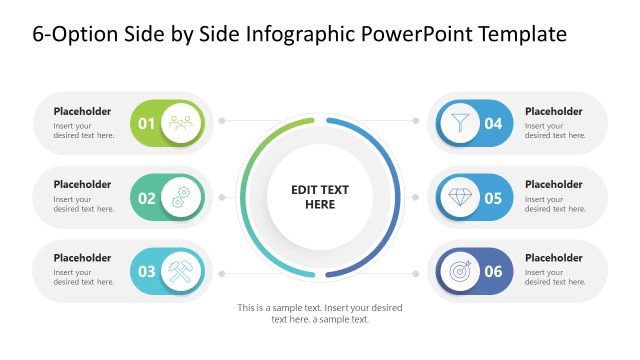
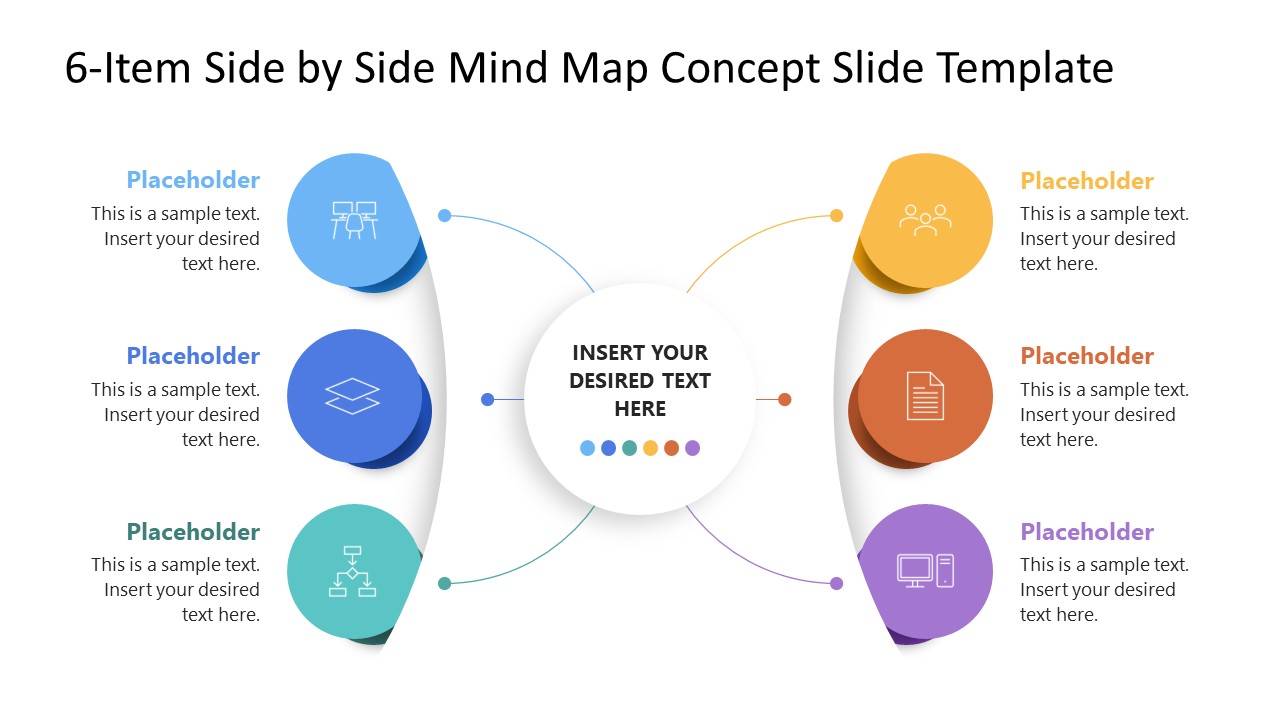
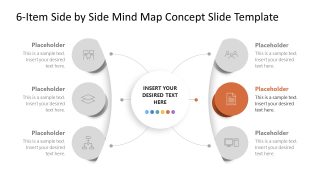
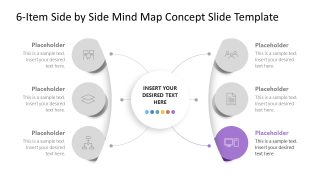
The 6-Item Side by Side Mind Map Concept PowerPoint Template features two columns with three color-coded circular icons. These connect with the central hub with thin lines. Each shape includes a placeholder text segment where professionals describe their ideas in detail. The shadow effect creates a 3D look that captures the audience’s attention and keeps them engaged. The presentation template comprises six more slides after the cover. Each of these slides has a color highlight for only one color-coded icon. This enables the presenters to highlight the points with focus and clarity in individual slides. You can also adjust the template layout based on your comparison points or change the icons accordingly. Download the 6-item side-by-side mind map concept PPT template to share the strategic initiative ideas in your executive presentations. Or, visit our collection of diagram PPT templates to select a different version for your presentation.
What’s inside this template
Example presentation scenarios
- A project manager can use the mind map overview to align stakeholders on six core deliverables and then move through the focused branch slides for detail.
- An HR business partner can present a six-point competency framework to leaders using the central hub for the competency theme and the icon nodes for each behavior area.
- A product manager can compare six product features by placing the product concept in the central circle and assigning each feature to a color-coded branch.
- A training designer can explain a course structure by using the left and right branch columns to separate theory topics from applied skills.
Features
- 100% editable presentation template
- Compatible with Microsoft PowerPoint
- 16:9 aspect ratio slides
- Scalable vector shapes, icons and illustrations
- AI-Ready for Microsoft Copilot and Claude
- Instant access and download
Frequently asked questions
Q: How should a presenter structure the message with this six-item mind map?
A: Start with the full-color overview to define the central concept and preview all six branches. Then use the six focus slides as a guided walk-through, covering one point at a time. Keep each branch label short and use the body text for the consequence, example, or action tied to that point.
Q: Who is this template best suited for in a business presentation?
A: This template fits presenters who need to explain a framework rather than analyze a dataset. Project managers, HR leaders, consultants, product teams, and trainers can use it when the audience must understand six related categories, such as deliverables, competencies, feature groups, risks, or course modules connected to one central theme.
Q: Why does the side-by-side mind map design help the audience follow the concept?
A: The central circle acts as the anchor, while the left and right branch columns create a balanced visual field. The colored icons make the six points distinct, and the gray focus slides reduce distraction during detailed explanation. The design metaphor is a hub with connected ideas, which supports non-linear concept mapping.


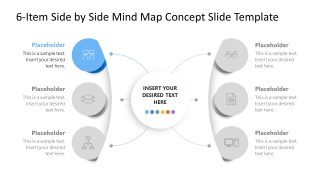
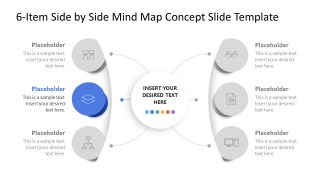
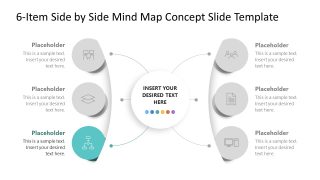
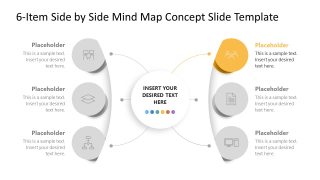
6-Item Side by Side Mind Map Concept PowerPoint Template
7-slide presentation template for six-item mind map comparison, concept mapping, and framework explanation
This 7-slide Microsoft PowerPoint diagram template presents a central idea with six side-by-side branches. It includes one full-color mind map overview and six focused callout slides highlighting each branch in turn. Business presenters can explain product features, competency frameworks, risk factors, or project deliverables in a 16:9 format.
- Category
- Diagrams
- Rating

 Loading...
- Aspect ratio
- 16:9
- Item ID
- 23770-01
- Colors
 Microsoft PowerPoint
  Microsoft Copilot
  Claude for PowerPoint
 Other formats supported
Subscribe today and get immediate
access to download our PowerPoint templates.