Slide 3 of 7 from 6 Item Helix Diagram PowerPoint Template
PowerPoint Diagram of 6 Items Design
6 Item Helix Diagram for PowerPoint
- Diagram
- Helix
- Process Slide
- 16:9
- 100% Editable
What’s on This Slide
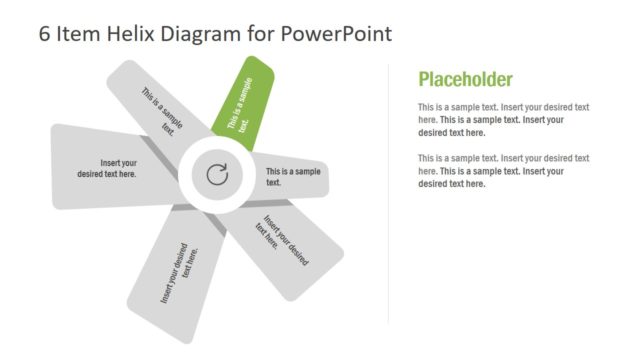
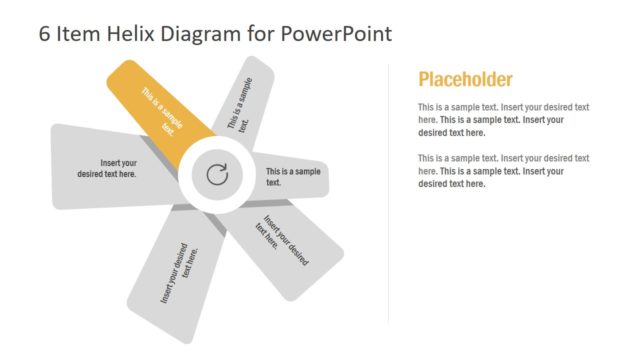
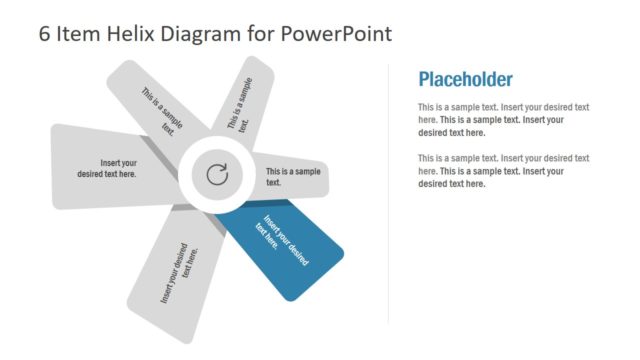
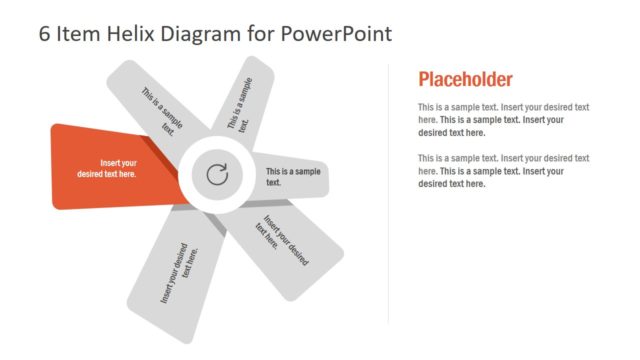
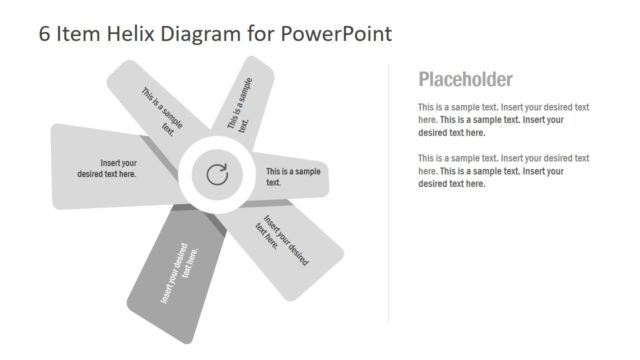
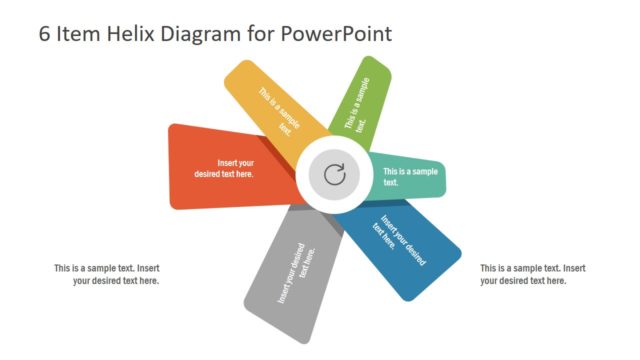
The layout features a central circular node surrounded by six helix segments arranged in a circular pattern. Each segment contains a text placeholder aligned diagonally, with the text oriented outward. The central node includes a circular icon, suggesting a process or cycle. To the right, there is a vertical text placeholder for additional information, aligned to the top. The background is light with a subtle gradient, enhancing the visual hierarchy. The overall composition emphasizes the central node while allowing for clear text placement in each segment.
How to Use It
This layout serves as a process flow diagram, ideal for illustrating interconnected concepts or steps. It fits well in presentations discussing strategies, workflows, or project phases. This layout is useful in business contexts where multiple elements contribute to a central theme. It can be applied in training sessions, project updates, or strategic planning discussions, providing a clear visual representation of relationships among various components.
Text Placeholders & Capacity
Keep your copy within these limits so it fits without resizing. Node slots can hold about 40 characters each, while the body slot can accommodate up to 200 characters.
| Placeholder | Count | Max characters (approx.) |
|---|---|---|
| Item body | 6 | 40 |
| Body paragraph | 1 | 200 |
| Slide title | 1 | 50 |
Slide Keywords
Download unlimited PowerPoint templates, charts and graphics for your presentations with our annual plan.
DOWNLOADReturn to 6 Item Helix Diagram PowerPoint Template.