Slide 2 of 7 from 6 Item Helix Diagram PowerPoint Template
6 Steps Helix Diagram PowerPoint
6 Item Helix Diagram for PowerPoint
- Diagram
- Other
- Process Slide
- 16:9
- 100% Editable
What’s on This Slide
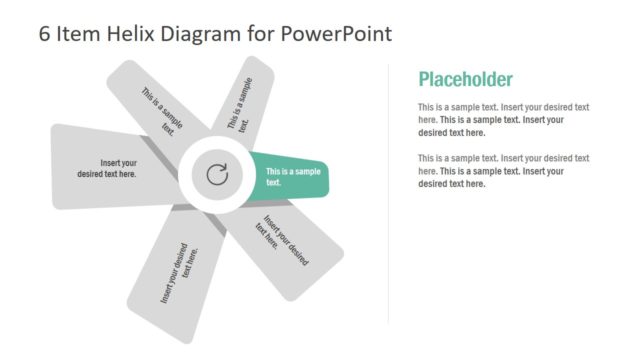
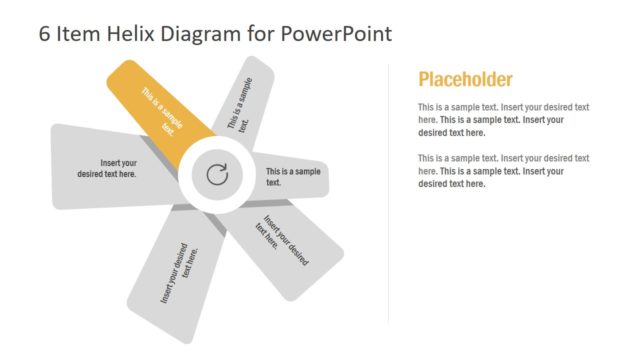
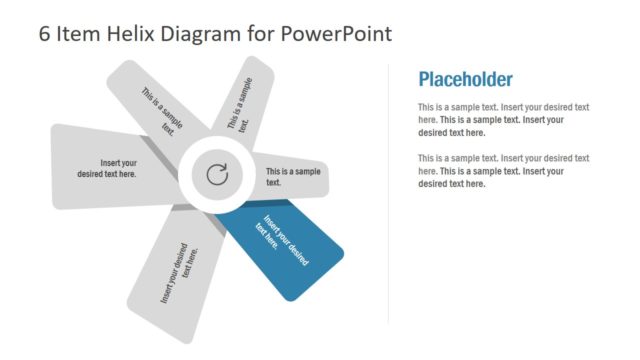
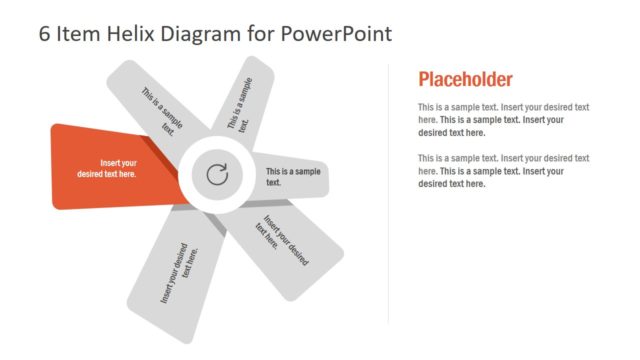
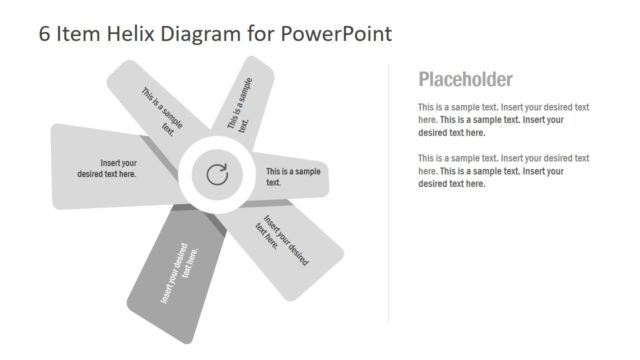
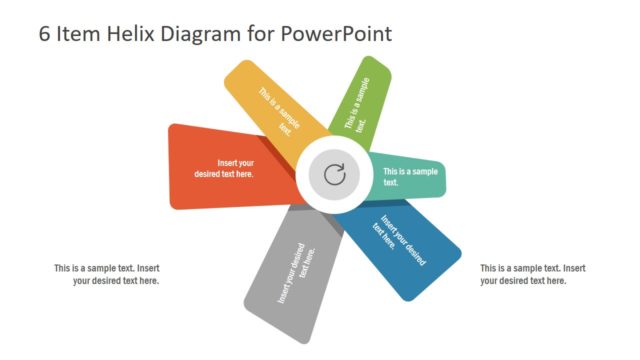
The layout features a central circular node surrounded by six elongated segments arranged in a helix pattern. Each segment contains a text placeholder aligned towards the center, with a mix of sample text and instructions. The central node is circular and includes a refresh icon. The segments are colored differently, with a gradient effect, and are positioned at equal angles around the central node. To the right, there is a vertical text placeholder for additional content, aligned to the top and bottom. The overall composition emphasizes the central node and the surrounding segments.
How to Use It
This layout serves as a visual representation of processes or concepts with multiple components, ideal for illustrating relationships or steps in a sequence. It fits well in a presentation after introducing a topic, providing clarity on how different elements interact. Common scenarios include project planning, product features, or strategic initiatives where multiple factors are involved. The design allows for clear communication of complex ideas in a structured manner.
Text Placeholders & Capacity
Keep your copy within these limits so it fits without resizing. Node slots can hold up to 40 characters each, while the body slot can accommodate around 200 characters.
| Placeholder | Count | Max characters (approx.) |
|---|---|---|
| Item body | 6 | 40 |
| Body paragraph | 1 | 200 |
| Slide title | 1 | 50 |
Slide Keywords
Download unlimited PowerPoint templates, charts and graphics for your presentations with our annual plan.
DOWNLOADReturn to 6 Item Helix Diagram PowerPoint Template.