Slide 6 of 7 from 6 Item Helix Diagram PowerPoint Template
Flat Colorful PowerPoint Diagram
6 Item Helix Diagram for PowerPoint
- Diagram
- Other
- Process Slide
- 16:9
- 100% Editable
What’s on This Slide
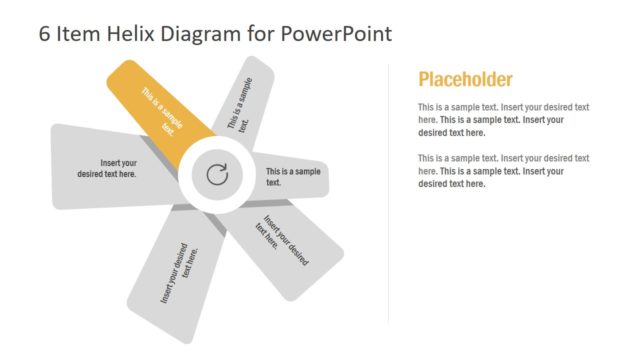
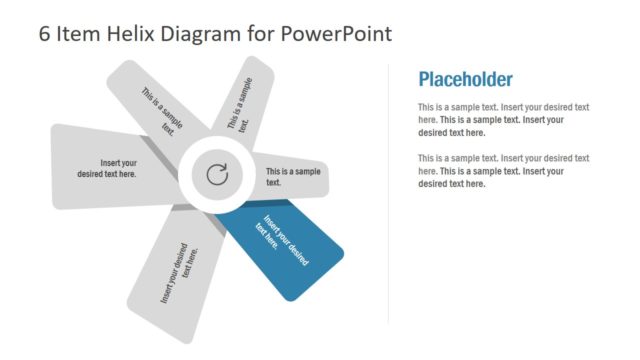
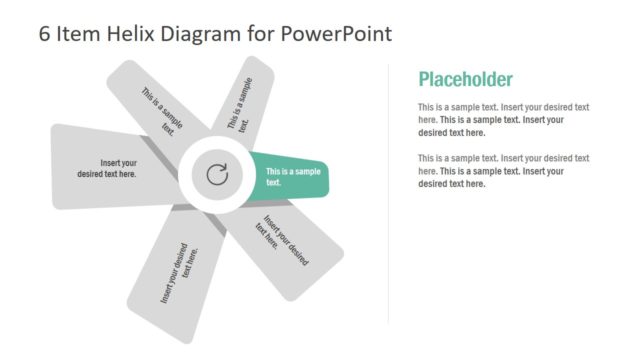
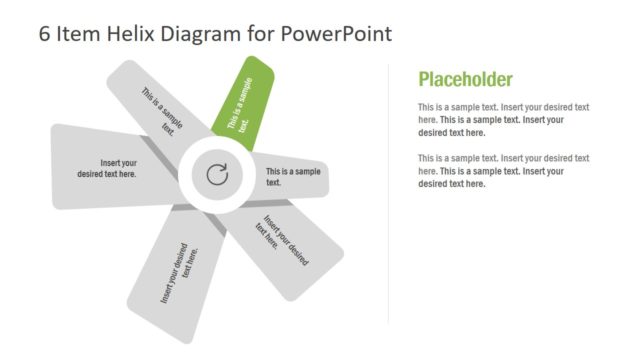
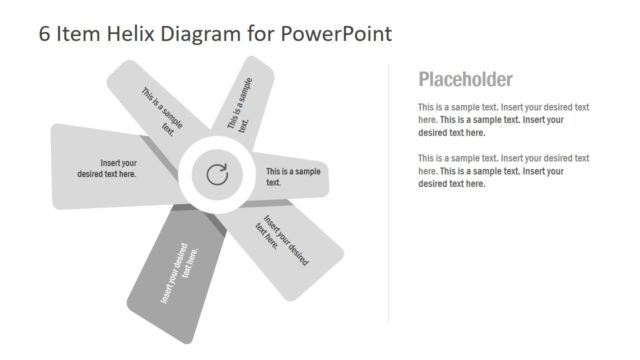
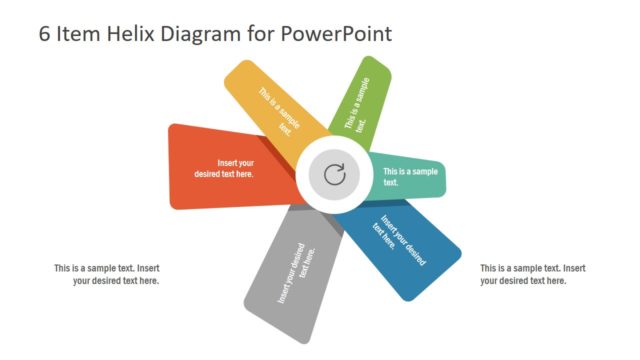
The layout features a central circular node with a refresh icon, surrounded by six outwardly extending segments. Each segment contains a text placeholder aligned to the left, with a bold label at the top. The segments are arranged in a circular pattern, creating a helix effect. The background is light gray, and the segments alternate in color, enhancing visual separation. The right side includes a larger text placeholder for additional content, aligned vertically. Overall, the design emphasizes a clear visual hierarchy and structured flow.
How to Use It
This layout serves as a multi-item diagram, ideal for presenting interconnected concepts or processes. It fits well in a presentation sequence after introducing a problem or concept, leading into detailed explanations. Suitable for business scenarios such as project phases, product features, or strategic initiatives, this structure allows for clear communication of complex information. It can be used individually or as part of a broader presentation to illustrate relationships and progressions.
Text Placeholders & Capacity
Keep your copy within these limits so it fits without resizing. Node body slots can hold about 30 characters each.
| Placeholder | Count | Max characters (approx.) |
|---|---|---|
| Item body | 6 | 30 |
| Body paragraph | 1 | 200 |
| Slide title | 1 | 50 |
Slide Keywords
Download unlimited PowerPoint templates, charts and graphics for your presentations with our annual plan.
DOWNLOADReturn to 6 Item Helix Diagram PowerPoint Template.