Slide 2 of 2 from 6 Item Fluid Concept Agenda Layout for PowerPoint
Template of 6 Items Agenda Slide
6 Item Fluid Concept Agenda Layout for PowerPoint
- Diagram
- Other
- Agenda Slide
- 16:9
- 100% Editable
What’s on This Slide
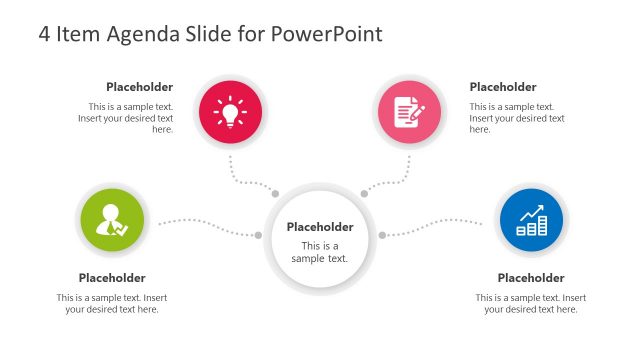
The layout features a central circular node with a smartphone icon, surrounded by six smaller circular nodes. Each smaller node contains an icon representing different concepts, such as a magnifying glass and a light bulb. Text placeholders are positioned above and below each icon, with a consistent alignment. The background is dark gray, enhancing the visibility of the colorful nodes, which are connected by curved lines. The overall composition is balanced, with a clear visual hierarchy emphasizing the central node and its surrounding elements.
How to Use It
This layout serves as an agenda or overview slide, ideal for presenting multiple concepts or topics in a fluid manner. It fits well in a presentation sequence after an introduction and before detailed discussions. This structure is useful for business meetings, project updates, or educational presentations where several key points need to be highlighted. It allows for a clear and engaging way to outline the main topics to be covered.
Text Placeholders & Capacity
Keep your copy within these limits so it fits without resizing. Node body slots can hold roughly 8 words each.
| Placeholder | Count | Max characters (approx.) |
|---|---|---|
| Slide title | 1 | 40 |
| Item body | 6 | 40 |
Slide Keywords
Download unlimited PowerPoint templates, charts and graphics for your presentations with our annual plan.
DOWNLOADReturn to 6 Item Fluid Concept Agenda Layout for PowerPoint.