Slide 1 of 2 from 5S Strategy Diagram Template for PowerPoint
5S Strategy Diagram Template for Presentation
5S Strategy Diagram Overview
- Diagram
- Matrix Quadrant
- Concept Explanation Slide
- 16:9
- 100% Editable
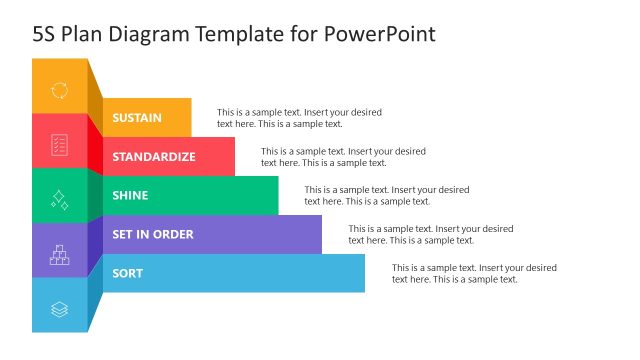
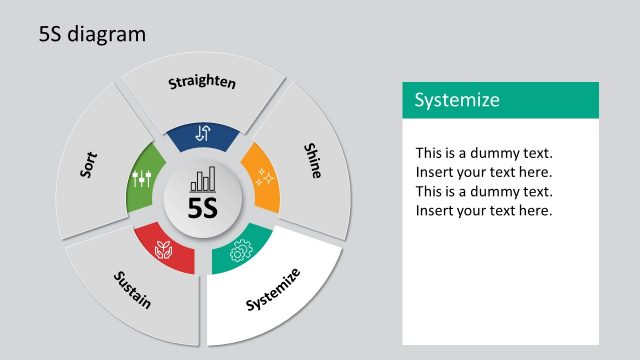
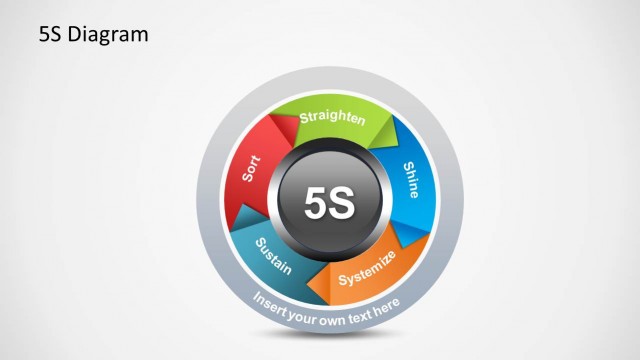
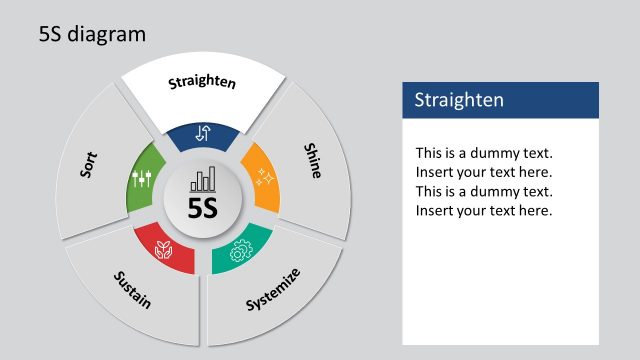
The 5S Strategy Diagram slide from the 5S Strategy Diagram Template for PowerPoint visually outlines the five key principles of the 5S methodology using editable shapes and vector icons. This slide layout is designed for business presentations and strategic planning sessions, offering a clear and structured overview ideal for performance improvement discussions. It integrates seamlessly into corporate presentation slide decks, supporting effective communication of process organization concepts.
What’s on This Slide
The slide features a central circular node labeled '5S' positioned at the center left. It connects to five horizontal rows, each containing a colored rectangular node with a title and a descriptive text. The nodes are arranged vertically, with the first node at the top labeled 'SEIRI' and the last at the bottom labeled 'SHITSUKE'. Each node has a corresponding icon on the right. The background is a gradient transitioning from white to light gray, creating a clean visual appearance. Text placeholders exist for titles and descriptions, aligned within each node.
How to Use It
This layout serves as a structured overview of the 5S methodology, suitable for presentations on business strategy or performance improvement. It effectively communicates the five principles of 5S in a clear, sequential manner. This slide is ideal for introductory sections or strategic planning discussions, providing a visual reference for each principle. It fits well after problem-framing slides, leading into detailed discussions on implementation strategies or case studies.
Text Placeholders & Capacity
Keep your copy within these limits so it fits without resizing. Node body slots can hold roughly 15-20 words each.
| Placeholder | Count | Max characters (approx.) |
|---|---|---|
| Slide title | 1 | 30 |
| Item heading | 5 | 15 |
| Item body | 5 | 80 |
Slide Keywords
Download unlimited PowerPoint templates, charts and graphics for your presentations with our annual plan.
DOWNLOADReturn to 5S Strategy Diagram Template for PowerPoint.