Slide 6 of 6 from 5 Steps Chevron Pentagon PowerPoint Diagram
5 Steps Pentagon Chevron PPT
5 Steps Chevron Pentagon PowerPoint Diagram
- Diagram
- Chevron Sequence
- Process Slide
- 16:9
- 100% Editable
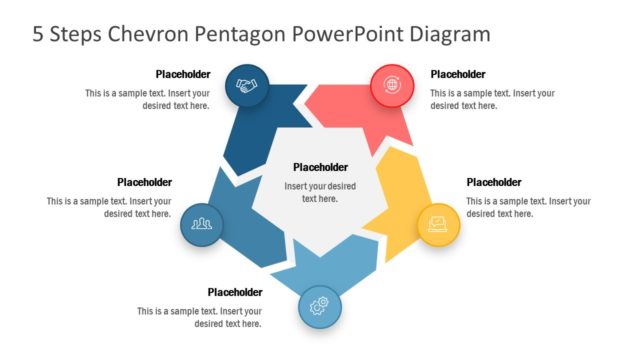
The 5 Steps Chevron Pentagon Diagram slide from the 5 Steps Chevron Pentagon PowerPoint Diagram template offers a clear process visualization ideal for business presentations. This slide layout uses editable shapes and vector icons arranged in a symmetrical pentagon with chevron segments to illustrate workflows or project planning steps effectively. It integrates well into corporate presentations and pitch decks requiring a step-by-step strategy outline, making it a practical choice among presentation templates and slide decks.
What’s on This Slide
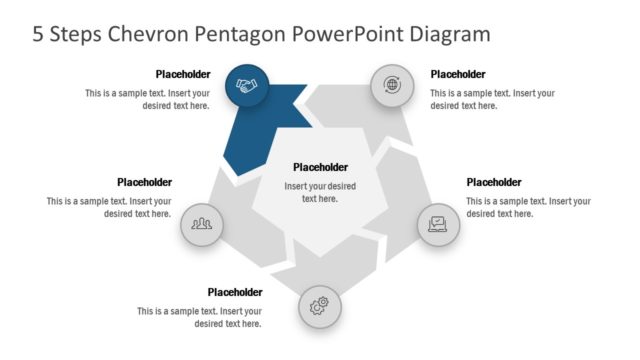
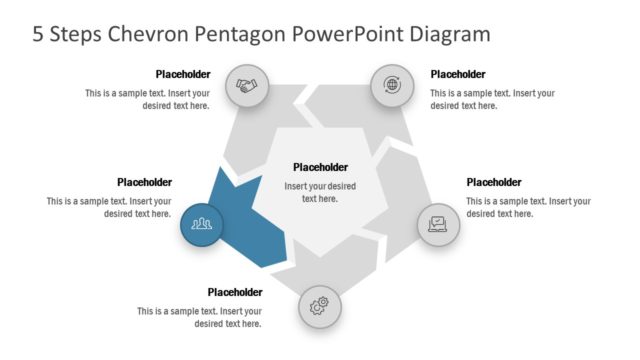
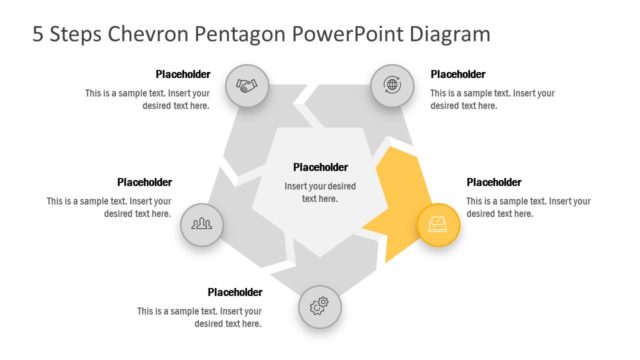
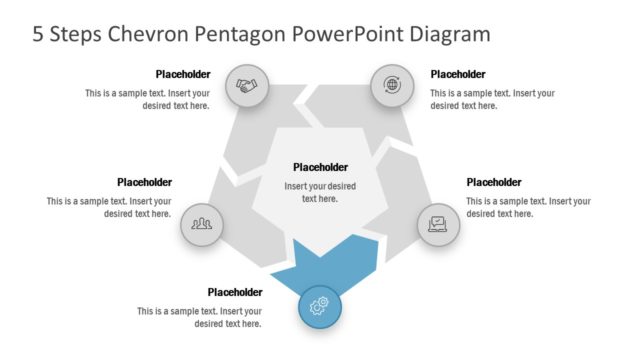
The layout features a central pentagon shape with five chevron segments extending outward. Each segment contains a circular icon and a text placeholder, positioned at the top, bottom, left, and right of the pentagon. The central segment is highlighted in red, indicating emphasis. Text placeholders are aligned within each segment, providing space for titles and descriptions. The overall composition is symmetrical, with a clean background that enhances visibility. The color scheme includes gray for most segments and red for the highlighted segment, creating a clear visual hierarchy.
How to Use It
This layout serves as a process cycle diagram, illustrating five sequential steps in a business context. It is effective for presentations that require a clear depiction of processes, workflows, or strategies. This slide fits well after problem identification slides, guiding the audience toward solutions. It can be used in various scenarios, such as project planning, product development, or operational strategies, where a step-by-step approach is necessary to convey information effectively.
Text Placeholders & Capacity
Keep your copy within these limits so it fits without resizing. Each node can hold a title and description, roughly 10-15 words each.
| Placeholder | Count | Max characters (approx.) |
|---|---|---|
| Item body | 5 | 50 |
| Slide title | 1 | 60 |
Slide Keywords
Download unlimited PowerPoint templates, charts and graphics for your presentations with our annual plan.
DOWNLOADReturn to 5 Steps Chevron Pentagon PowerPoint Diagram.