Slide 6 of 6 from 5 Steps Bridge Infographic Template for PowerPoint
5 Steps Stage 5 Bridge Infographic PowerPoint
5 Steps Bridge Infographic Template Overview
- Diagram
- Process Flow
- Process Slide
- 16:9
- 100% Editable
What’s on This Slide
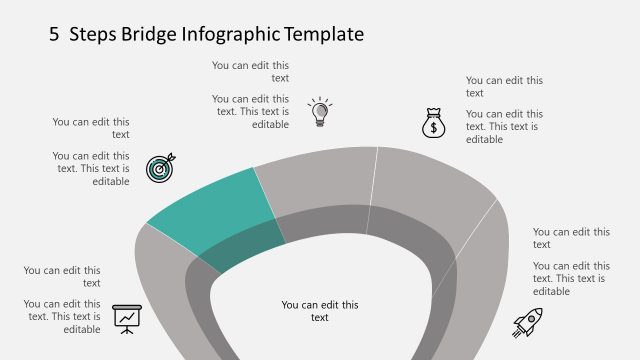
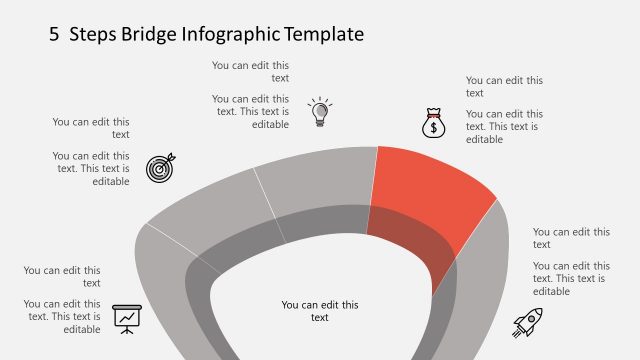
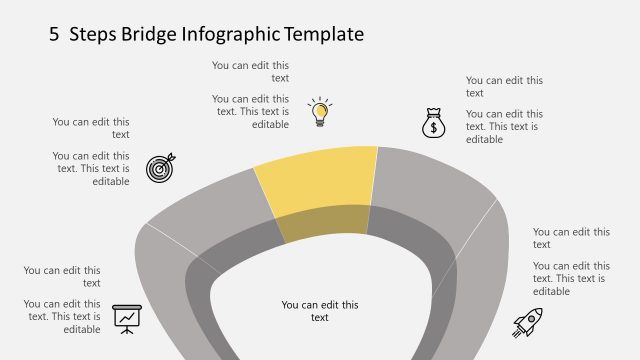
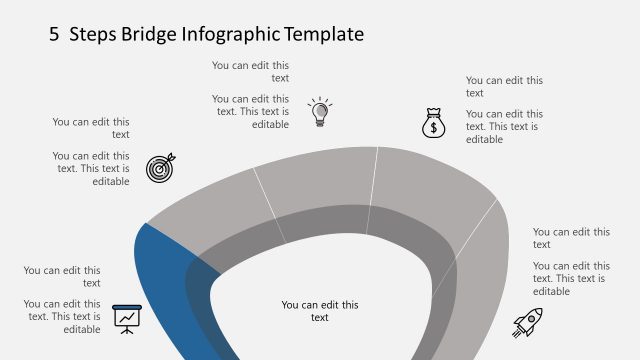
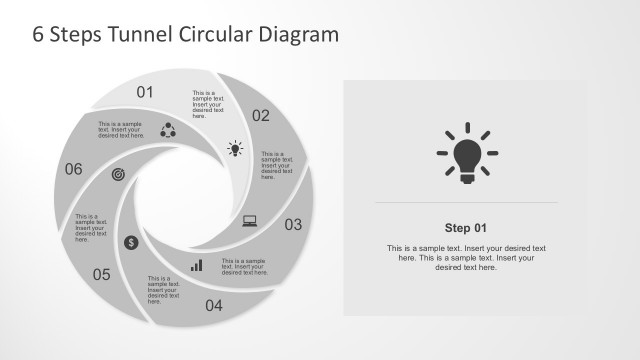
The layout features a central bridge shape divided into five segments, each with a unique icon positioned above. The segments are colored in varying shades of gray, with the rightmost segment highlighted in orange. Text placeholders are centered within each segment, allowing for editable content. The icons include a light bulb, a dollar sign, a target, a graph, and a rocket, each aligned above their respective segments. The overall composition is symmetrical, emphasizing the bridge's centrality and the importance of each step.
How to Use It
This layout serves as a visual representation of a five-step process, ideal for presentations outlining sequential actions or stages. It fits well in a presentation sequence following a problem statement or introduction, providing a clear roadmap for the audience. This structure is applicable in business contexts such as project planning, strategic initiatives, or process improvement discussions, where clarity in steps is essential.
Text Placeholders & Capacity
Keep your copy within these limits so it fits without resizing. Each segment can hold about 30 characters of text comfortably.
| Placeholder | Count | Max characters (approx.) |
|---|---|---|
| Item body | 5 | 30 |
Slide Keywords
Download unlimited PowerPoint templates, charts and graphics for your presentations with our annual plan.
DOWNLOADReturn to 5 Steps Bridge Infographic Template for PowerPoint.