Slide 5 of 6 from 5 Steps Bridge Infographic Template for PowerPoint
5 Steps Stage 4 Bridge Infographic PowerPoint
5 Steps Bridge Infographic Template Overview
- Diagram
- Segmented Wheel
- Process Slide
- 16:9
- 100% Editable
What’s on This Slide
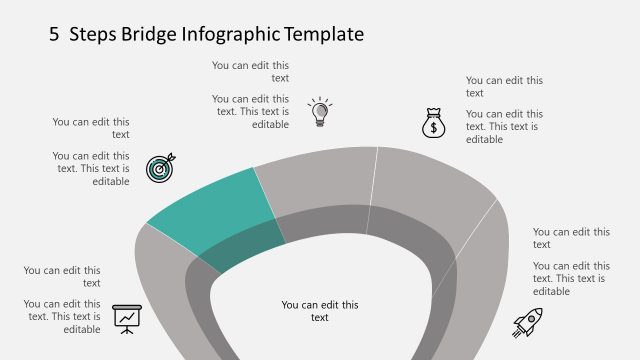
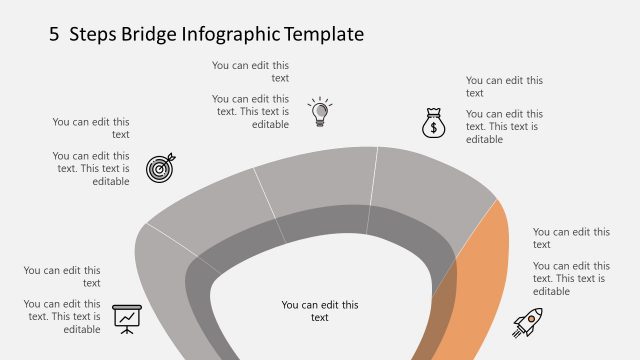
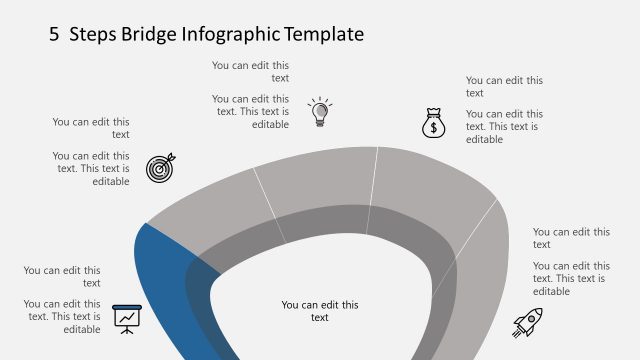
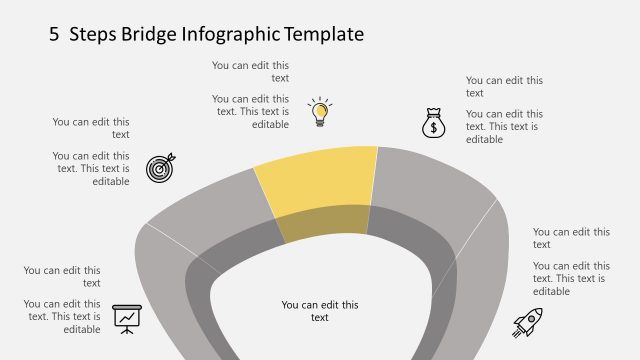
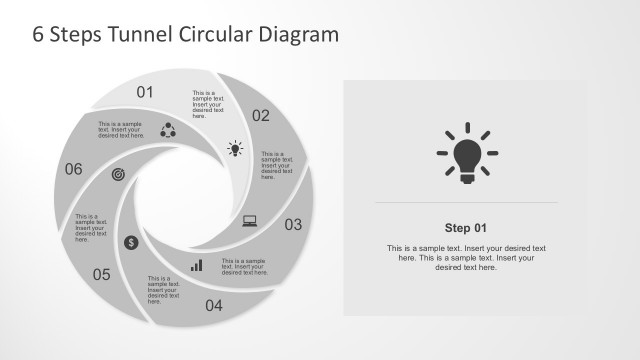
The slide features a circular bridge diagram divided into five segments. The segments are arranged in a semi-circular layout, with one segment highlighted in red. Each segment contains a text placeholder positioned centrally, allowing for editable content. Icons representing various concepts are placed adjacent to the segments, including a light bulb, a dollar sign, and a graph. The background is light gray, providing contrast to the darker segments. The visual hierarchy emphasizes the highlighted segment, guiding the viewer's focus.
How to Use It
This layout serves as a visual representation of a five-step process or framework. It is suitable for presentations that outline sequential actions or stages in a project or strategy. This slide fits well after a problem-framing slide and can be used in business contexts such as project planning, strategic analysis, or process mapping. It effectively communicates complex information in a simplified manner, making it easy for audiences to grasp key points.
Text Placeholders & Capacity
Keep your copy within these limits so it fits without resizing. Node body slots can accommodate roughly 5-6 words each.
| Placeholder | Count | Max characters (approx.) |
|---|---|---|
| Item body | 5 | 30 |
| Slide title | 1 | 50 |
Slide Keywords
Download unlimited PowerPoint templates, charts and graphics for your presentations with our annual plan.
DOWNLOADReturn to 5 Steps Bridge Infographic Template for PowerPoint.