Slide 3 of 6 from 5-Step Cycle Flowchart Template for PowerPoint
Editable 5-Step Cycle Flowchart Template
5-Step Cycle Flowchart Template Overview
- Diagram
- Circular Cycle
- Process Slide
- 16:9
- 100% Editable
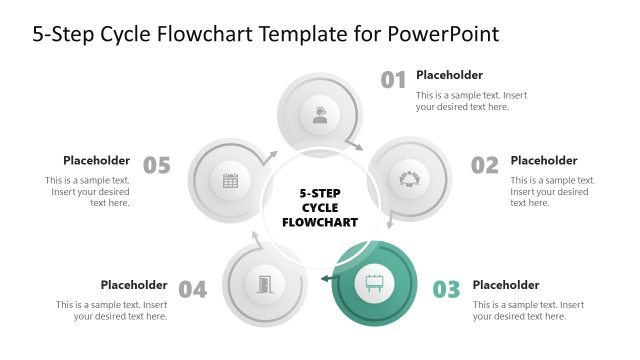
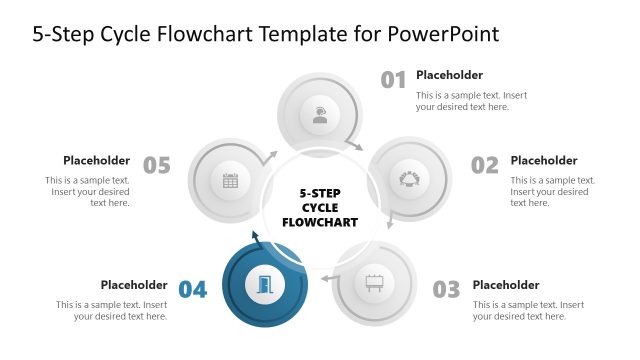
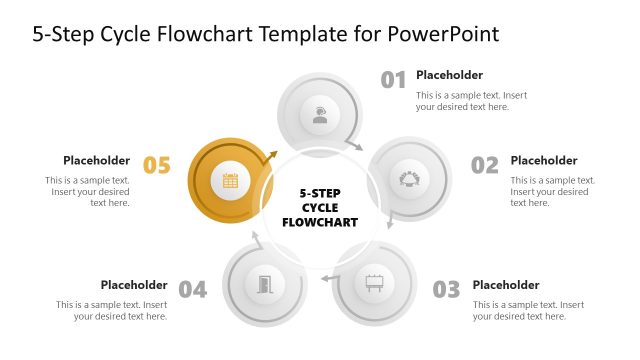
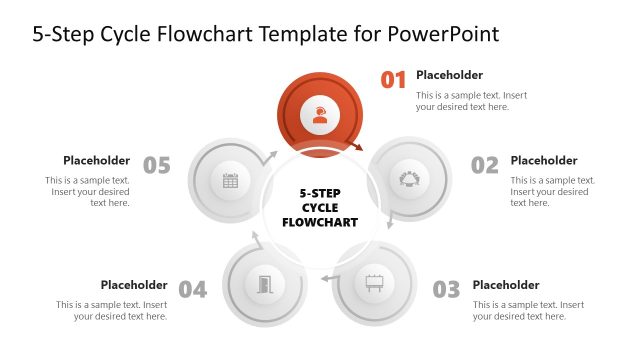
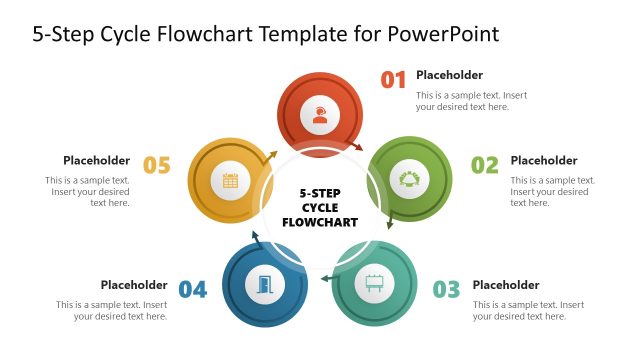
The 5-Step Cycle Flowchart slide from the 5-Step Cycle Flowchart Template for PowerPoint offers a clear circular process diagram ideal for business presentations. This slide template uses editable shapes and arrows to illustrate workflows and user flows, emphasizing sequential stages in a continuous loop. Its design supports corporate presentations and pitch deck templates that require visual clarity in process mapping.
What’s on This Slide
The layout features a circular flowchart with five nodes arranged in a cycle. Each node is represented by a circular shape with a number and a placeholder for text. The second node is highlighted in green, indicating its significance. The nodes are connected by arrows indicating the flow direction, creating a continuous loop. The central area contains the title '5-STEP CYCLE FLOWCHART' in bold text. Background colors are light gray and white, enhancing visual separation. Text placeholders are centered within each node, maintaining a consistent visual hierarchy.
How to Use It
This layout serves as a cyclical process diagram, ideal for illustrating workflows or stages in a process. It fits well in presentations discussing project phases, user flows, or operational steps. The highlighted node can represent the current focus or step in the cycle. Use this structure to convey sequential relationships and emphasize specific stages. It is effective for business scenarios that require clarity in process visualization, such as training sessions or project management discussions.
Text Placeholders & Capacity
Keep your copy within these limits so it fits without resizing. Node body slots can hold about 10 words each.
| Placeholder | Count | Max characters (approx.) |
|---|---|---|
| Item heading | 5 | 20 |
| Item body | 5 | 50 |
| Slide title | 1 | 40 |
Slide Keywords
Download unlimited PowerPoint templates, charts and graphics for your presentations with our annual plan.
DOWNLOAD