Slide 2 of 6 from 5-Step Cycle Flowchart Template for PowerPoint
5-Step Cycle Flowchart PPT Template
5-Step Cycle Flowchart for Presentations
- Diagram
- Circular Cycle
- Process Slide
- 16:9
- 100% Editable
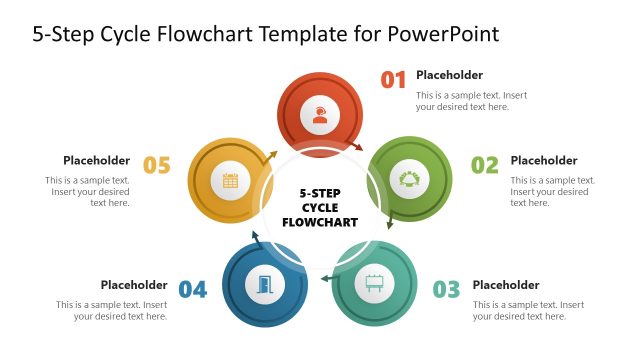
The 5-Step Cycle Flowchart slide from the 5-Step Cycle Flowchart Template for PowerPoint provides a clear circular process diagram ideal for illustrating workflows and project stages. This slide layout includes editable shapes and vector icons arranged in a circular pattern to enhance business presentations or pitch deck templates. It supports effective communication of sequential steps in corporate presentations using professional slide templates.
What’s on This Slide
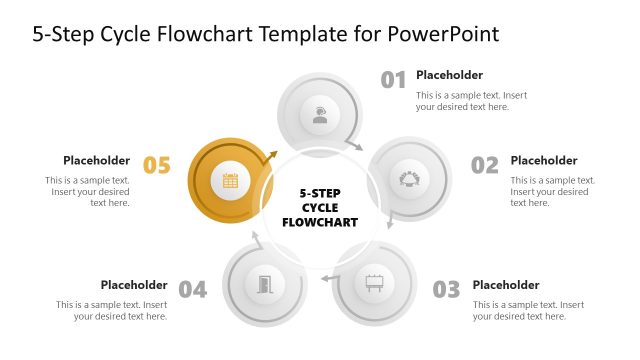
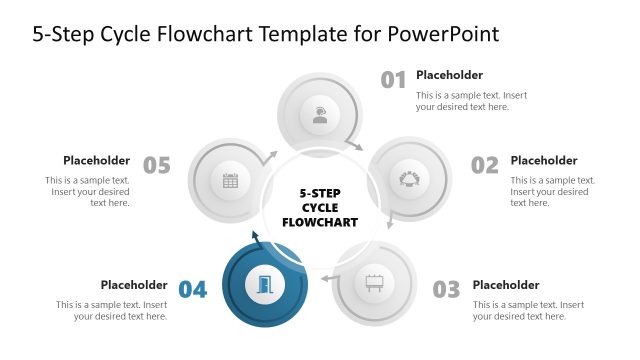
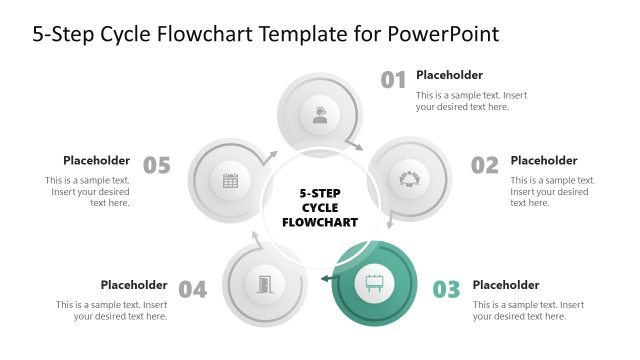
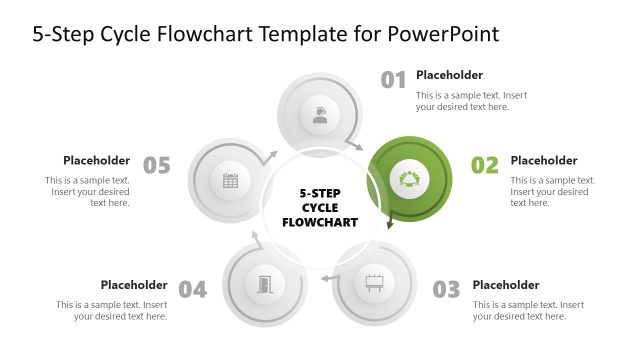
The layout features a circular flowchart with five evenly spaced nodes arranged in a circular pattern. Each node is represented by a circular shape, with the first node highlighted in red. The nodes contain text placeholders labeled 01 to 05, positioned around the central label '5-STEP CYCLE FLOWCHART.' Arrows connect the nodes, indicating flow direction. The background is white, enhancing visibility. Each node has a distinct icon representing different stages, and there are additional text placeholders for descriptions beneath each node, maintaining visual hierarchy.
How to Use It
This layout serves as a process diagram, ideal for illustrating a five-step workflow or cycle. It fits well in presentations that require a clear visual representation of sequential processes. Common scenarios include project management, product development stages, or user journey mapping. This slide effectively communicates the flow of steps in a structured manner, making it suitable for business meetings or educational contexts.
Text Placeholders & Capacity
Keep your copy within these limits so it fits without resizing. Node body slots can hold about 10 words each, while the title slot is tighter.
| Placeholder | Count | Max characters (approx.) |
|---|---|---|
| Item heading | 5 | 20 |
| Item body | 5 | 50 |
| Slide title | 1 | 40 |
Slide Keywords
Download unlimited PowerPoint templates, charts and graphics for your presentations with our annual plan.
DOWNLOAD