Slide 2 of 2 from 5 Step Creative Cloud Diagram Template
Infographic PowerPoint Diagram Cloud
5 Step Cloud Diagram Template Overview
- Diagram
- Process Flow
- Process Slide
- 16:9
- 100% Editable
What’s on This Slide
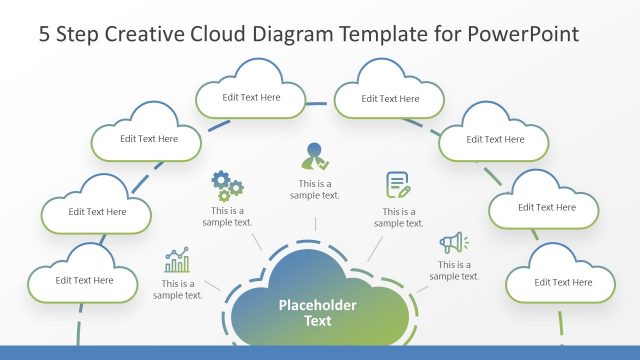
The layout features a central cloud shape at the bottom with the text placeholder labeled 'Placeholder Text.' Surrounding this central shape are five smaller cloud shapes positioned above, each containing text placeholders aligned centrally. Connecting lines extend from the central cloud to each surrounding cloud, indicating a flow of information. Additional icons are present near the central cloud, with some labeled as 'This is a sample text.' The background is a gradient purple, enhancing visual appeal. The overall structure emphasizes a central concept supported by related elements.
How to Use It
This layout serves as a process flow diagram, illustrating five steps or components related to a central theme. It is suitable for presentations in technology or creative fields, where cloud computing concepts are discussed. This slide can effectively summarize processes or ideas in a visually engaging way. It fits well in a sequence following an introductory slide, providing clarity on the steps involved in a process. Use it to convey complex information simply and effectively.
Text Placeholders & Capacity
Keep your copy within these limits so it fits without resizing. Node slots can hold roughly 20 characters each, while the central placeholder can fit about 30 characters.
| Placeholder | Count | Max characters (approx.) |
|---|---|---|
| Item body | 5 | 20 |
| Item body | 1 | 30 |
Slide Keywords
Download unlimited PowerPoint templates, charts and graphics for your presentations with our annual plan.
DOWNLOADReturn to 5 Step Creative Cloud Diagram Template.