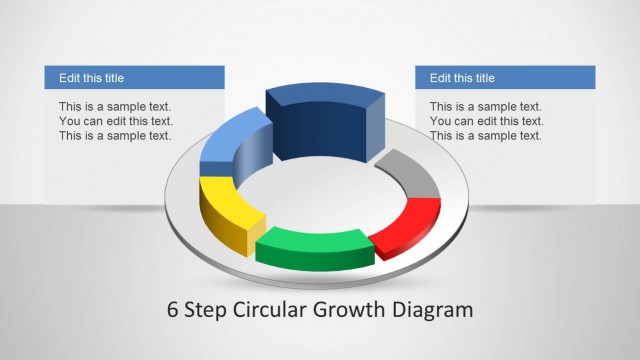
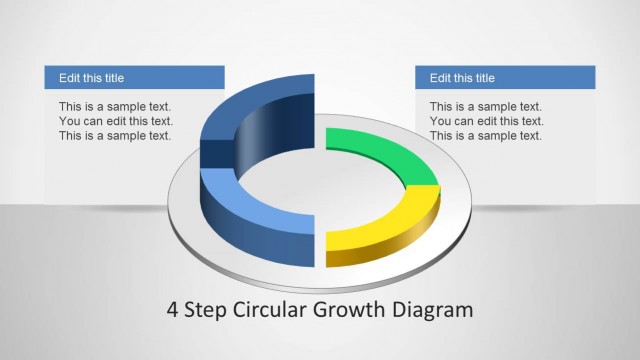
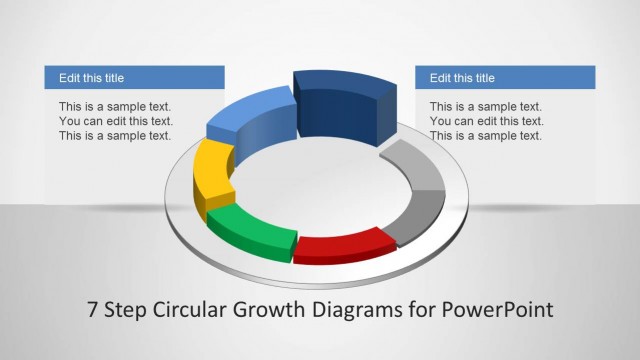
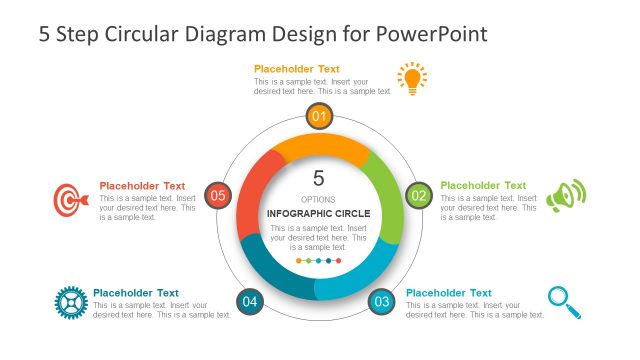
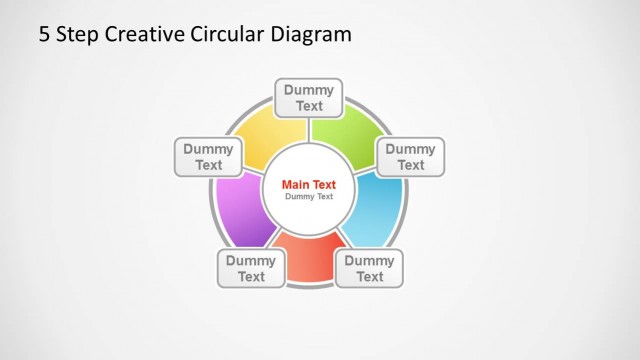
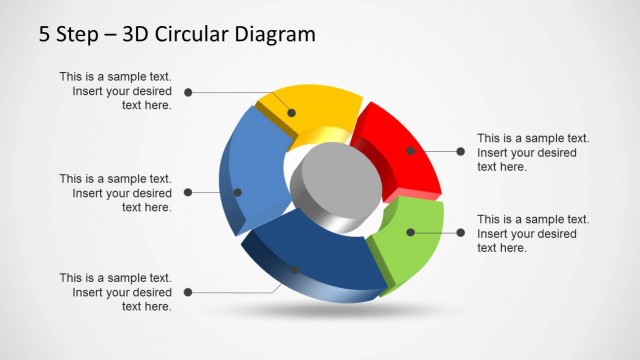
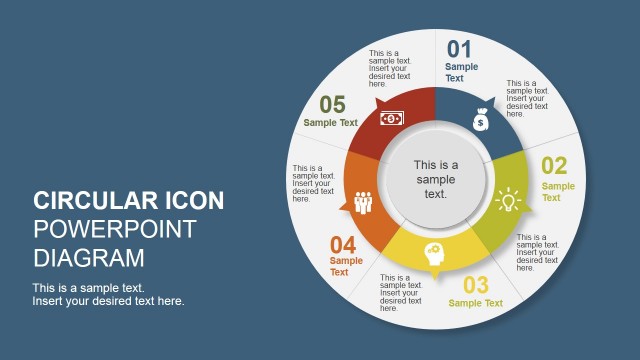
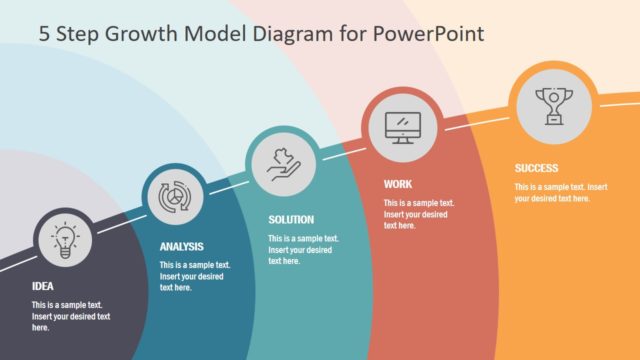
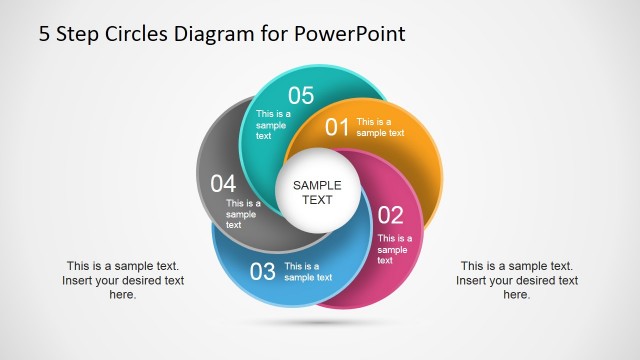
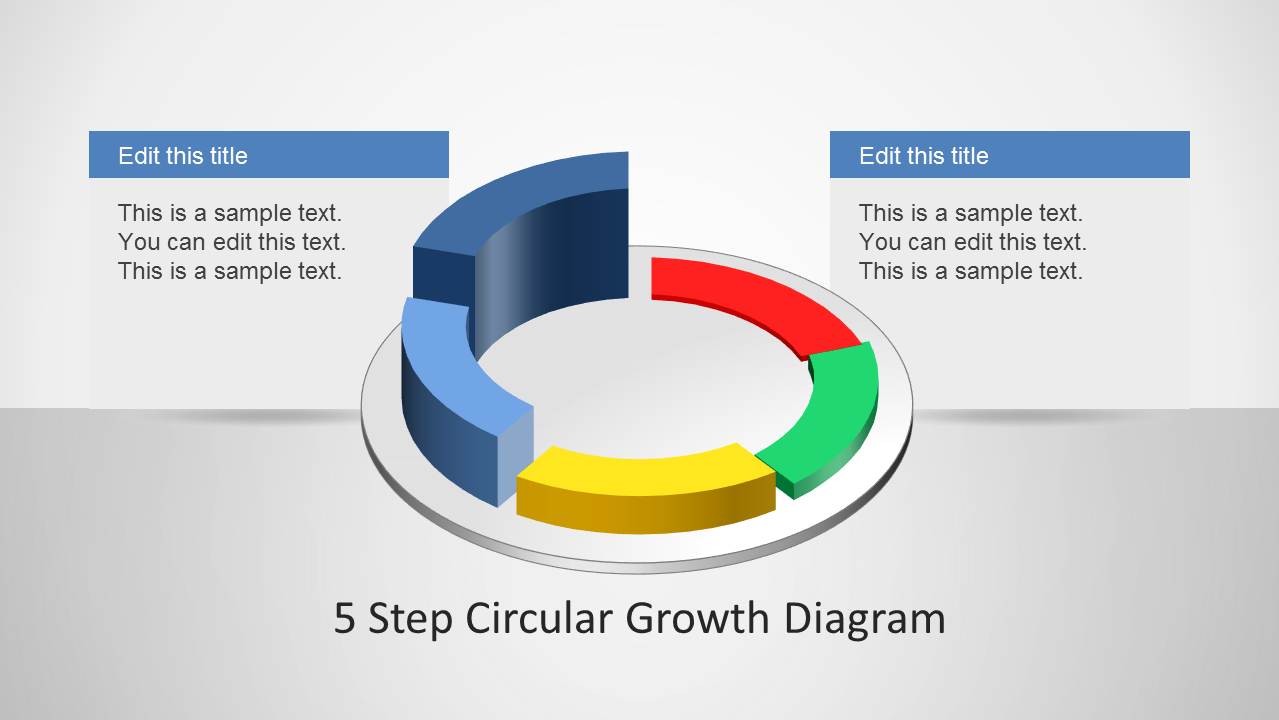
5 Step Circular Growth Diagram for PowerPoint is a five step growth diagram template that can be used for making circular diagrams.
The template comes laden with different layouts that can help you create circular diagram slides in a matter of minutes, by simply adding text to the sample slides. Moreover, the template is highly customizable and you can comprehensively edit the elements within the sample slides to also create custom diagrams and to adjust the sample designs to match your requirements.
What’s inside this template
Example presentation scenarios
- A strategy consultant can use the five-segment circular diagram to explain a repeatable growth model and assign one client-facing message to each colored stage.
- An operations manager can use the arrow callout slide to present five connected improvement actions and show how each action feeds the next cycle.
- A product leader can use the annotated cycle with side text boxes to summarize adoption, feedback, iteration, and growth themes for an internal roadmap discussion.
- A training facilitator can use the left diagram and stacked text panels to teach a five-step method while keeping the diagram visible as the central reference.
Features
- 100% editable presentation template
- Compatible with Microsoft PowerPoint and Google Slides
- Scalable vector shapes, icons and illustrations
- AI-Ready for Microsoft Copilot and Claude
- Instant access and download
Frequently asked questions
Q: How should a presenter explain the five steps without making the circular diagram feel crowded?
A: Treat the colored ring as the main idea and keep each callout to one short phrase plus a brief explanation. Start by naming the full cycle, then move around the segments in order. Use the slide with five arrow callouts for step definitions and the side-panel layout for added context or examples.
Q: What type of presentation is this circular growth template best suited for?
A: It is best for presenters who need to explain a repeatable process rather than a one-time plan. Consultants, managers, trainers, and product teams can use it for growth loops, improvement cycles, customer adoption models, or operating rhythms where five connected stages repeat and build on one another.
Q: Why use a circular growth metaphor instead of a linear five-step list?
A: The circular form signals repetition, momentum, and continuous improvement. That makes it useful when the final step should lead back into the first, such as review, learn, improve, and restart. The 3D segmented ring also separates the five parts visually while keeping them connected as one system.


5 Step Circular Growth Diagram for PowerPoint
4-slide PowerPoint diagram template for 5-step circular growth cycles and process mapping
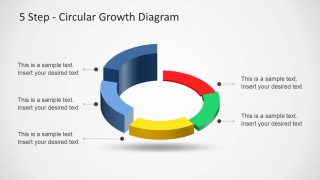
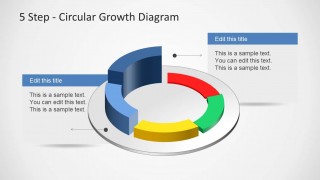
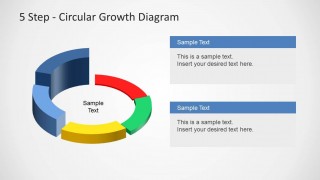
This is a 4-slide PowerPoint diagram template built around a 3D five-segment circular growth diagram. Visible layouts include a cover-style title slide, a cycle with arrow callouts, a larger annotated cycle, and a cycle with stacked side text panels. It suits business presenters explaining phased growth, process loops, or recurring plans.


 Loading...
 Microsoft PowerPoint
  Microsoft Copilot
  Claude for PowerPoint
 Other formats supported
Subscribe today and get immediate
access to download our PowerPoint templates.