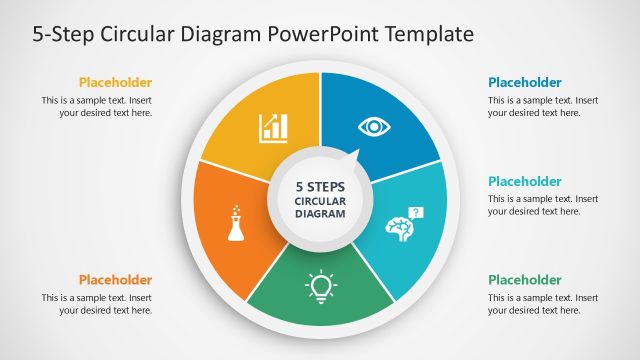
Slide 5 of 6 from 5 Step Circular Diagram Design for PowerPoint
Presentation of Infographic Cycle Flow
5 Step Circular Diagram for Presentations
- Diagram
- Circular Cycle
- Process Slide
- 16:9
- 100% Editable
What’s on This Slide
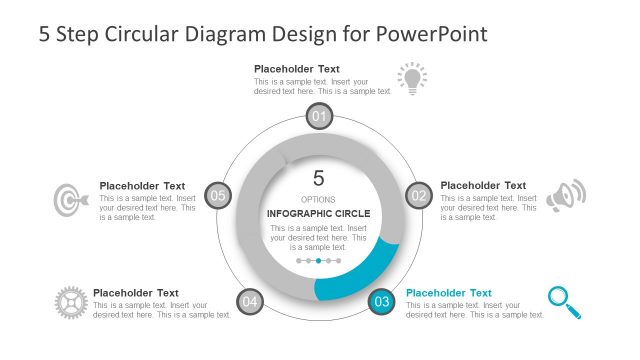
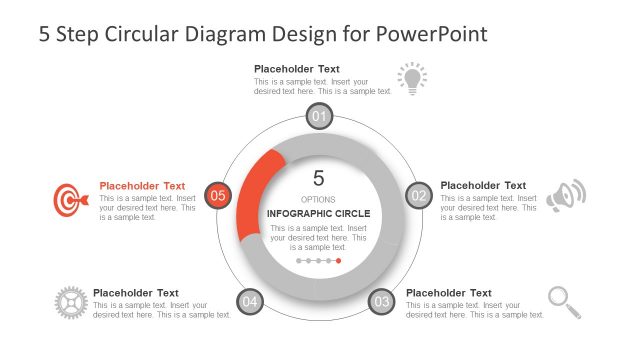
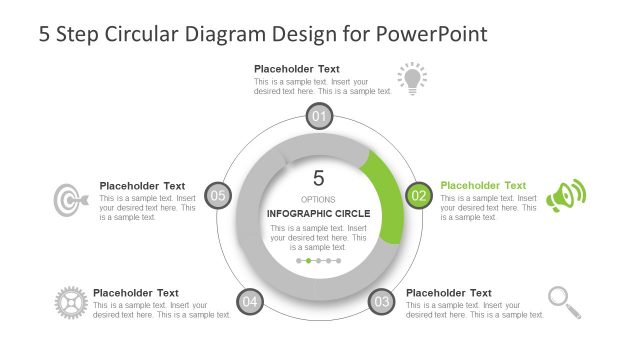
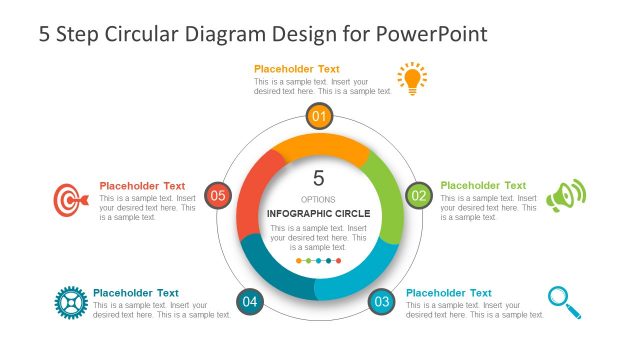
The layout features a circular diagram divided into five segments, each containing a placeholder for text. The segments are numbered from one to five, with the central area indicating '5 OPTIONS' and 'INFOGRAPHIC CIRCLE.' Icons are placed adjacent to each segment, representing different concepts. The color scheme includes shades of gray and teal, with a prominent circular shape at the center. Text placeholders are aligned within each segment, maintaining a consistent visual hierarchy. The overall composition is balanced, with elements evenly distributed around the central circle.
How to Use It
This layout serves as a visual representation of a five-step process or cycle. It is suitable for presentations that require a clear depiction of sequential steps or stages in a management process. This diagram can be effectively used in business contexts, such as project management, strategic planning, or process improvement discussions. It fits well within a presentation sequence, particularly after introducing a problem or concept that requires a structured solution.
Text Placeholders & Capacity
Keep your copy within these limits so it fits without resizing. Node body slots can hold approximately 15-20 words each.
| Placeholder | Count | Max characters (approx.) |
|---|---|---|
| Item heading | 5 | 30 |
| Item body | 5 | 100 |
| Chart title | 1 | 50 |
Slide Keywords
Download unlimited PowerPoint templates, charts and graphics for your presentations with our annual plan.
DOWNLOAD