Slide 4 of 6 from Free 5-Step Central Idea Infographic PowerPoint Template
Stage 3 PPT Slide – Free 5-Step Central Idea Infographic Template
5-Step Central Idea Slide PowerPoint Template
- Diagram
- Process Flow
- Process Slide
- 16:9
- 100% Editable
The 5-Step Central Idea Slide from the Free 5-Step Central Idea Infographic PowerPoint Template offers a clear process flow layout ideal for business presentations and pitch deck templates. Featuring five connected circular nodes with editable shapes and vector icons, this slide visually guides audiences through step-by-step methodologies or project overviews. Its design supports emphasizing key stages within a corporate presentation or educational slide deck, making it a practical choice for illustrating sequential processes in Google Slides templates or PowerPoint slides.
What’s on This Slide
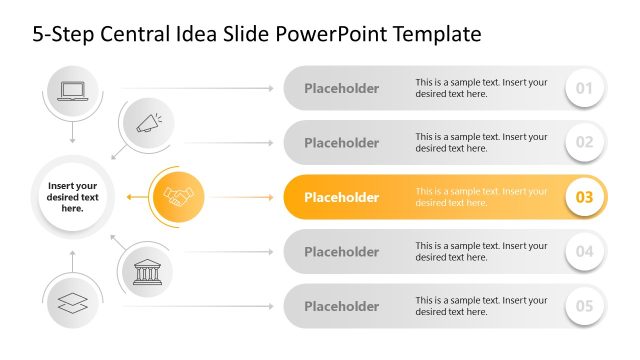
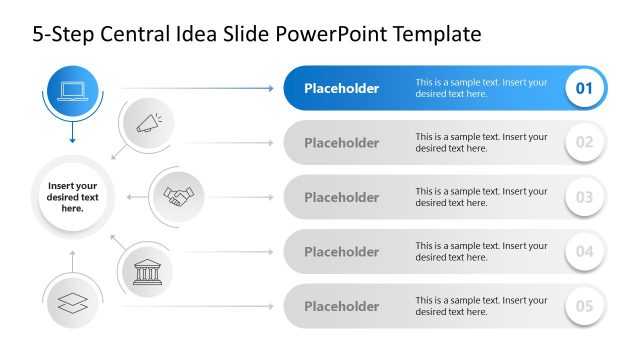
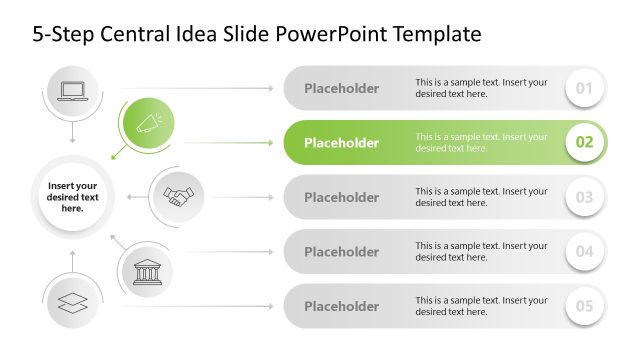
The layout features a vertical flow of five circular nodes aligned left to right. Each node contains an icon and a text placeholder, with the third node highlighted in orange. The nodes are connected by arrows pointing right, indicating progression. The first two nodes are positioned above the highlighted node, while the last two nodes are below it. The background is light with a subtle gradient. Text placeholders are aligned centrally within each node. The overall composition emphasizes the highlighted node as the focal point.
How to Use It
This layout serves as a sequential process diagram, ideal for illustrating a five-step methodology or framework. It fits well in presentations that require a clear progression of ideas or steps. Common scenarios include project management, strategic planning, or educational content where a structured approach is necessary. This slide can be used to emphasize key points in a process, making it suitable for business or academic contexts.
Text Placeholders & Capacity
Keep your copy within these limits so it fits without resizing. Node body slots can hold about 8 words each, while labels are limited to 2 characters.
| Placeholder | Count | Max characters (approx.) |
|---|---|---|
| Item body | 5 | 40 |
| Item heading | 5 | 2 |
| Body paragraph | 1 | 50 |
Slide Keywords
Download unlimited PowerPoint templates, charts and graphics for your presentations with our annual plan.
DOWNLOADReturn to Free 5-Step Central Idea Infographic PowerPoint Template.