Slide 2 of 2 from 5 Simple Circles Diagram Timeline Template
4 Steps Timeline Roadmap PowerPoint
5 Steps Timeline Diagram for Presentations
- Diagram
- Timeline Horizontal
- Process Slide
- 16:9
- 100% Editable
What’s on This Slide
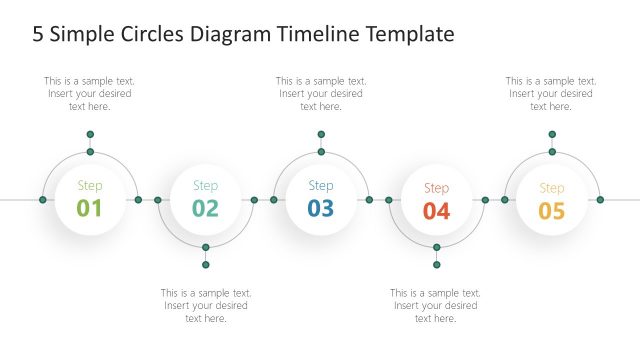
The layout features a horizontal timeline with five circular nodes labeled 'Step 01' through 'Step 05'. Each node is connected by a line, and there are small circles above each node. The nodes are evenly spaced across the center of the slide. Below each node, there are text placeholders aligned centrally, allowing for descriptions or details related to each step. The background is a dark blue gradient, enhancing the visibility of the white and colored elements, creating a clear visual hierarchy.
How to Use It
This layout serves as a chronological timeline, ideal for illustrating processes or milestones in presentations. It fits well after problem identification slides and before detailed planning or execution slides. Use it in project management, event planning, or product development contexts to outline steps or phases clearly. The structure allows for easy comprehension of sequential actions or events.
Text Placeholders & Capacity
Keep your copy within these limits so it fits without resizing. Node labels can hold up to 20 characters, while body text can hold around 50 characters each.
| Placeholder | Count | Max characters (approx.) |
|---|---|---|
| Item heading | 5 | 20 |
| Item body | 5 | 50 |
Slide Keywords
Download unlimited PowerPoint templates, charts and graphics for your presentations with our annual plan.
DOWNLOADReturn to 5 Simple Circles Diagram Timeline Template.