Edit our professional 4-Platform Numbered Slide Infographic PowerPoint Template to mention five key marketing channels important for online growth. Creative visuals help professionals effectively demonstrate their ideas or strategies in meetings. This 4-platform numbered slide template features creative, customizable elements that users can easily modify to express their viewpoints. It’s compatible with Google Slides and other versions of Microsoft PowerPoint.
This PPT template has many use cases:
- Marketers can discuss the types of ads or ad creatives they need for the upcoming marketing campaign.
- Project managers can showcase the four key milestones important for project completion.
- Operational Managers can highlight the four points of connection among various departments.
- This template allows HR managers to present four job roles for which they need to start a new hiring campaign.
- The ML engineers can edit this diagram template to discuss the four models necessary for training the new system.
- Software developers, product developers, and other professionals can also use this template in their meetings.
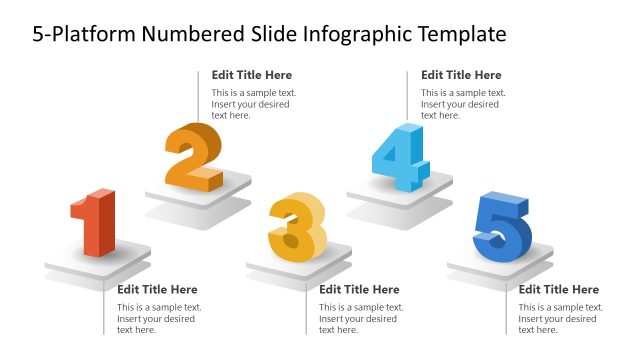
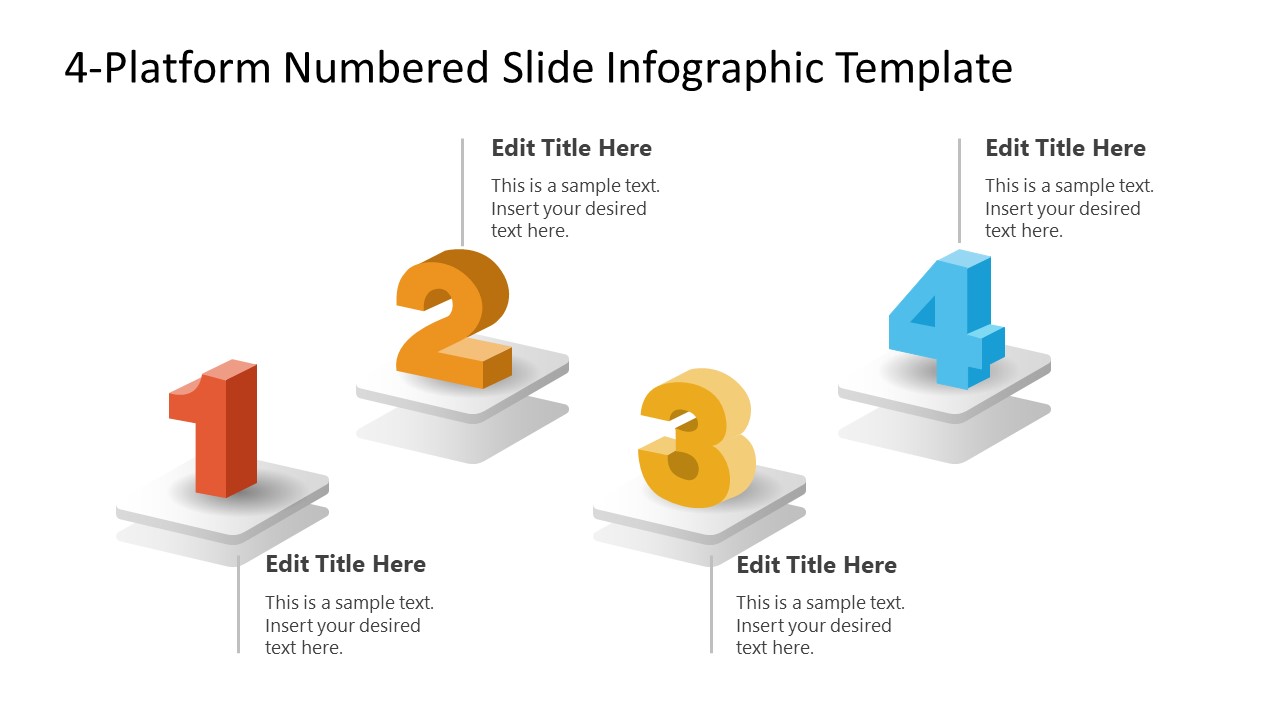
The 4-Platform Numbered Slide Infographic PowerPoint Template features a single slide with four square platforms. The platforms cast shadows, and large, colorful numerical digits appear over them. With each shape, there is a placeholder text line to outline the information comprehensively. Users can modify the colors of numbers, shapes, or fonts to match their specific theme needs perfectly. They can also repurpose it for respective business or academic presentations. Additionally, you can try our 5-Platform Numbered Slide Infographic PowerPoint Template to mention five points to your audience. Download our compelling 4-platforms template PPT layout and use it for your executive meetups to visualize the ideas with clarity!
What’s inside this template
Example presentation scenarios
- A marketing manager can use the four numbered platforms to explain campaign channels, with each editable title and description naming one channel and its role.
- A project manager can present four major milestones by placing each milestone on a numbered platform and using the short callout text for timing or ownership.
- An operations manager can show four department touchpoints, using the connector lines and platform positions to separate each function while keeping the story on one slide.
- An HR leader can introduce four open roles or hiring priorities, using the large numbers to rank the positions and the body text for qualification notes.
Features
- 100% editable presentation template
- Compatible with Microsoft PowerPoint and Google Slides
- 16:9 aspect ratio slides
- Scalable vector shapes, icons and illustrations
- AI-Ready for Microsoft Copilot and Claude
- Instant access and download
Frequently asked questions
Q: How should a presenter structure the message on this four-platform infographic?
A: Treat each platform as one complete idea, not a paragraph container. Put the category or step name in the editable title, then use the short text area for one proof point, owner, or action. Keep the numbers in logical order so the audience can follow the sequence without needing extra narration.
Q: Who is this template best suited for in a business presentation?
A: This template fits presenters who need to explain exactly four related items in a meeting, workshop, or planning review. Marketers can show channels, project managers can show milestones, HR teams can list roles, and operations teams can map connection points. It works best when each item has similar importance and short supporting text.
Q: Why use raised numbered platforms instead of a plain bullet list?
A: The raised platforms give each item a separate visual position, while the large numbers create reading order and priority. This makes the slide feel more organized than a list and helps the presenter pause at each point. The platform metaphor also suggests distinct foundations, stages, or building blocks.
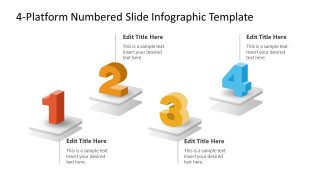
4-Platform Numbered Slide Infographic PowerPoint Template
1-slide 16:9 presentation template for four numbered platforms and short text callouts
The 4-Platform Numbered Slide Infographic PowerPoint Template is a 1-slide diagram for presenting four ordered items. It shows four 3D-style numbered platforms, vertical connector lines, and text callouts for labels and descriptions. It is suited for marketers, project managers, operations teams, HR teams, and product presenters using PowerPoint or Google Slides.
- Category
- Diagrams
- Rating

 Loading...
- Aspect ratio
- 16:9
- Item ID
- 23586-01
- Colors
 Microsoft PowerPoint
  Microsoft Copilot
  Claude for PowerPoint
 Other formats supported
Subscribe today and get immediate
access to download our PowerPoint templates.