5 Merging Arrows Down PowerPoint Template
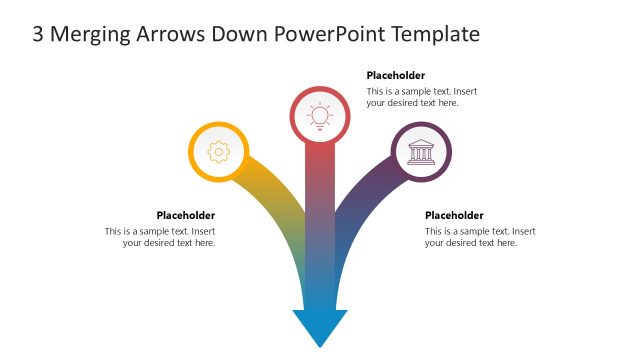
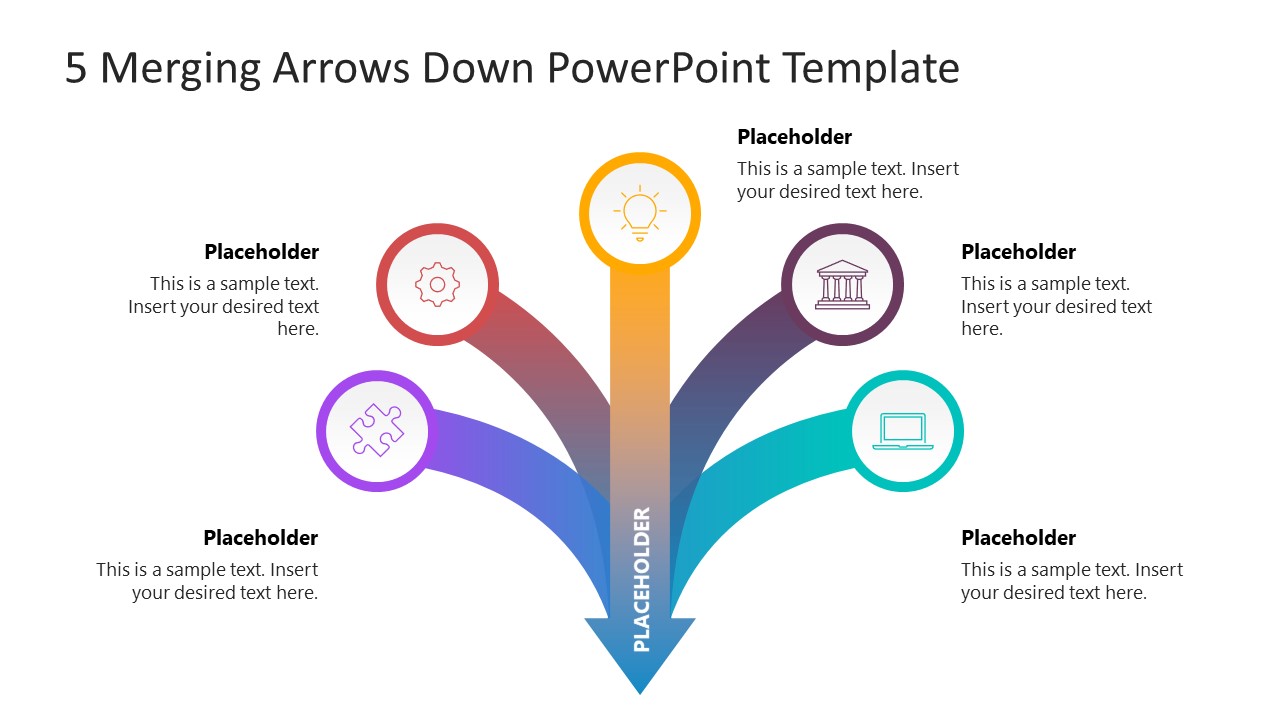
Present the milestone of the project that contributes to project completion with our 5 Merging Arrows Down PowerPoint Template. Professionals can use the merging arrows diagram to illustrate how five components join and give the specific result. We have provided placeholder text sections at corresponding places so that users can display the content correctly.
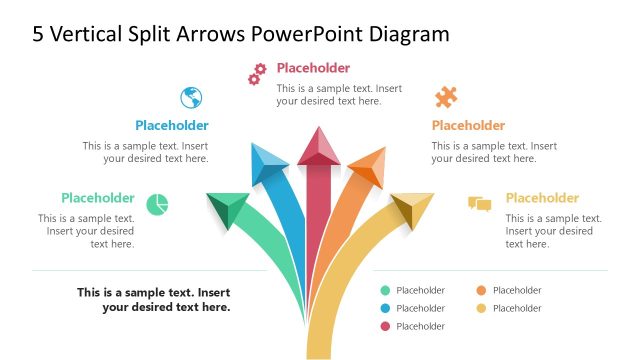
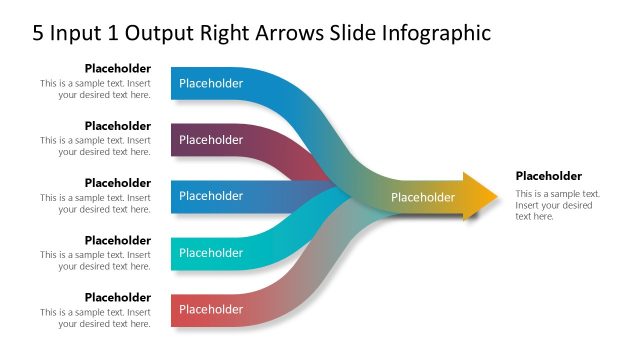
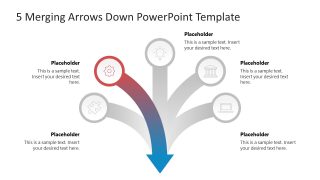
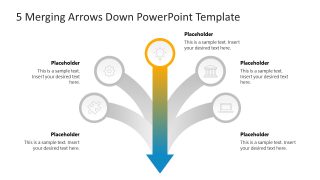
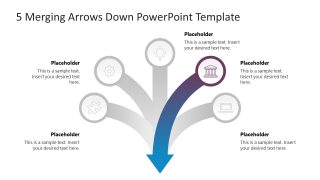
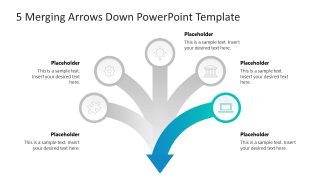
The 5 Merging Arrows Down PowerPoint Template features a creative appearance with gradient-colored arrows. There are five infographics on the slide enclosed in circular shapes. From each circle, an arrow emerges, and all five arrows join in the center to make one arrow. This is similar to having five inputs that produce a single output. Professionals can use this PPT template to showcase how different components come together to achieve a single, impactful result. Business developers can showcase five steps that collectively contribute to putting the company on the path to success.
Furthermore, the merging arrows diagram helps professionals present the ingredients that combine to form the desired product (chemical or edible). The direction of the arrows is from top to bottom. We offer alternative versions of this merging arrow diagram, which you can view on our website and select the ideal template for your business presentation.
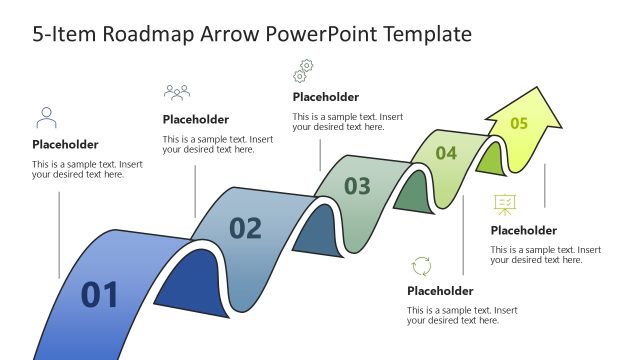
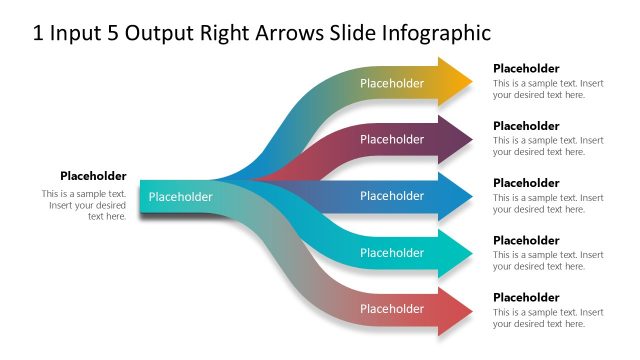
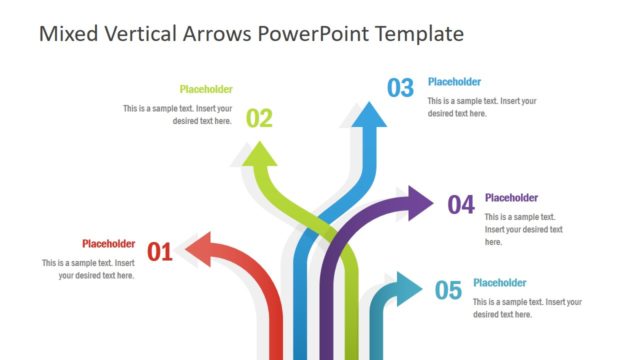
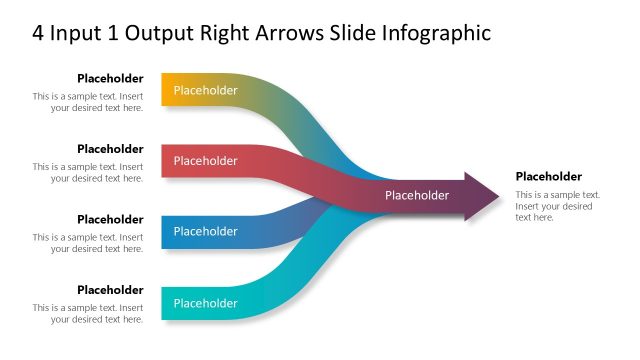
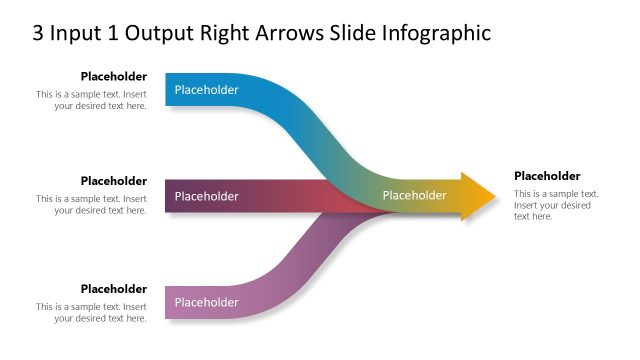
You can find variants with different numbers of arrows or other arrangements of the arrow diagram. If you need to change the colors or placement of the infographics used in this PPT design, you can easily replace those elements with your preferred items. Moreover, professionals can edit our 5 merging arrows diagram template with Google Slides. Download the 5 merging arrows down PPT template and edit for your academic or business sessions today!


You must be logged in to download this file.
DOWNLOAD- Category
- Diagrams
- Rating

 Loading...
- Size
- 16x9
- Item ID
- 23285-01
- Colors
Subscribe today and get immediate
access to download our PowerPoint templates.