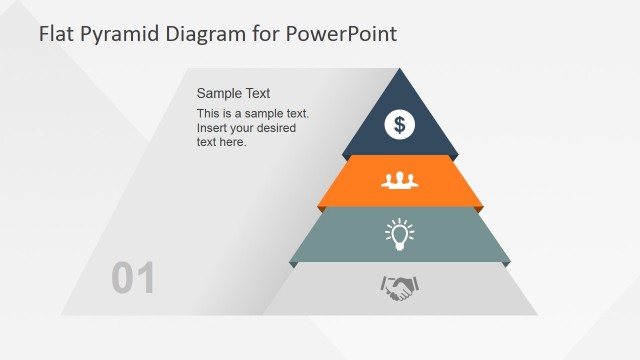
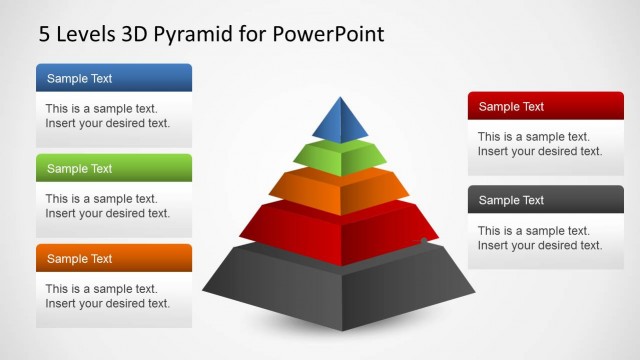
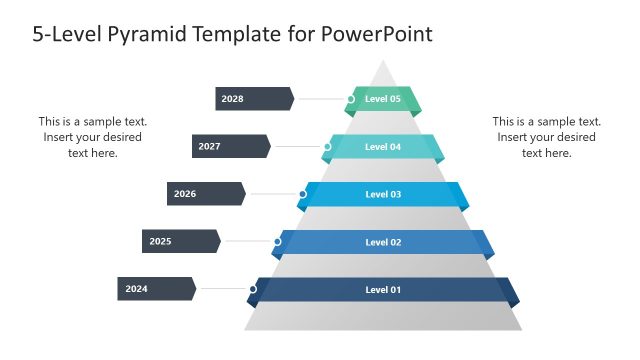
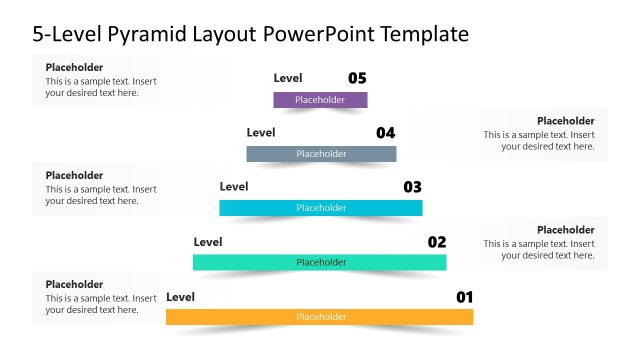
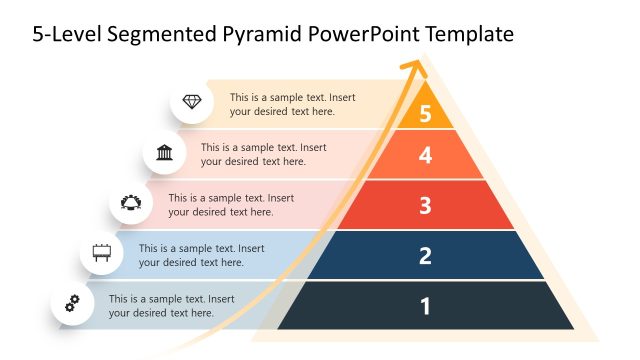
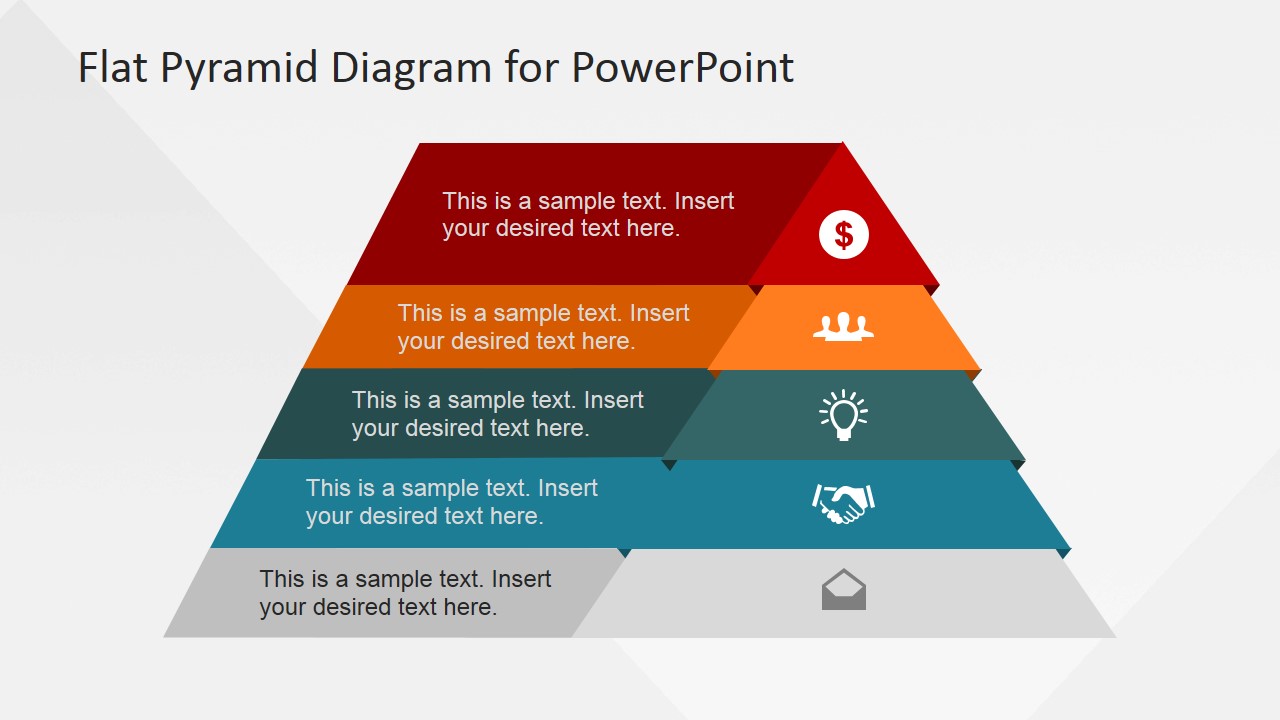
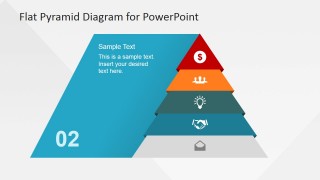
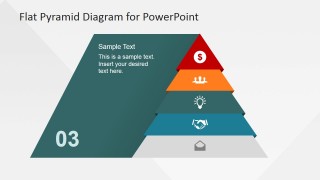
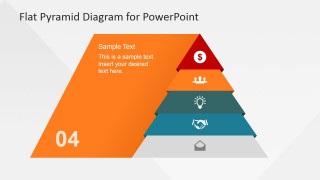
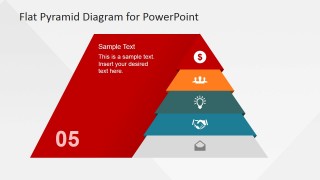
5 Levels Flat Pyramid Diagram Template for PowerPoint is a creative pyramid PowerPoint template design with segments that you can use to represent a business idea or hierarchical concept in PowerPoint.
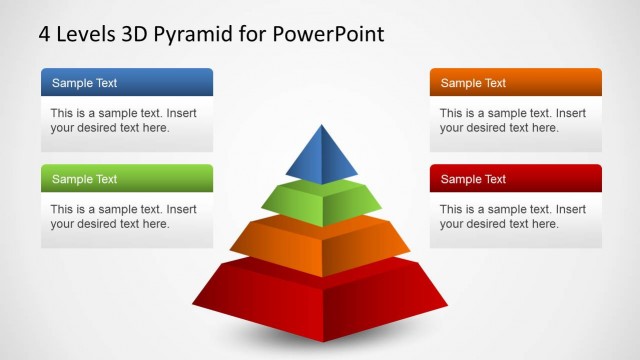
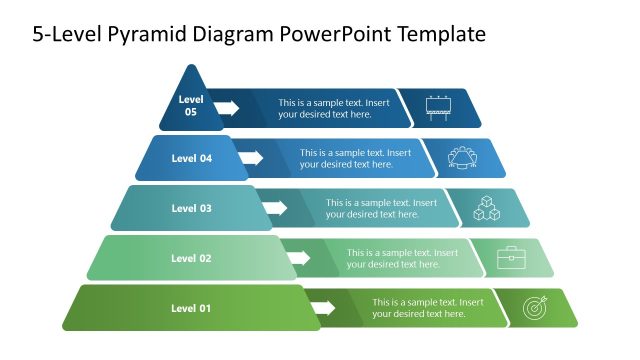
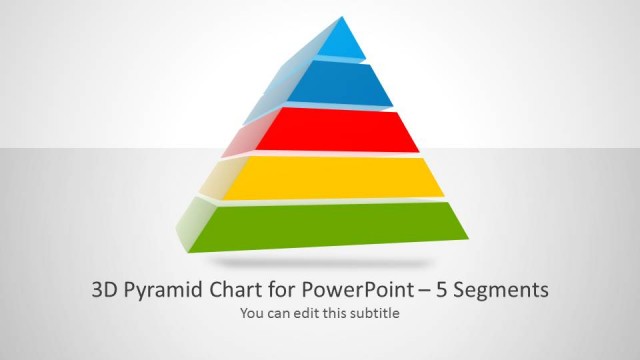
This pyramid PowerPoint template includes several slides with different pyramid styles. It is ready to be used in PowerPoint or Google Slides to represent a key concept or topic during a presentation. We have included multiple slides that you can use to describe each step or level.
What’s inside this template
Example presentation scenarios
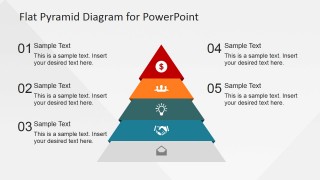
- A strategy consultant can use the full labeled pyramid to explain five levels of business priorities before discussing each layer in more detail.
- A project manager can use the individual level highlight slides to walk stakeholders through five implementation stages and clarify what changes at each stage.
- A trainer can use the numbered pyramid summary to teach a maturity model, then ask learners to map examples to the five visible levels.
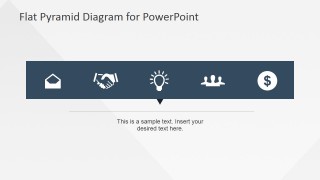
- A sales presenter can use the horizontal icon strip to introduce five value areas, such as communication, partnership, ideas, teams, and financial outcomes.
Features
- 100% editable presentation template
- Compatible with Microsoft PowerPoint and Google Slides
- 16:9 aspect ratio slides
- Scalable vector shapes, icons and illustrations
- AI-Ready for Microsoft Copilot and Claude
- Instant access and download
Frequently asked questions
Q: How should a presenter explain the five-level pyramid without overloading the audience?
A: Start with Slide 1 to name all five levels in one view, then use Slides 2 through 6 to isolate one level at a time. Keep each segment label short and place only the key interpretation in the editable text area. Finish with Slide 8 so the audience can reconnect the details to the whole framework.
Q: What kinds of presenters and messages fit this pyramid format best?
A: This format fits presenters who need to show ordered layers, not unrelated categories. Consultants can explain maturity models, managers can rank priorities, and trainers can teach five conceptual steps. The pyramid works best when the top level represents a peak, outcome, or narrow strategic focus, while lower levels support it.
Q: Why does the flat pyramid metaphor help communicate hierarchy?
A: The pyramid gives the audience an immediate visual cue for structure: broad foundations at the bottom and focused outcomes at the top. The repeated icons and color bands make the levels easier to distinguish, while the level-by-level slides reduce visual competition and let the presenter control the sequence of attention.
You may also like:


5 Levels Flat Pyramid Diagram Template for PowerPoint
8-slide presentation template for 5-level pyramid hierarchy diagrams and segmented process steps
The 5 Levels Flat Pyramid Diagram Template for PowerPoint is an 8-slide diagram deck for explaining five-part hierarchies, maturity levels, priorities, or step sequences. Visible layouts include a full labeled pyramid, individual level highlight slides, a horizontal icon strip, and a numbered pyramid summary for managers, consultants, and trainers using PowerPoint or Google Slides.
- Category
- Diagrams
- Rating


 Loading...
- Aspect ratio
- 16:9
- Item ID
- 6643-02
- Colors
 Microsoft PowerPoint
  Microsoft Copilot
  Claude for PowerPoint
 Other formats supported
Subscribe today and get immediate
access to download our PowerPoint templates.