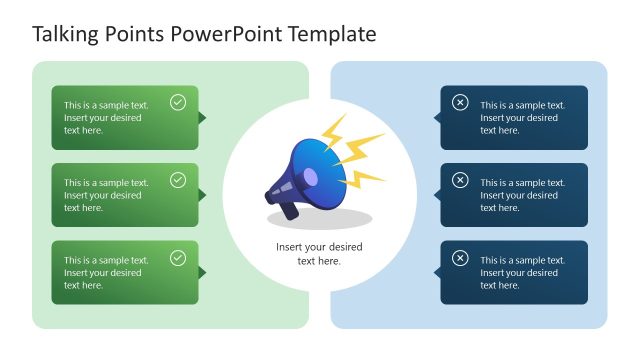
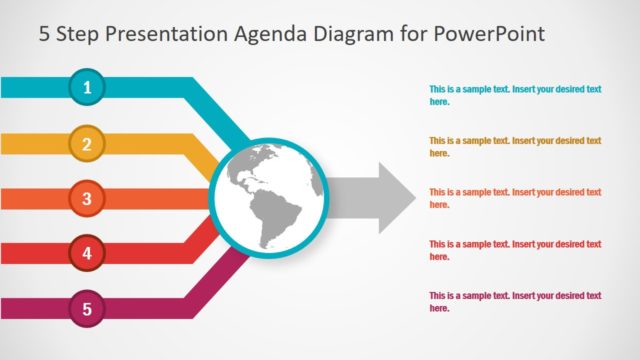
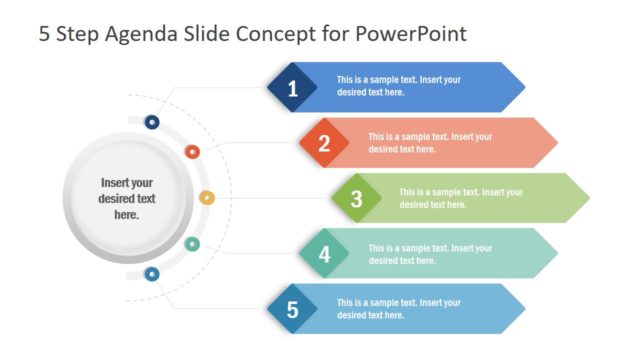
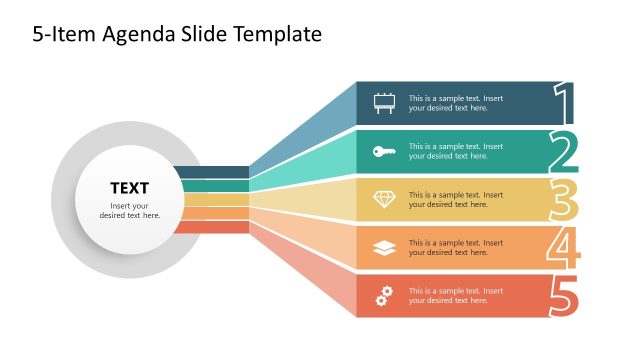
Our 5-Item Talking Points PowerPoint Template is a creative presentation template for presenting core values, agenda points, or planning key points. Designing presentations is equally important in conveying your message to the audience. A good design and graphical features can keep your attendees attached to the information, thus ensuring more fruitful results for any discussion. We have crafted this 100% editable 5-items diagram template with individual slides having catchy visuals and a professional color scheme for our users. Presenters can edit all the components to modify the slides according to their use cases. For instance, it can be used in a training session, a scholarly meetup with researchers, or a discussion with stakeholders and employees.
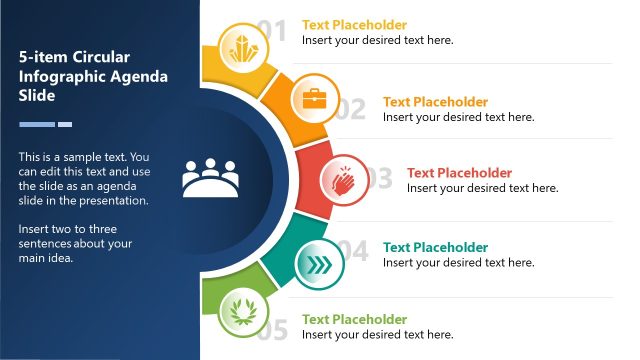
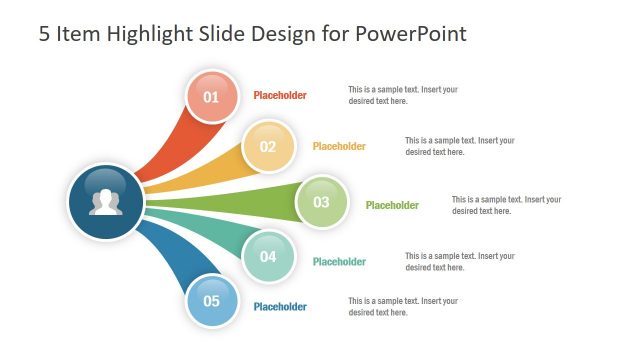
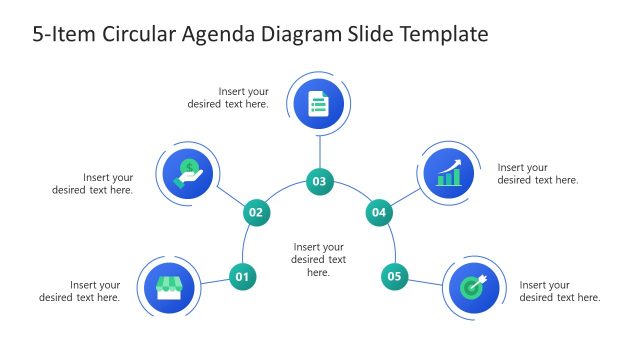
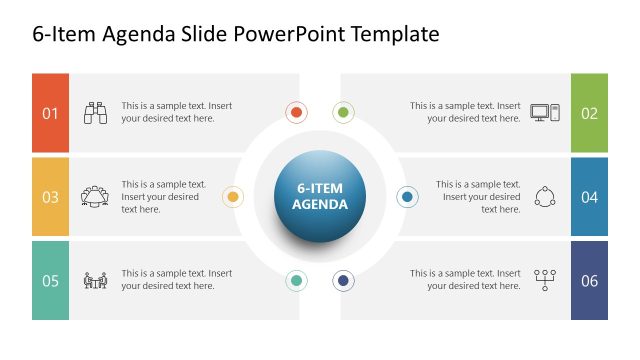
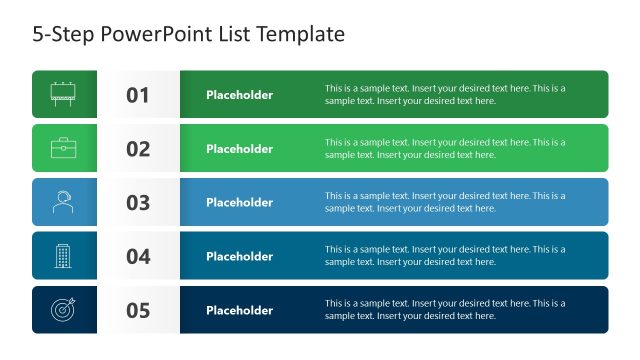
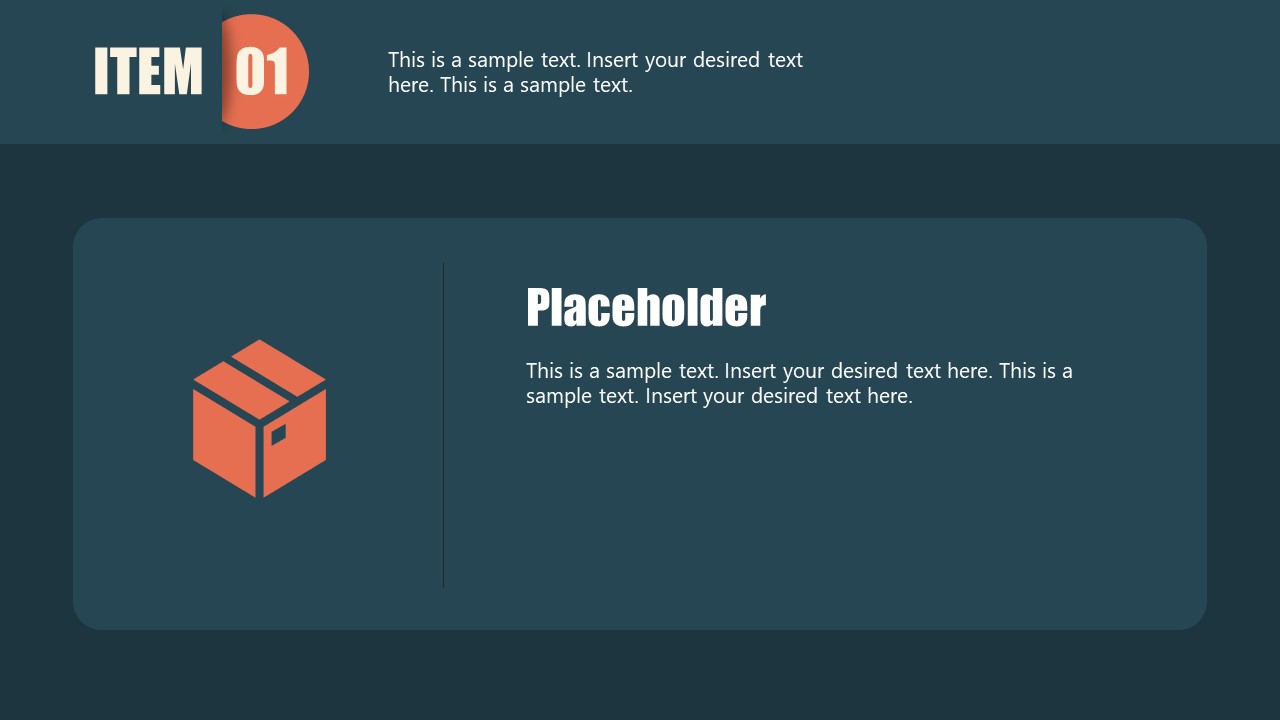
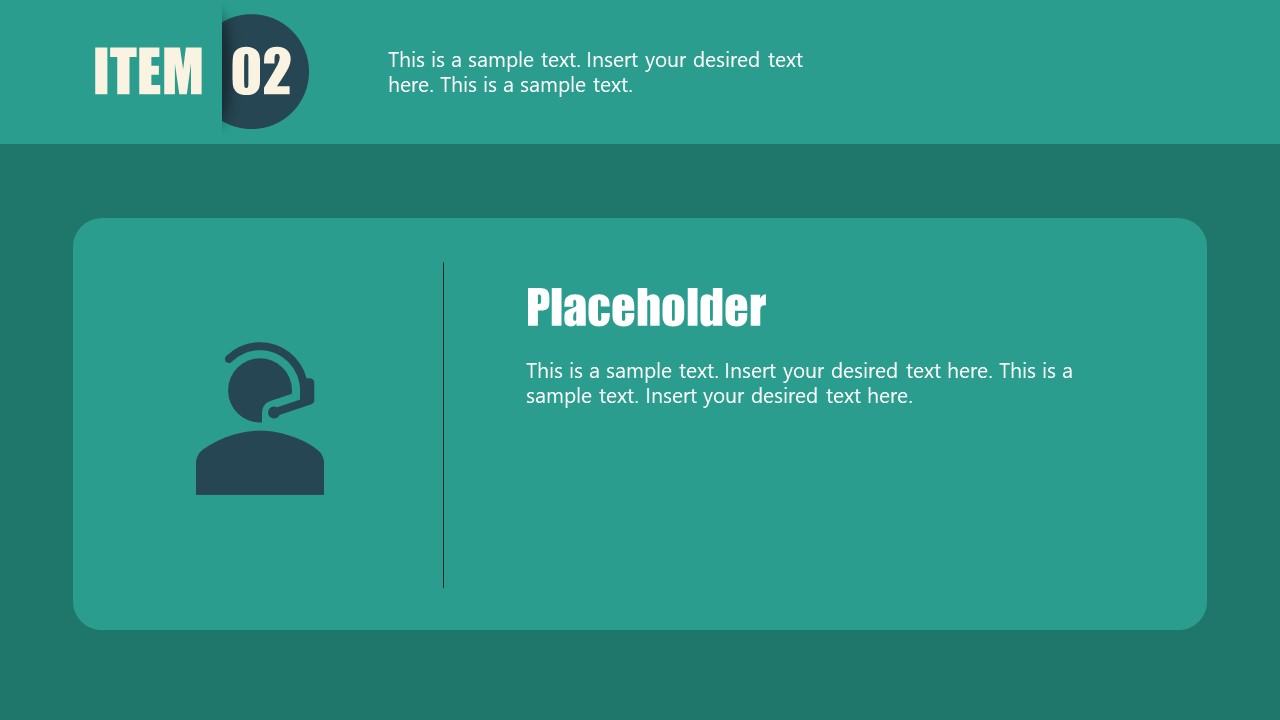
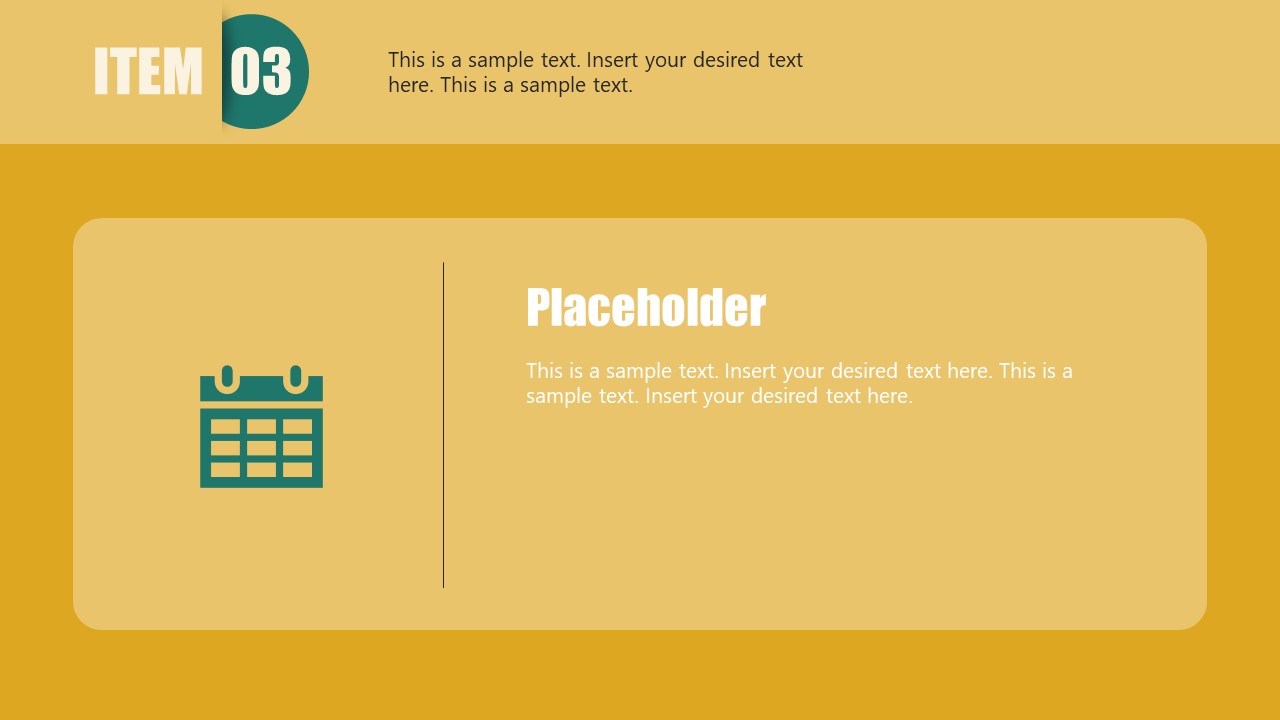
This 5-Item Talking Points PowerPoint Template’s first slide shows a multi-color five-row structure. A meaningful graphical icon is added on the right side of each row, and the other side carries item numberings in circular shapes. Placeholder text boxes are provided in each row for mentioning the presentation points. A 3D effect on the numbering shape is created by partially removing one side and adding a shadow effect. After the first slide, individual slides with corresponding colors are provided to discuss the steps or items individually. These agenda slides have specific colors, text boxes, meaningful icons, and top title bars for presenting the points. Users can add their required information and populate the slides according to their needs. Likewise, the icons and colors can also be changed to meet the requirements. Users can add the company logo and the presenter’s name for personalization. So, download and try this best PPT template for your professional and educational presentations now.
What’s inside this template
Example presentation scenarios
- A project manager can use the five-row agenda overview to open a planning meeting and then move through the item detail cards to explain each workstream.
- A trainer can use the numbered item slides to break a short learning module into five lessons, using the icons as memory cues for participants.
- A consultant can present five recommendations to stakeholders, starting with the table of contents slide and expanding each recommendation on its matching color-coded slide.
- An educator can outline five discussion prompts for a class session, using the large text placeholders to keep each prompt focused and readable.
Features
- 100% editable presentation template
- Compatible with Microsoft PowerPoint
- 16:9 aspect ratio slides
- Scalable vector shapes, icons and illustrations
- AI-Ready for Microsoft Copilot and Claude
- Instant access and download
Frequently asked questions
Q: How should a presenter use this template to make five talking points easy to follow?
A: Start with the five-row overview slide as the mental map for the audience. Keep each row to one short point, then use the matching detail slide to add context, evidence, or next steps. Repeating the same number, color, and icon on each slide reduces orientation time and helps listeners track where they are.
Q: Who is this template best suited for in a business or learning setting?
A: This template fits presenters who need to organize a short discussion rather than deliver a data-heavy report. Team leads, trainers, consultants, and educators can use it for meeting agendas, key takeaways, workshop modules, or stakeholder talking points where five items need equal attention and a consistent explanation format.
Q: Why does the design use large numbered badges, icons, and repeated color sections?
A: The design creates a simple visual system: number for order, color for section identity, and icon for quick recognition. The overview slide shows the full list, while each detail card isolates one idea. This repetition gives the audience a predictable rhythm without making every slide look unrelated.



5-Item Talking Points PowerPoint Template
6-slide 16:9 presentation template for agenda points, key takeaways, and five-item talking points.
The 5-Item Talking Points PowerPoint Template is a 6-slide Microsoft PowerPoint deck for presenting five agenda points or key takeaways. It includes a five-row table of contents, individual item detail cards, large icon panels, numbered item headers, and color-coded sections for business, training, or stakeholder discussions.
- Category
- Text & Tables
- Rating

 Loading...
- Aspect ratio
- 16:9
- Item ID
- 22011-01
- Colors
 Microsoft PowerPoint
 Microsoft Copilot
 Claude for PowerPoint
Other formats supported
Subscribe today and get immediate
access to download our PowerPoint templates.